
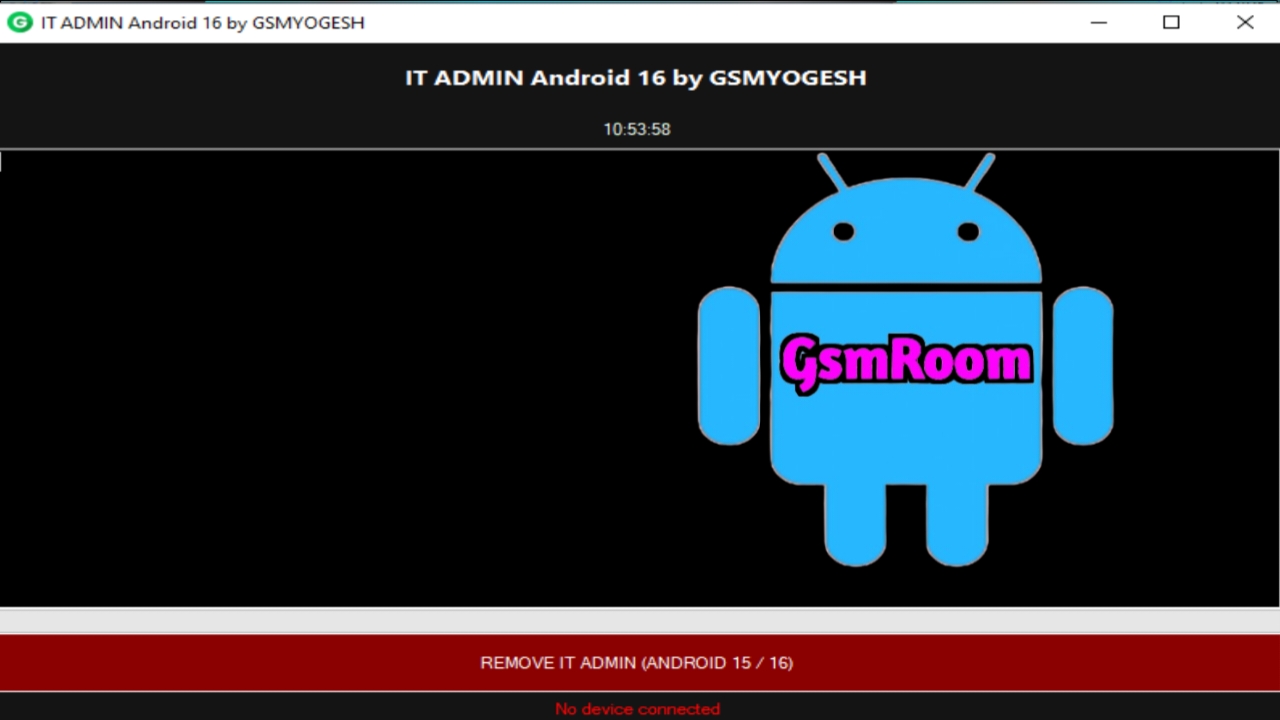
When technicians talk about an IT Admin tool for Android, they generally mean a software utility that can help remove or bypass IT Admin restrictions, MDM locks, FRP (Factory Reset Protection) and related mobile management locks on Android devices. These tools are used by mobile repair professionals and advanced users to restore access to devices that are locked by enterprise profiles, management settings, or Google/Android protections.
For Android 16, some tools or updated versions have been released that aim to support removing these restrictions — including IT Admin and similar locks — though results vary by device and security patch level.
🔧 Popular Tools That Include IT Admin / MDM Bypass Features
1. XTM ADB Tool v1.1 – Free Utility
This free Windows tool supports:
- IT Admin bypass
- MDM lock removal
- FRP (Factory Reset Protection) bypass
- Demo mode removal
- ADB mode operations
It works on multiple brands including Samsung and Xiaomi using ADB communication.
📌 Features of XTM ADB Tool v1.1
✔ Remove IT Admin restrictions on supported devices
✔ Bypass MDM (Mobile Device Management)
✔ Remove FRP locks in some cases
✔ Works via adb connection (requires USB Debugging)
✔ Free and no dongle required
2. GSM Solution Tool V1.4.4 – All-in-One Fix
This tool offers a suite of functions including:
- IT Admin fix
- MDM & KG bypass
- FRP/Account removal
- ADB and Fastboot operations
It supports a wider range of functions involving Google account and IT admin removals.
⚠️ Some versions require a login or account authorization to unlock full features, though free access versions exist.
3. KG MDM IT ADMIN Fix Tool (Fully Offline)
A fully offline tool available free that combines:
- IT Admin bypass
- MDM unlock
- FRP bypass
- ADB utilities
- MTP and reset functions
This version does not require login or internet to run and supports a range of Samsung and Android brand device repairs.
📌 Highlights
✔ Works offline — no network checking
✔ Supports Samsung KG / MDM / IT Admin removal
✔ Covers multiple Android versions (up to 2025 releases)
✔ ADB and MTP tools included
📌 How These Tools Work
🔹 ADB Mode Tools (like XTM ADB Tool):
These require the phone to be connected via USB with ADB debugging enabled. Once connected, the tool can send commands to reset locks, remove IT Admin and bypass protections.
🔹 Offline Fixers (KG/MDM/IT Admin Tools):
These combine ADB, MTP, and specialized scripts to remove management locks and restrictions even if the device was previously locked by an IT profile or management setting.
⚠️ Note: Some features may require the phone to be in particular modes (ADB enabled, developer options unlocked) to succeed.
⚠️ Important Safety & Legal Notes
✔ Use tools only with permission: Bypassing IT Admin, FRP, or MDM locks should only be done on devices you own or have authorization to repair.
✔ Driver installation is required: For ADB-based tools to detect devices, you’ll need proper USB drivers on your PC.
✔ Antivirus may flag tools: These service tools often trigger false positives — always scan files first and use them in secure environments.
✔ Android 16 security is stronger: Android 16 includes enhanced protection features, and not all tools will successfully bypass every lock on every device.
📍 Summary
If you are looking for a free Android IT Admin tool download (2026, Android 16 support), here are popular options:
👉 XTM ADB Tool v1.1 — free and simple IT Admin, MDM, and FRP bypass tool for many brands.
👉 GSM Solution Tool V1.4.4 — all-in-one with broader features (may need login).
👉 KG MDM IT ADMIN Fix Tool (Offline) — fully offline solution for IT Admin/MDM removal.
These tools are helpful for mobile technicians and users dealing with device management locks, especially on Samsung and other Android devices updated through 2025-2026.