
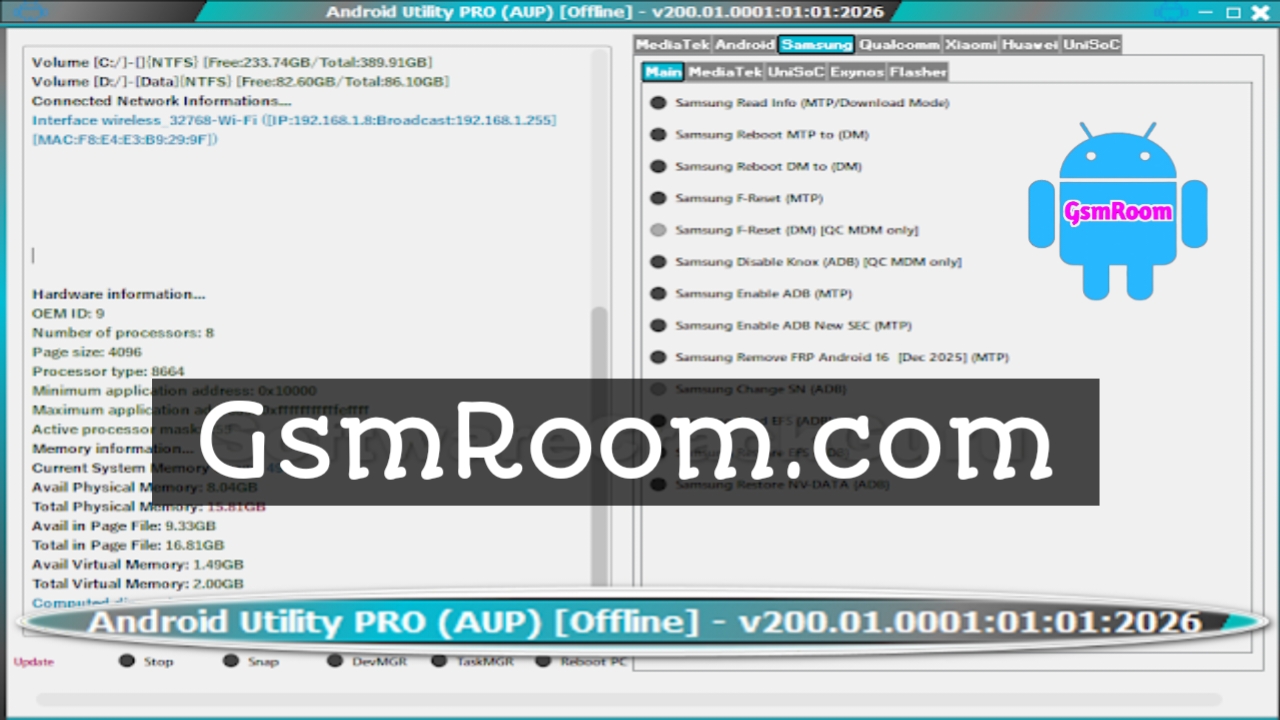
The Android Utility Tool V200.01.0001, released on 01 January 2026, is the latest and most advanced update of the widely used Android servicing software. This version brings enhanced stability, broader device compatibility, and improved success rates for critical operations such as FRP bypass, flashing firmware, screen lock removal, and system repair. It is designed for professional mobile technicians and advanced Android users who demand reliability and efficiency.
In this detailed article, we cover features, new updates, supported devices, system requirements, installation steps, and download information for Android Utility Tool V200.01.0001.
What Is Android Utility Tool V200.01.0001?
Android Utility Tool (AUT) is an all-in-one Android repair and unlocking software that supports multiple chipsets, including MediaTek (MTK), Qualcomm, and SPD. It allows users to perform deep-level servicing tasks without requiring additional dongles or paid licenses.
The V200.01.0001 update (01:01:2026) focuses on performance optimization, new Android security patch compatibility, and extended support for modern smartphones, making it one of the most reliable Android tools available in 2026.
Key Features of Android Utility Tool V200.01.0001
FRP Bypass (Google Account Removal)
- Remove Factory Reset Protection (FRP) safely
- Supports Android 11, 12, 13, 14, 15, and selected Android 16 builds
- Works on major brands like Samsung, Xiaomi, Oppo, Vivo, Realme, and Huawei
Screen Lock Removal
- Unlock PIN, pattern, password, fingerprint, and face lock
- Supports ADB, Fastboot, and Meta modes
- Fast and stable execution
Firmware Flashing & Repair
- Flash stock ROMs to fix software issues
- Repair bootloop, stuck logo, dead system, and crash errors
- Supports MTK scatter files, Qualcomm firmware, and SPD packages
Advanced MTK & Qualcomm Tools
- Bootloader unlock and relock
- NV backup and restore
- Meta mode and EDL operations
- Read/write device information
What’s New in Android Utility Tool V200.01.0001 (2026 Update)?
The V200.01.0001 release introduces several major improvements:
- ✅ Support for latest Android security patches (2026)
- Improved FRP bypass algorithms
- Enhanced compatibility with MTK Dimensity and Snapdragon Gen series
- Faster flashing and unlocking speed
- Improved USB detection and stability
- Bug fixes and reduced tool crashes
Supported Devices and Brands
Android Utility Tool V200.01.0001 supports a wide range of Android smartphones and tablets, including:
- Samsung – Galaxy A, M, S, Note, and Tab series
- Xiaomi / Redmi / Poco – MIUI & HyperOS devices
- Oppo & Realme – ColorOS & Realme UI
- Vivo & iQOO – FuntouchOS
- Huawei & Honor – EMUI supported models
- OnePlus – OxygenOS
- Infinix, Tecno, Nokia, Lava, Motorola, and more
System Requirements
Before installing Android Utility Tool V200.01.0001, ensure your PC meets these requirements:
- Operating System: Windows 7 / 8 / 10 / 11 (32-bit & 64-bit)
- RAM: Minimum 4 GB (8 GB recommended)
- Processor: Intel or AMD Dual Core or higher
- Storage: At least 500 MB free space
- Drivers: MTK, Qualcomm, and SPD USB drivers installed
How to Install Android Utility Tool V200.01.0001
Follow these steps carefully:
- Download Android Utility Tool V200.01.0001 from a trusted source
- Extract the ZIP file using WinRAR or 7-Zip
- Install required USB drivers
- Run Android Utility Tool.exe as Administrator
- Connect your Android device via USB cable
- Select the required operation and start the process
Why Choose Android Utility Tool V200.01.0001?
- Latest 2026 Release
- Free to Use – No Dongle Required
- All-in-One Android Servicing Tool
- High Success Rate on New Security Patches
- User-Friendly Interface
- Regular Updates
This makes Android Utility Tool V200.01.0001 an excellent choice for mobile repair shops, freelancers, and professional technicians.
Common Issues & Fixes
Device not detected
- Install or update USB drivers
- Use a high-quality USB cable
FRP bypass failed
- Switch between ADB, Fastboot, or Meta mode
- Ensure the device firmware is supported
Tool not opening
- Run as administrator
- Temporarily disable antivirus (false positive)
Is Android Utility Tool V200.01.0001 Safe to Use?
Yes, Android Utility Tool V200.01.0001 is safe when downloaded from trusted sources. Because it performs advanced system-level operations, antivirus software may flag it incorrectly. This is a false positive common with professional Android repair tools.
PASS – mfdl