
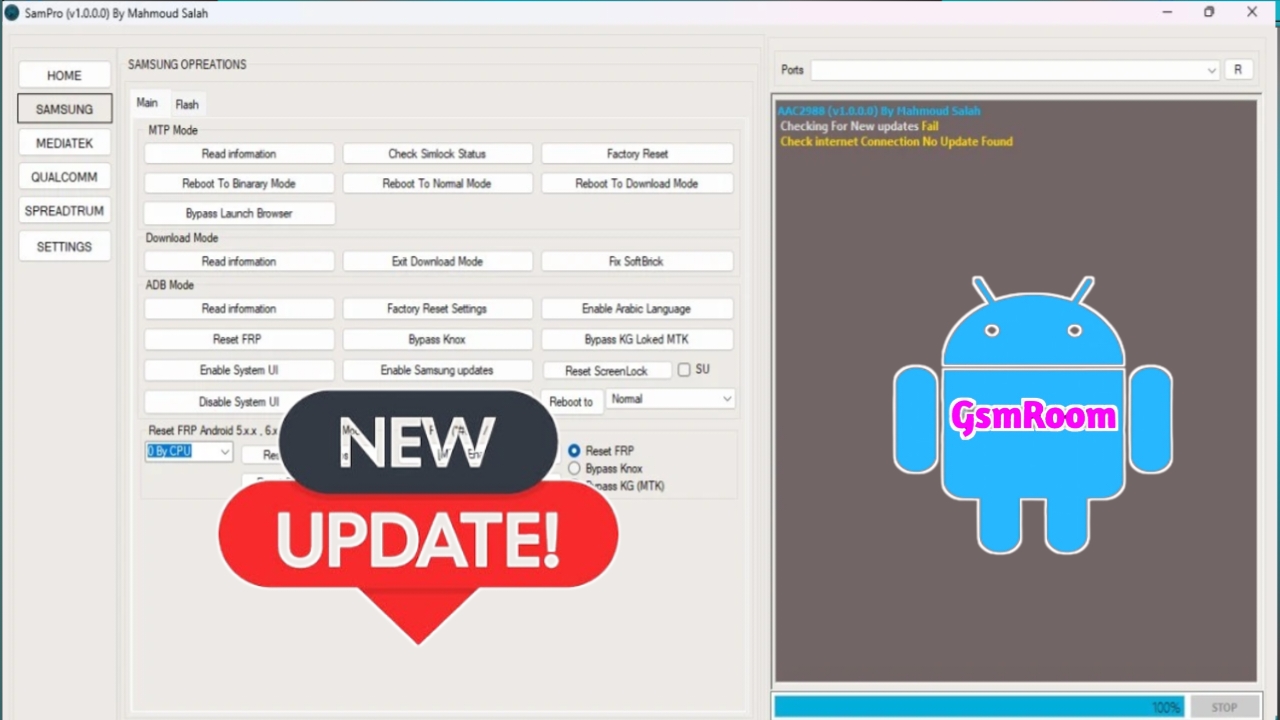
Overview: Why Technicians Search for “SamPro Tool V1.0.0 With Login Working FREE Download 2025”
Search interest in tools like “SamPro Tool” often stems from the need to perform routine service tasks on Samsung phones—firmware flashing, diagnostics, backup/restore, and recovery from soft-brick states. In 2025, manufacturers have further hardened security, and technicians must prioritize legal, verified, and vendor-backed utilities rather than unverified “free” packages that claim “working login” or bypass protections. This guide gives a practical, SEO-optimized roadmap to safe alternatives, workflows, and best practices for Samsung servicing.
What Professional Technicians Actually Need
- Verified Firmware Flashing — ability to flash official stock ROMs with checksum validation.
- Comprehensive Diagnostics — read-only capabilities to gather logs, modem status, and sensor data.
- Secure Data Backup & Restore — user data and EFS partition handling with consent and transparency.
- Safe Recovery Tools — methods to restore boot and recovery without corrupting secure partitions.
- Supported Drivers & Compatibility — automatic or documented driver installation for Windows 10/11.
- Authorized Unlocking Procedures — factory or carrier-sanctioned methods only.
Why “Free Download / Login Working” Packages Are Risky
Packages promising free downloads and working logins frequently carry serious downsides:
- Malware & Backdoors — repackaged executables can contain trojans that harvest client data.
- Firmware Tampering — unsigned or modified ROMs risk bricking devices or breaking modem functionality.
- Warranty & Legal Exposure — using non-OEM procedures can void warranties and violate local laws.
- Unreliable Support — no vendor support or patches for evolving security updates.
We strongly advise avoiding such packages and instead sourcing tools from trusted vendors or verified communities.
Table of Contents
Trusted, Legal Alternatives for Samsung Servicing
- Samsung Smart Switch & Samsung Service Tools — official utilities for firmware update, data transfer, and basic recovery.
- Odin (with Official Firmware Only) — widely used in service centers; always pair with firmware from official Samsung sources and check MD5/SHA checksums.
- Samsung Kies (Legacy) & Official Repair Portals — for older models and authorized service workflows.
- Authorized Partner Portals — become an authorized service partner or work with a certified parts distributor to access official tools and images.
- Platform Tools (ADB & Fastboot) — Google’s tools for debugging and controlled flashes in supported modes.
- Hardware-Level Tools & JTAG Providers — only when authorized and with customer consent; appropriate for board-level repairs.
Each alternative must be used with signed firmware, documented procedures, and explicit owner consent when accessing secure partitions.
Safe, Standardized Workflow for Samsung Repairs
- Confirm Ownership — insist on ID and proof of ownership; get written consent for any service altering secure elements.
- Document Device Condition — take photos of IMEI labels, boot screens, and visible damage.
- Backup First — when possible, perform a full user data backup and export EFS metadata if permitted.
- Use Verified Firmware — download ROMs from Samsung’s official servers or authorized partners and verify checksums.
- Use Read-Only Diagnostics — gather logs and crash dumps before any write operations.
- Apply Repairs Carefully — flash only the required partitions, follow vendor flash order, and monitor for errors.
- Post-Service Testing — run a hardware and network test suite: camera, sensors, Wi-Fi, Bluetooth, modem, and charging.
- Maintain an Audit Trail — store logs, consent forms, and firmware versions for each job.
Handling FRP, Carrier Locks and IMEI — Legal & Ethical Rules
- Factory Reset Protection (FRP) — only remove with proof of ownership and by using OEM-authorized recovery processes.
- Carrier Locks — follow carrier unlocking policies or request authorized unlock codes.
- IMEI/Network Identifiers — never alter IMEI unless explicitly legal and documented in your jurisdiction. Keep written authorization.
Troubleshooting Common Samsung Issues Without Risky Tools
- Bootloop/Soft Brick — attempt official recovery images or Smart Switch repair modes before low-level flashing.
- Firmware Mismatch Errors — verify PIT and CSC files and match region/bootloader versions.
- Modem/Network Loss — confirm baseband and NV partition health; use vendor repair channels for persistent baseband faults.
- Hardware Faults — eMMC/nand failures, battery issues, or connector faults should be diagnosed at board level before repeated flashing.
Always escalate to OEM service if vendor tools cannot recover the device.
Lab Practices to Improve Success Rates
- Versioned Firmware Library — a secured internal repository with checksum metadata and model mapping.
- High-Quality Cables & Hubs — reliable USB connections prevent mid-flash interruptions.
- ESD Control & Workbench Hygiene — reduce hardware faults during repair.
- Test Scripts & Automated Checks — run a standard post-service checklist to catch regressions.
- Staff Training & Documentation — continuous education on Samsung’s security model and new flash protocols.
How to Find Official Firmware & Service Support
Secure sources include:
- Samsung Official Support & Partner Portals — primary source for firmware and service guides.
- Authorized Distributors — request service images and tools as part of partner agreements.
- Reputable Technician Communities — use only those that require verification and publish checksums/signatures.