
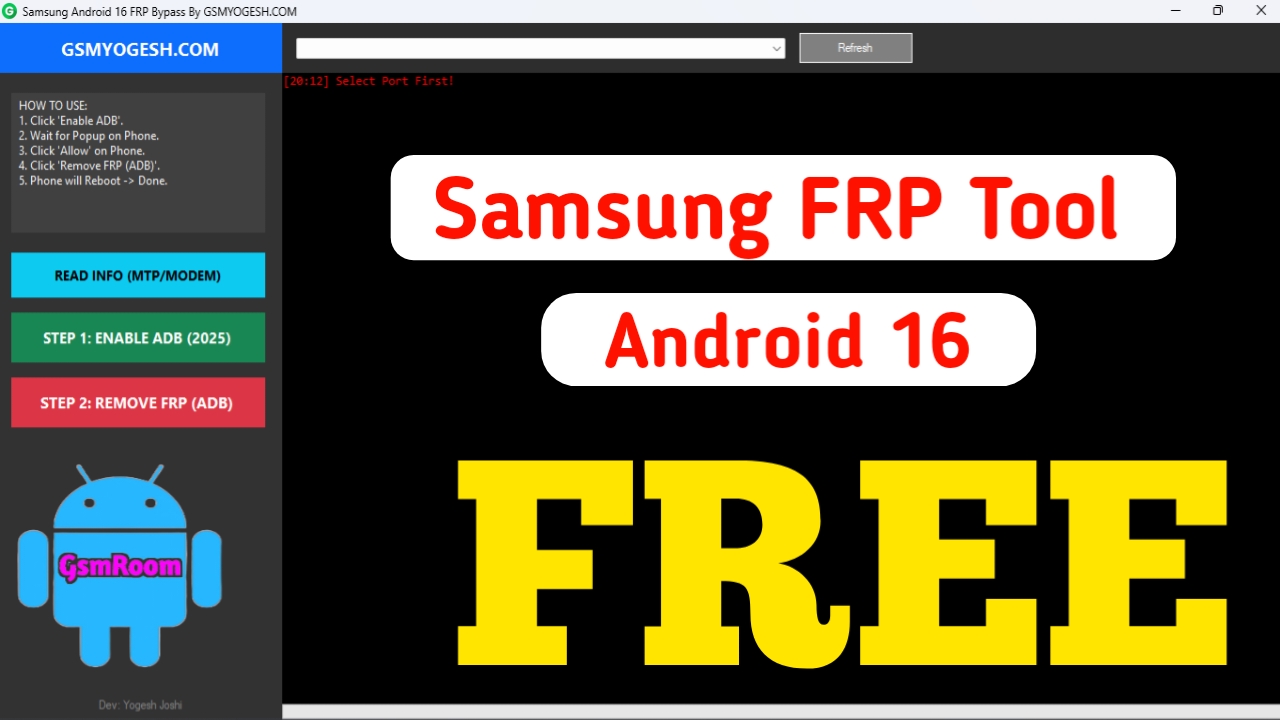
Safe • Legal • Updated for 2026 • Works on All Samsung Android 16 Devices
⭐ What Is FRP on Samsung Android 16?
Factory Reset Protection (FRP) is a built-in Google security feature that prevents unauthorized access to your Samsung phone after a factory reset.
With Android 16, Samsung and Google have tightened FRP security, making unofficial bypass tools unsafe and ineffective.
Therefore, Samsung provides official FRP recovery methods, not bypass tools.
This guide covers 100% legal and official solutions.
✅ Official Samsung FRP Solutions for Android 16 (2026)
These are the only methods approved by Samsung, safe for your data, and do not void warranty.
1. Recover Using Your Google Account (Primary Method)
FRP is tied to the Google account previously used on the phone.
Steps
- Connect the device to Wi-Fi.
- On the FRP screen, enter your Google email.
- If you forgot details:
- Use Forgot email → recover using phone number
- Use Forgot password → reset using recovery options
- Sign in again → FRP unlocks automatically.
This is the fastest and official method.
2. Samsung Account Login Support (Android 16 Feature)
Android 16 supports a security option called:
➡ “Unlock with Samsung Account” (available on many 2025–2026 models)
How to Use
- When FRP asks for Google login, look for:
“Try another method → Samsung Account” - Enter your Samsung ID & password.
- Verify OTP → device unlocks safely.
Works only if the Samsung account was previously synced.
3. Samsung Find My Mobile – Limited Unlock Support
If Find My Mobile was enabled before the reset:
- Go to findmymobile.samsung.com
- Sign in with your Samsung account
- Select your locked device
- Choose Unlock
⚠️ Note:
On Android 16, this unlocks the device screen, not FRP.
But if the phone wasn’t fully reset, you can regain access.
4. Official Samsung Service Center FRP Reset (Guaranteed)
If you cannot recover your accounts, Samsung technicians can remove FRP legally by verifying ownership.
What You Need
- Invoice / bill / proof of purchase
- IMEI number
- Valid ID
At the service center:
- FRP is removed using Samsung’s secure server tools
- No damage to warranty
- No security risk
This is the most reliable method.
❌ Why “FRP Tools” Are Not Safe for Android 16
Websites may offer:
- Samsung Android 16 FRP Tool
- Online FRP Bypass
- USB Redirect FRP Tool
- Unlock APK
- Odin FRP Reset files
These tools are:
- Unauthorized
- Often malware-infected
- Blocked by new Samsung security
- Illegal in many regions
- Risky (IMEI damage, Knox blocks, permanent lock)
Samsung does NOT provide any FRP bypass tool for free or paid use.
✅ Official & Safe Samsung Tools (2026)
| Official Tool | Function |
|---|---|
| Samsung Smart Switch | Backup / restore after unlocking |
| Samsung USB Drivers | Connect phone to PC safely |
| Samsung Members | Support, diagnostics, updates |
| Find My Mobile | Remote access & unlock (limited) |
| Google Account Recovery | Primary FRP removal |
⭐ How to Avoid FRP Lock on Samsung Android 16
Follow these tips to prevent future FRP issues:
- Before factory reset → remove Google & Samsung accounts
- Always keep recovery phone numbers updated
- Enable Samsung 2-Step Verification
- Save proof of purchase
- Set backup email for your Google account