
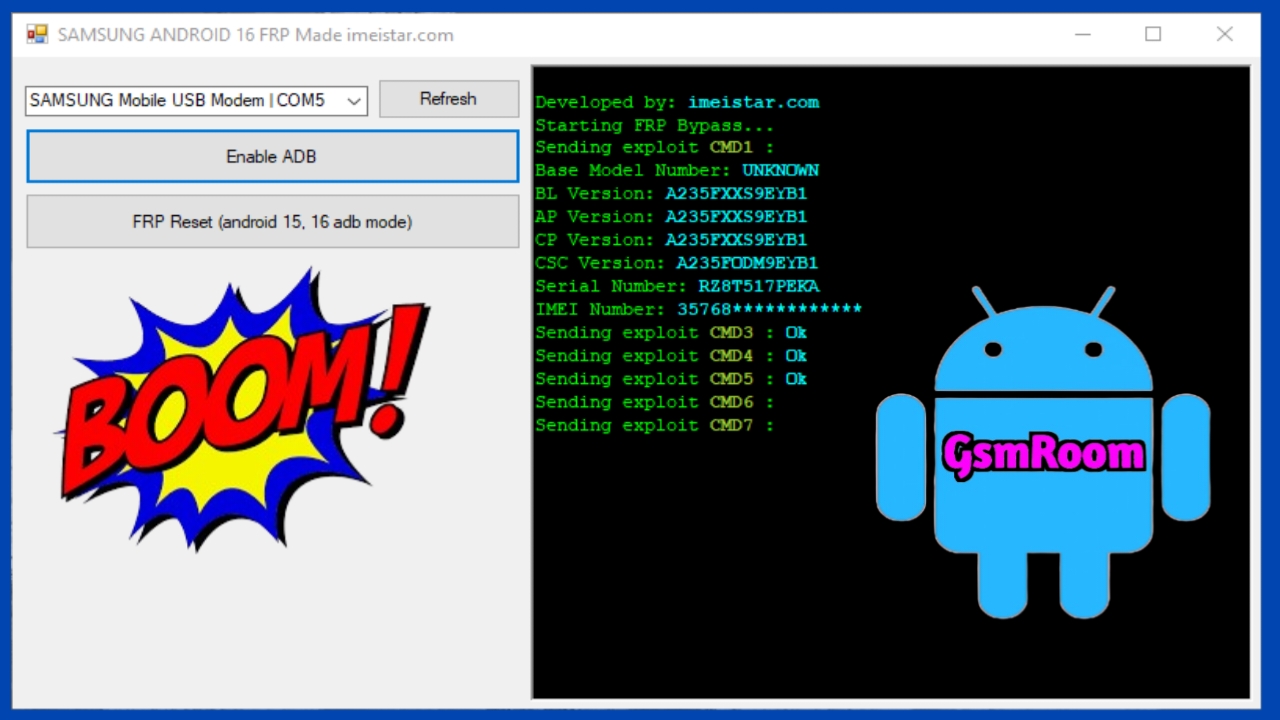
Samsung Android 16 introduces stronger security features than any version before it, especially in the area of Factory Reset Protection (FRP). As Samsung continues to enhance user data protection, technicians and users frequently search for safe, legitimate, and updated solutions (2026) to regain access to FRP-locked devices.
This comprehensive guide covers everything you need to know about Samsung Android 16 FRP, including how it works, why it activates, and the secure and official methods available in 2026 to unlock a device when you are the rightful owner.
This article does not promote unauthorized bypassing or unlawful unlocking. Instead, it focuses on safe, legal, owner-verified FRP solutions, updated for Samsung Android 16 in 2026.
What Is FRP in Samsung Android 16?
Factory Reset Protection (FRP) is a Google-integrated security feature designed to prevent unauthorized access after a device has been reset. When a Samsung device running Android 16 is factory-reset without removing the Google account, the system automatically requires the previously synced account during setup.
This protects against:
- Unauthorized factory resets
- Stolen phone misuse
- Unauthorized account removal
- Data hijacking attempts
With Android 16, Samsung and Google have integrated additional layers of biometric and account-authentication technology, making FRP stronger and more accurate.
Why FRP Gets Triggered on Samsung Android 16
FRP activates in situations such as:
- A factory reset performed from Recovery Mode
- A hard reset during system malfunction
- Flashing firmware without first removing accounts
- Security triggers after suspicious login attempts
- Reset using third-party tools without authorization
If the Google account credentials are forgotten, the device becomes locked. In 2026, Samsung provides improved official pathways to help verified owners regain access.
New Security Enhancements in Samsung Android 16 FRP (2026)
Samsung’s 2026 FRP protection update includes:
1. Stronger Account Verification
Samsung Android 16 now cross-checks:
- Last logged-in Google account
- Samsung account ownership
- Backup email verification
- Device biometrics (if enrolled)
2. Automatic Cloud Identity Sync
Even after factory reset, Samsung’s cloud system maintains:
- Device model identity
- Previous owner ID
- Ownership validation flags
3. Anti-Bypass Mechanisms
2026 patches strengthen:
- ADB exploit prevention
- Fastboot lock
- Unauthorized firmware flashing
- USB debugging restrictions
These updates make FRP more secure while still offering legitimate owner recovery options.
Official Samsung Android 16 FRP Unlock Solutions (2026)
Below are the only legitimate and Samsung-approved FRP unlock methods available as of 2026. These methods require proof of ownership and do not compromise user privacy or device security.
1. Google Account Recovery (Most Recommended)
If you forgot your Google account credentials, use Google’s 2026 Enhanced Recovery System:
- Visit https://accounts.google.com/
- Choose Forgot Email or Forgot Password
- Verify using:
- Backup phone number
- Recovery email
- Identity verification prompts
- Reset credentials
- Enter the new login details on the FRP-locked device
This method is fully secure and recognized by Samsung.