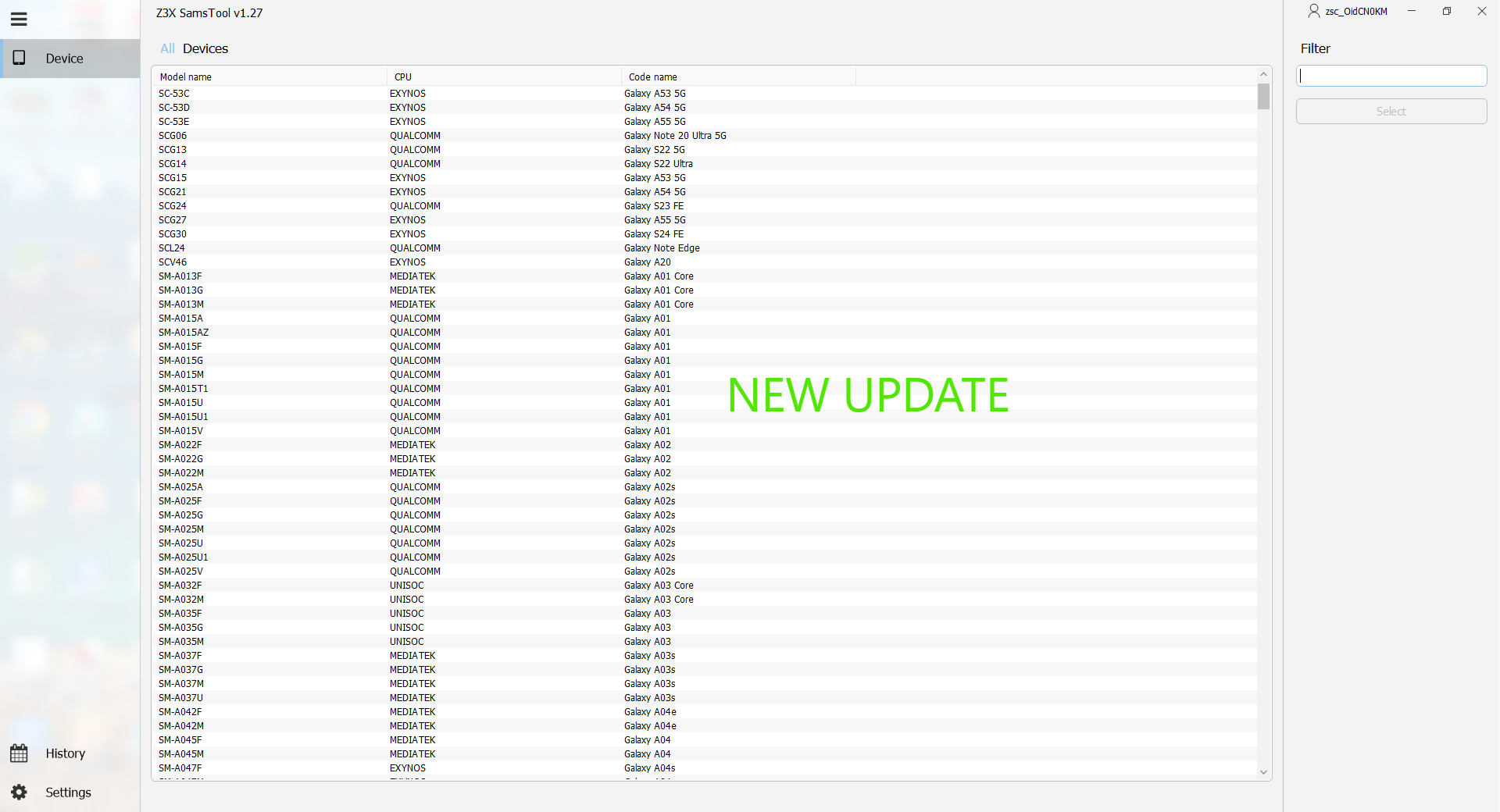
SamsTool Online v1.27 is the latest, upgraded, and most advanced mobile servicing tool designed specifically for Samsung devices. With its new 2025 update, the tool offers unmatched flashing, unlocking, FRP bypass, repair, and diagnostic functionalities—all within a secure and cloud-powered environment. Whether you’re a professional technician or a mobile repair expert, SamsTool Online v1.27 delivers the fastest, most reliable, and most accurate Samsung servicing experience available today.
This complete guide provides a detailed breakdown of all features, compatibility, installation methods, and usage instructions for SamsTool Online v1.27 Free Download.
What Is SamsTool Online v1.27?
SamsTool Online v1.27 is a cloud-connected Samsung service utility that enables technicians to perform complex operations on Samsung smartphones with ease. It supports the latest Android versions, modern Samsung security updates, and the newest 2024–2025 models. The online server integration ensures secure handling of sensitive operations like FRP bypass, firmware flashing, device unlocking, and recovery mode repairs.
With consistent updates, improved speed, and enhanced Samsung chipset support, this tool has rapidly become a preferred option for Samsung repair centers.
Key Features of SamsTool Online v1.27
1. Fast and Secure FRP Bypass
- Supported on Android 10–14
- Works on the latest 2024–2025 Samsung security patches
- Supports MTP, ADB, and Fastboot-based FRP methods
2. Advanced Flashing Engine
- Flash stock firmware (AP, BL, CP, CSC, PIT)
- Supports single-file and multi-file flashing
- Automatically detects device’s binary version
- Perfect for fixing bootloops, stuck logo, and soft bricks
3. Complete Unlocking Solutions
- Screen lock remove (PIN/Pattern/Password)
- Samsung account remove (where legally permitted)
- Bootloader unlock & relock options
- Carrier/network unlock support for selected models
4. Cloud-Powered Server Features
- Faster processing
- Real-time authorizations
- Instant repair responses
- Low failure rate
5. Integrated Samsung USB Drivers
Includes:
- ADB Drivers
- Fastboot Drivers
- Download Mode Drivers
- MTP Drivers
Ensures stable connection for all operations.
6. Supports Latest 2025 Samsung Models
- Samsung Galaxy S23 / S23 Ultra
- Samsung Galaxy S24 / S24 Ultra
- Samsung A-Series 2023–2025
- Samsung M-Series 2023–2025
- Samsung F-Series, Metro, and Tab Series
- Snapdragon, Exynos, and UniSOC variants
System Requirements for SamsTool Online v1.27
Supported Operating Systems
- Windows 7
- Windows 8 / 8.1
- Windows 10
- Windows 11 (recommended)
Minimum Hardware Requirements
- Processor: Core i3 or higher
- RAM: 4 GB (8 GB recommended)
- Storage: 1 GB free space
- Internet: Required for online functions
- USB Ports: 2.0 or 3.0 high-speed ports
SamsTool Online v1.27 Free Download [New Tool]
The download package contains:
✔ SamsTool Online v1.27 Installer
✔ Full driver set
✔ Cloud connection module
✔ Flashing & FRP components
✔ User manual
✔ Troubleshooting docs
Note: Some antivirus programs may trigger false warnings due to the nature of servicing tools. Disable temporarily during installation if needed.
How to Install SamsTool Online v1.27
Step 1 – Extract ZIP File
Use WinRAR or 7-Zip to unpack the downloaded archive.
Step 2 – Install All Drivers
Open the “Drivers” folder and install:
- ADB
- Samsung USB
- Fastboot
- MTP
Step 3 – Run the Installer
Open SamsToolOnline_v1.27_Setup.exe
Follow on-screen instructions until installation completes.
Step 4 – Login to the Tool
Launch the tool
Enter login credentials or create a new account.
Step 5 – Connect Your Samsung Device
Use a high-quality cable
Select device mode: MTP, Download Mode, or ADB.
How to Use SamsTool Online v1.27
1. FRP Lock Remove
- Open FRP Tab
- Connect device in MTP or Download Mode
- Select method (MTP/ADB)
- Click Bypass FRP
2. Flash Stock Firmware
- Go to Flashing Tab
- Load AP/BL/CP/CSC files
- Enter Download Mode (Vol Down + Power)
- Click Start Flashing
3. Unlock Screen Lock
- Choose Unlock Tab
- Select device model
- Connect device in ADB or Download Mode
- Click Remove Lock
4. Repair IMEI / Baseband (Where legal)
- Navigate to Repair section
- Input valid IMEI
- Click Repair
5. Fix Bootloop / Softbrick
- Boot device into Download Mode
- Load firmware package
- Flash device using PIT if required







