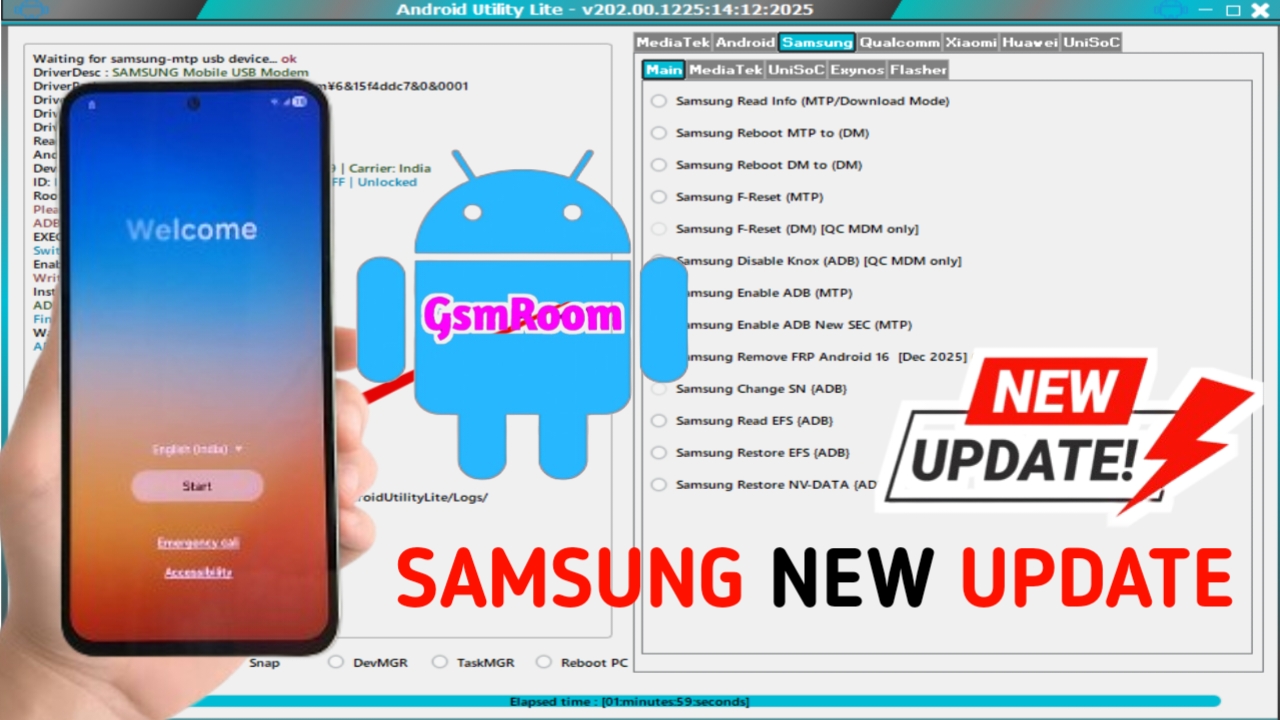
The Android Utility Lite Version 202 (2026) is a newly updated, lightweight Android servicing tool designed for fast, reliable, and user-friendly mobile repair operations. Built especially for technicians and advanced users, this version focuses on essential Android repair functions while maintaining excellent compatibility with modern devices. If you are looking for a free, stable, and efficient Android utility tool, Android Utility Lite V202 is an excellent choice.
What Is Android Utility Lite Version 202?
Android Utility Lite is a simplified edition of the popular Android Utility ecosystem. It is designed to perform core Android maintenance, unlocking, and flashing tasks without heavy system requirements or complex configurations.
The Version 202 (2026 release) introduces better performance, updated security patches, and broader device support while remaining 100% free to download and use. This makes it ideal for small repair shops, beginners, and professionals who prefer a fast and minimal tool.
Key Features of Android Utility Lite V202
The latest Android Utility Lite 202 update brings refined features focused on speed, stability, and compatibility.
FRP Bypass Support
- Remove Google FRP lock on supported Android devices
- Works on Android 11, 12, 13, and selected Android 14 models
- Optimized for Samsung, Xiaomi, Oppo, Vivo, and Realme
Screen Lock Removal
- Unlock pattern, PIN, password, and fingerprint locks
- Safe and fast execution with minimal system impact
Flashing & Repair Functions
- Flash stock firmware to fix software errors
- Resolve bootloop, stuck logo, and system crash issues
- Supports MTK and Qualcomm-based devices
ADB & Fastboot Tools
- One-click ADB reboot options
- Fastboot commands for bootloader and recovery operations
- Ideal for advanced troubleshooting
Lightweight & Fast
- Small file size
- Low RAM and CPU usage
- Faster execution compared to full utility tools
What’s New in Android Utility Lite Version 202 (2026)?
The 2026 update introduces several improvements over older versions:
- Improved FRP algorithms for newer security patches
- Enhanced USB detection for stable device connectivity
- Added support for latest MTK Dimensity chipsets
- Faster flashing and unlocking speed
- Bug fixes and improved system stability
Supported Devices and Brands
Android Utility Lite V202 supports a wide range of Android smartphones, including:
- Samsung – Galaxy A, M, S, Note series
- Oppo & Realme – ColorOS and Realme UI
- Vivo & iQOO – FuntouchOS
- Huawei & Honor – Selected EMUI devices
- Infinix, Tecno, Lava, Nokia, Motorola, and more
System Requirements
Before installing Android Utility Lite Version 202, make sure your PC meets these requirements:
- Operating System: Windows ALL
- RAM: Minimum 4 GB (8 GB recommended)
- Processor: Intel or AMD Dual Core or higher
- Storage: At least 300 MB free space
- Drivers: MTK, Qualcomm USB drivers installed
How to Install Android Utility Lite Version 202
Follow these simple steps to install the tool correctly:
- Download Android Utility Lite V202 from a trusted source
- Extract the ZIP file using WinRAR or 7-Zip
- Install required USB drivers
- Run the tool as Administrator
- Connect your Android device via USB
- Choose the required function and start the process
Is Android Utility Lite Version 202 Safe?
Yes, Android Utility Lite V202 is safe when downloaded from trusted sources. Since it performs advanced system-level operations, antivirus software may flag it incorrectly. This is normal for Android servicing tools.
PASSWODD= mfdl







