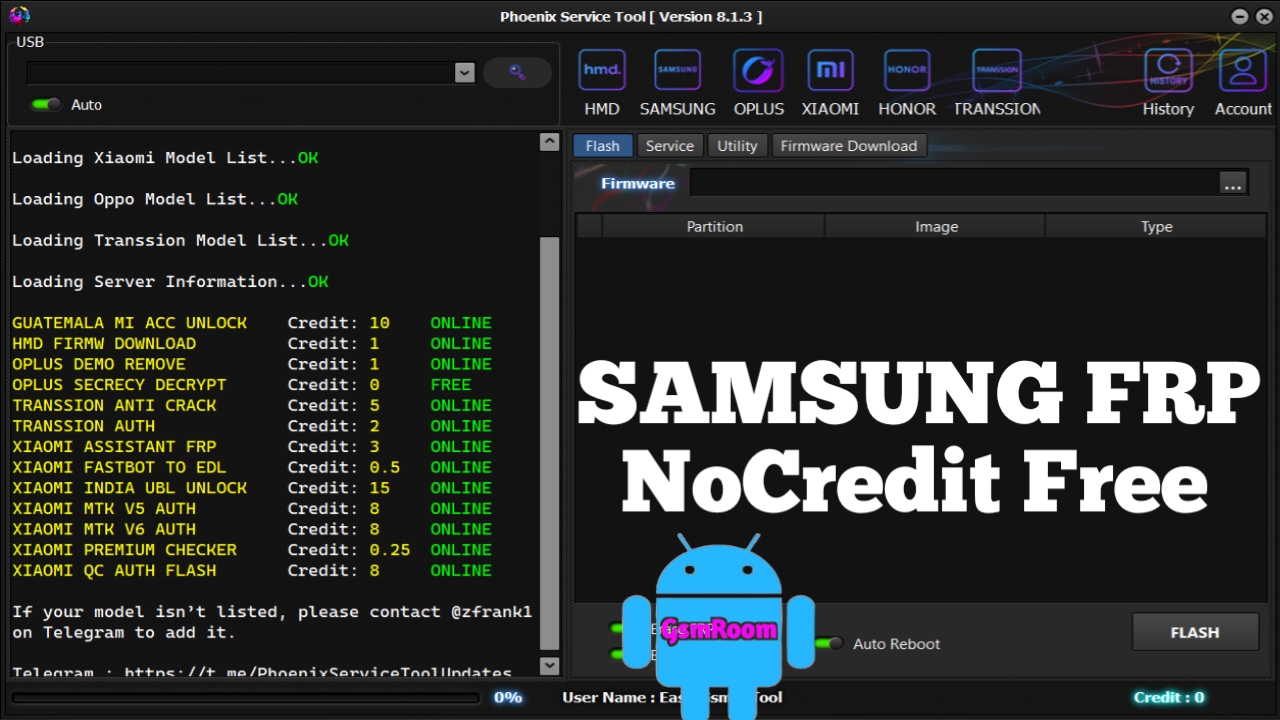
Phoenix Service Tool Latest Version (2026) has gained strong attention in the Android servicing community due to its expanded Samsung Android 16 FRP support and no-credit requirement. Designed for technicians and advanced users, this tool focuses on device servicing, diagnostics, and official account-related handling for supported Samsung models.
With Android security becoming stricter in 2026, Phoenix Service Tool aims to stay compatible with Samsung’s latest firmware protections while offering a stable and user-friendly service environment.
🔐 What Does “FRP Support” Mean?
FRP (Factory Reset Protection) is a Google security feature that protects devices after a factory reset.
In Phoenix Service Tool, FRP support refers to detection, status reading, and authorized servicing functions, not unauthorized access.
The tool helps technicians:
- Identify FRP lock status
- Work with supported firmware environments
- Assist in legal device recovery workflows
- Handle Samsung Android 16 security changes responsibly
🚀 Key Features of Phoenix Service Tool (2026)
- ✅ Samsung Android 16 compatibility
- ✅ FRP status detection & handling support
- ✅ No credits required (FREE usage)
- ✅ Improved Samsung USB detection
- ✅ Clean & lightweight interface
- ✅ Regular updates for new Samsung models
- ✅ Works on Windows 10 & Windows 11
📱 Supported Samsung Devices
Phoenix Service Tool supports a wide range of Samsung devices, including:
- Galaxy A Series
- Galaxy M Series
- Galaxy S Series
- Galaxy Note Series
- Selected Android 16 Samsung models
(Device and feature support may vary by firmware version and security patch.)
💻 System Requirements
To use Phoenix Service Tool smoothly:
- Windows 10 / Windows 11 (64-bit)
- Minimum 4GB RAM (8GB recommended)
- Samsung USB Drivers installed
- Original or high-quality USB cable
⚠️ Important Disclaimer
- This tool is intended for educational, professional, and authorized servicing use
- Always verify device ownership before performing any operation
- Unauthorized use may violate manufacturer or Google policies
- Data backup is strongly recommended
⭐ Why Phoenix Service Tool in 2026?
Compared to many paid Android utilities, Phoenix Service Tool stands out because:
- No login or credits needed
- Supports latest Samsung Android 16 security
- Suitable for technicians and learning environments
- Focuses on compatibility and stability rather than risky shortcuts
📌 Final Thoughts
If you are searching for a free Samsung service tool with Android 16 FRP support in 2026, Phoenix Service Tool Latest Version is a reliable option for authorized device servicing. Its no-credit system, modern Samsung compatibility, and professional design make it a valuable utility for the evolving Android ecosystem.







