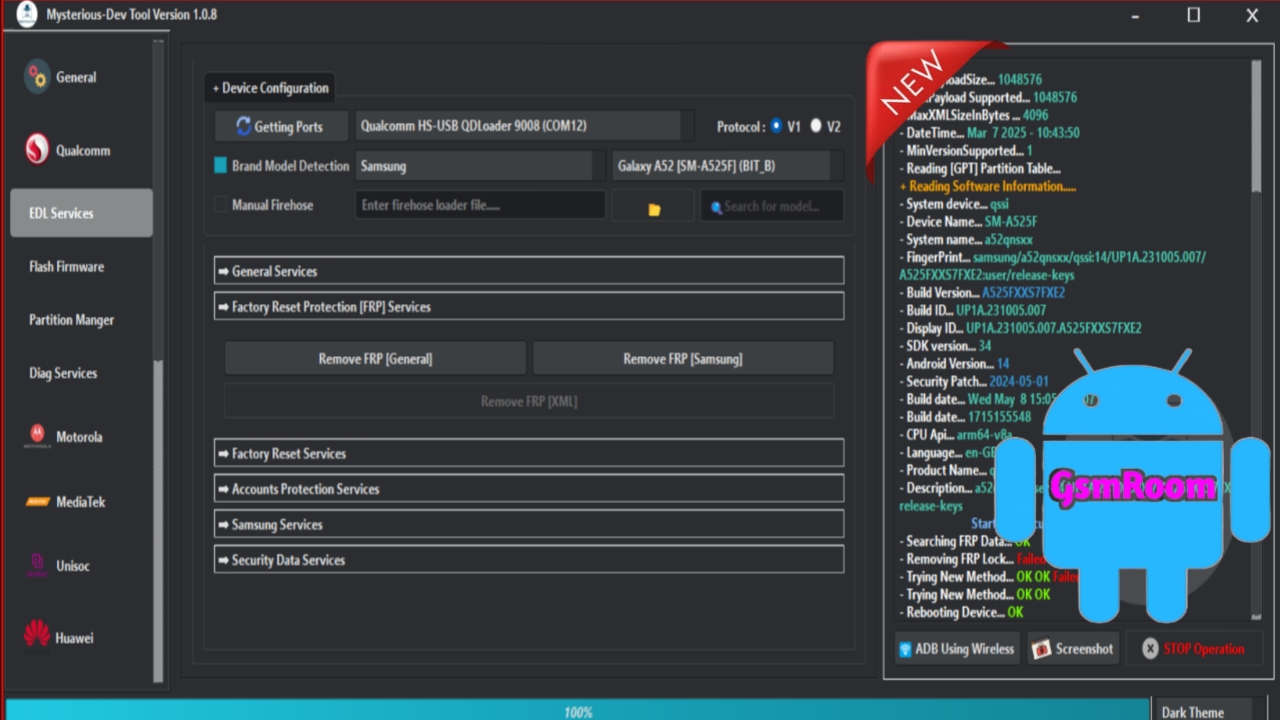
Mysterious-Dev Tool V1.0.9 is referenced in mobile repair communities as a free version of the Mysterious-Dev software suite — a utility used by technicians for various Android servicing tasks including FRP bypass, IMEI repair, network unlocks, partition tools, and flash operations. It is part of a long series of tools shared by the Mysterious-Dev team. However, official distribution and support for V1.x releases have been replaced by newer, paid/pro versions on the Mysterious-Dev official site.
⚠️ Important: The official Mysterious-Dev desktop application currently offered on the developer’s site is v2.1.5 with subscription/licensed access and no public release of “V1.0.9” directly from the official portal.
🧰 What Mysterious-Dev Tool Does
Tools in the Mysterious-Dev family (including community-shared V1.x builds) are often used for these general Android repair functions:
🔓 FRP & Security Bypass
• Remove Factory Reset Protection (FRP) or Google account locks (Samsung, Xiaomi, etc.)
• Bypass Mi Cloud / Huawei ID on older devices
📱 Flash & Firmware Repair
• Flash firmware in EDL (Qualcomm) or BROM (MTK) modes
• Restore partitions and fix bootloops
• Backup and write critical device partitions
📶 Network & IMEI Repair
• SIM/network unlocks
• IMEI fix or EFS partition repair (when supported)
⚙ General Utilities
• Read device info
• Change region/CSC
• Root utilities and diagnostic modes
📥 Download Information for V1.0.9
Because official sources don’t list V1.0.9, references to this version typically come from third-party mobile repair portals that host older builds for free download. These packages are often shared as ZIP archives containing:
✔ Main executable (.exe)
✔ USB drivers (Qualcomm/MTK)
✔ Device database files
✔ Optional documentation or batch scripts
Download packs usually include pre-added login credentials so technicians can open the tool without server activation.
🛡️ Warning: Always download from trusted sources and scan with antivirus before installing. Fake or infected files exist on the internet.
🛠 How to Install & Use (Typical Workflow)
Note: Steps below are based on how community builds (like V1.0.8) are typically installed and used — V1.0.9 would be similar if available.
- Download the ZIP of Mysterious-Dev Tool V1.0.9 to your Windows PC.
- Disable Windows Defender/Antivirus temporarily (to prevent false blocking).
- Run the Setup.exe as Administrator.
- Complete the installation wizard and open the application.
- Login window appears (pre-added credentials usually provided). Click Login.
- Connect your device in the correct mode (ADB, EDL, or Fastboot) and start servicing operations.
📌 Features Often Found in V1.x Builds
(Based on community documentation for V1.0.8 and older V1.0 releases)
✔ Samsung FRP bypass via Test Mode or MTP
✔ Qualcomm (EDL) flash & partition tools
✔ MediaTek (BROM) operations including auth bypass
✔ Mi account and older cloud unlock
✔ Network/SIM unlocks and CSC changes
✔ IMEI/EFS/NVRAM backup & restore
These features are similar across the early versions of the Mysterious-Dev suite shared on technician sites.
📌 Official Tool vs Community Versions
➡️ Official Mysterious-Dev v2.x (e.g., v2.1.5) is available with:
- Professional unlocking & repair
- Subscription plans (6-month/12-month)
- Ongoing updates and support
- Pro features like KG/MDM bypass and advanced flash modules
➡️ Community V1.x builds (like V1.0.8, V1.0.9) are:
- Freely circulating, unlicensed builds
- Often limited in support/new device coverage
- Useful for learning or older device servicing
- Not officially updated by the vendor (older feature set)
⚠️ Important Notes & Precautions
❗ Security: Always scan downloaded files with antivirus — unverified packs can contain malware.
❗ Legal Use: Only perform unlocks and repairs on devices you own or have explicit permission to service.
❗ Drivers: Ensure correct Qualcomm/MTK drivers are installed for proper device detection.
❗ Internet Required: Some operations, especially in early builds, may still require online components.
📌 Summary
Mysterious-Dev Tool V1.0.9 refers to a community-shared free version of the mobile servicing suite that technicians use for FRP bypass, firmware flashing, network unlock, and IMEI/EFS tools on Android devices. While the official suite has moved on to v2.1.5 with paid/pro access, older builds like V1.0.9 are circulated on mobile repair sites for free download and include a broad set of repair features for many chipsets. Make sure you download from trusted sources and scan for safety before installation.







