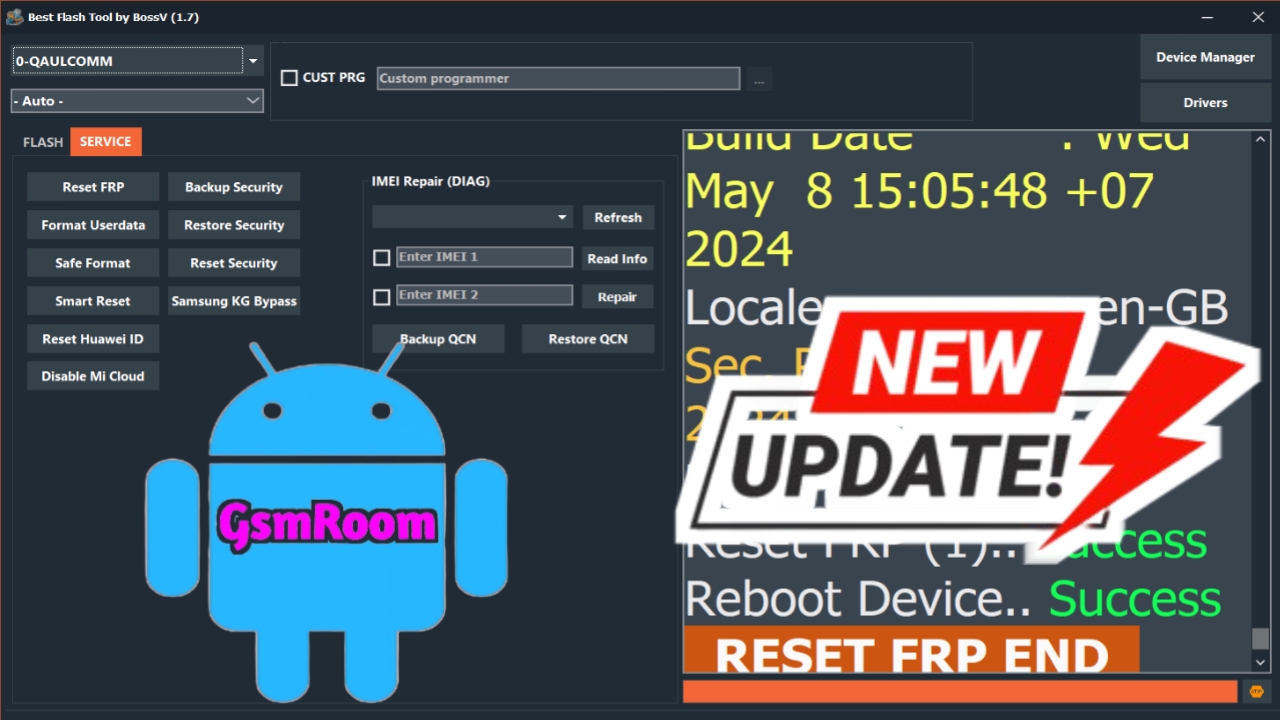
If you are searching for the best flash tool latest version download free for all users, this complete guide will help you choose the right official flashing software for your Android device.
Flashing tools are used to install stock firmware, fix bootloop issues, unbrick devices, remove software errors, and update or downgrade Android versions.
⚠️ Always download flash tools from official or trusted sources. Flashing the wrong firmware can permanently damage your device.
🔝 Top Free Flash Tools (Latest Versions)
Below are the most trusted and widely used free flash tools in 2026:
1️⃣ SP Flash Tool
Best For: MediaTek (MTK) devices
Supported Brands: Tecno, Infinix, Realme, Oppo, Vivo, Xiaomi (MTK models)
✅ Features:
- Flash stock ROM using scatter file
- Format and factory reset
- Upgrade / downgrade firmware
- Unbrick dead MTK devices
- Supports BROM mode
Platform: Windows / Linux
Cost: 100% Free
2️⃣ Odin
Best For: Samsung devices
✅ Features:
- Flash official Samsung firmware
- Install recovery and boot files
- Fix bootloop issues
- Works in Download Mode
Platform: Windows
Cost: Free
3️⃣ Mi Flash Tool
Best For: Xiaomi, Redmi, Poco devices
✅ Features:
- Flash Fastboot ROM
- Unbrick Xiaomi devices
- Clean flash or save user data option
- EDL mode support
Platform: Windows
Cost: Free
4️⃣ Qualcomm Flash Image Loader (QFIL)
Best For: Qualcomm chipset devices
✅ Features:
- Flash firmware in EDL (9008) mode
- Repair soft-bricked phones
- Load programmer files
- Rawprogram XML flashing
Platform: Windows
Cost: Free
5️⃣ Android Flash Tool
Best For: Google Pixel devices
✅ Features:
- Web-based flashing
- No installation required
- Official Google firmware support
- Easy step-by-step interface
Platform: Browser-based
Cost: Free
📥 How to Download Flash Tools Safely
To download safely:
✔ Use official websites
✔ Use trusted forums like XDA Developers
✔ Download firmware specific to your exact model
❌ Avoid cracked or modified versions
❌ Avoid unknown third-party download sites
If you tell me your phone brand and model, I can guide you to the correct official flash tool and firmware.
🖥 System Requirements
Most flash tools require:
- Windows ALL
- Proper USB drivers (MTK, Qualcomm, Samsung, etc.)
- Original USB cable
- Minimum 4GB RAM
⚠️ Important Flashing Tips
- Backup all data before flashing
- Charge battery above 50%
- Use correct firmware for your exact model number
- Do not disconnect device during flashing
✅ Final Conclusion
The best flash tool depends on your device chipset:
- 🔹 MTK device → SP Flash Tool
- 🔹 Samsung device → Odin
- 🔹 Xiaomi device → Mi Flash Tool
- 🔹 Qualcomm device → QFIL
- 🔹 Pixel device → Android Flash Tool
All the tools listed above are free for all users.







