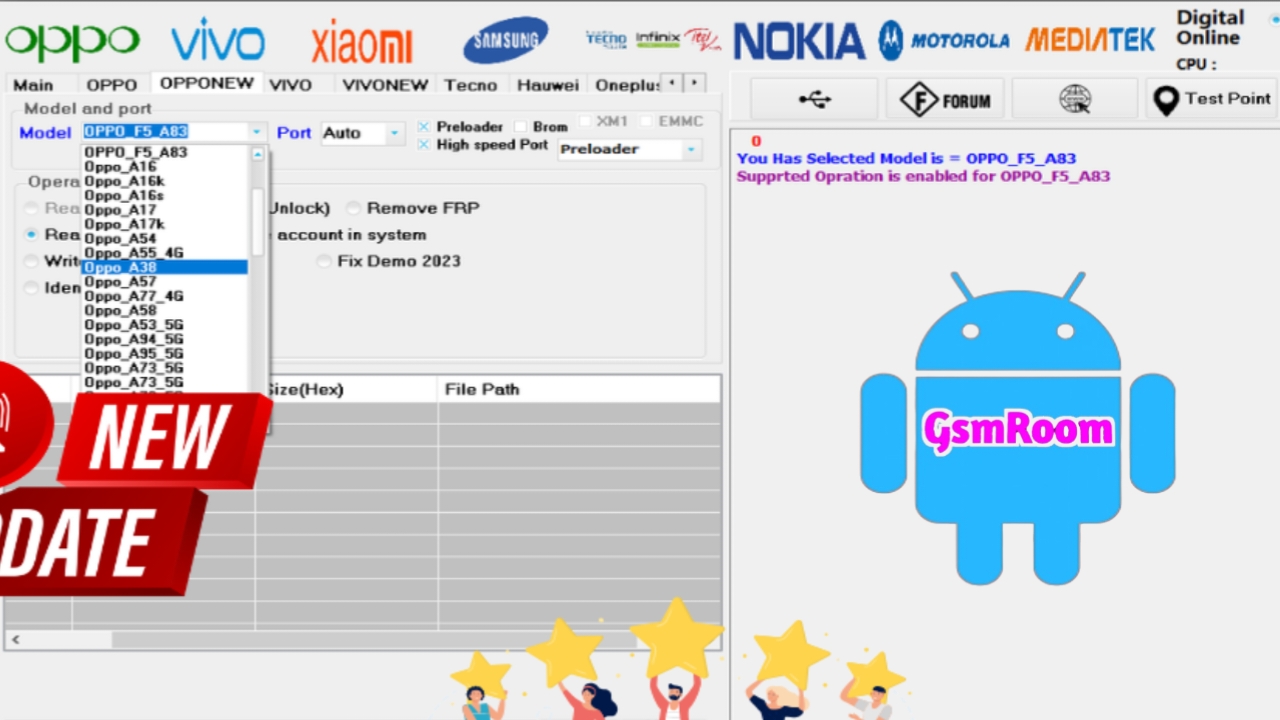
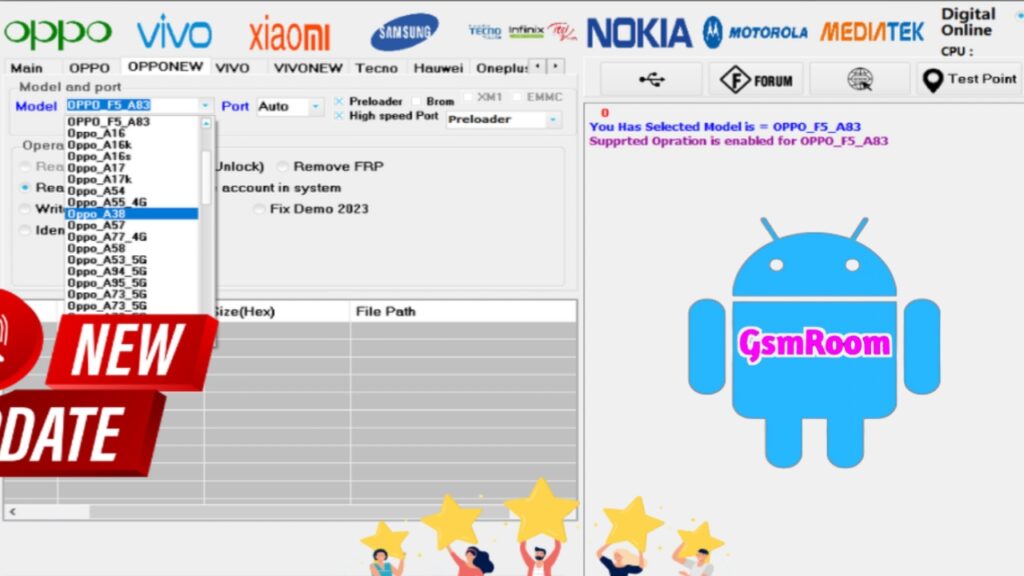
MRST Tool is a Windows software utility used by mobile technicians and advanced users to perform servicing, unlocking, flashing, and repair operations on Android devices. It supports multiple functions such as FRP bypass, screen lock removal, format and reset, and some flashing or device info features — depending on the version.
This guide explains what MRST Tool is, its key features, system requirements, and important safety notes.
📌 What Is MRST Tool?
MRST Tool is an Android servicing and unlocking program that connects with Android phones via USB and performs various software tasks. It is commonly used for:
✔ Factory Reset Protection (FRP) bypass
✔ Screen lock removal (pattern / PIN / password)
✔ Factory reset / Format
✔ Read device info / port detection
✔ ADB & Fastboot operations (in some versions)
⭐ Key Features of MRST Tool (Latest Versions)
🔹 1. FRP Bypass
Remove Google account lock on supported Android devices.
🔹 2. Screen Lock Removal
Bypass or reset built-in locks:
- Pattern
- PIN
- Password
🔹 3. Factory Reset / Format
Reset the device to factory settings to fix software issues or prepare for resale.
🔹 4. Read Device Info
Detect model details, chipset type, port, and connection status.
🔹 5. ADB / Fastboot Support
Some versions include functions for:
- Rebooting into recovery
- Bootloader operations
- ADB-based reset or info read
🔹 6. Multi-Chipset Compatibility
Latest versions may support:
- MediaTek (MTK)
- Qualcomm
- Spreadtrum / Unisoc
(depending on specific release)
🖥 System Requirements
To use MRST Tool properly on your PC:
✔ Windows operating system (Windows 7 / 8 / 10 / 11)
✔ USB drivers installed for your phone model
✔ ADB & Fastboot drivers (for some operations)
✔ USB data cable
✔ .NET Framework installed (if required by the tool)
📌 How It Generally Works
- Install USB drivers on your Windows PC.
- Extract the MRST Tool ZIP file.
- Run the program as Administrator.
- Connect your phone via USB cable.
- Choose the desired function (e.g., FRP bypass, reset, unlock).
- Follow the on-screen instructions to complete the process.
🛠 When to Use MRST Tool
✔ Your Android phone is stuck with Google FRP lock
✔ You forgot your pattern / PIN / password
✔ You need to reset your phone without data
✔ You want to read device or port info
✔ Your device is stuck in bootloop or error mode
📌 Summary
MRST Tool is an Android service utility widely used in mobile software repair. The latest versions offer functions like FRP bypass, lock removal, reset and format, and device info detection — all from a Windows PC connection.







