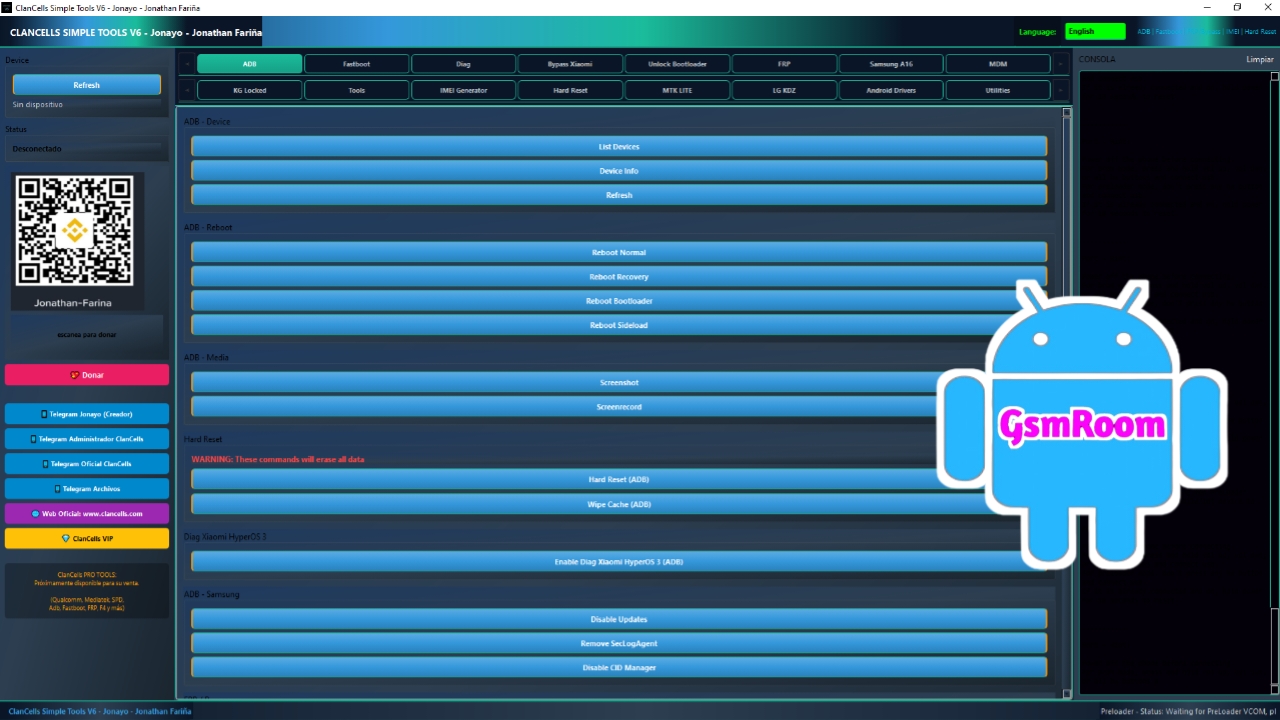
The ClanCells Simple Tools V6 is a powerful and versatile Android mobile servicing tool designed for technicians and advanced users who need a reliable solution for unlocking, flashing, and repairing smartphones. This latest version introduces enhanced compatibility, improved performance, and a wide range of features including FRP bypass, Mi account removal, bootloader unlock, and IMEI repair.
With its simple interface and one-click operations, ClanCells V6 has become a preferred tool for mobile repair professionals looking for fast and efficient results without complex procedures.
What is ClanCells Simple Tools V6?
ClanCells Simple Tools V6 is an all-in-one Android utility tool that allows users to perform multiple device servicing tasks. It supports a variety of chipsets such as MediaTek (MTK), Qualcomm, and SPD, making it compatible with many popular smartphone brands.
This tool is especially useful for solving software-related issues like FRP lock, bootloop, forgotten passwords, and corrupted IMEI numbers.
Key Features of ClanCells Simple Tools V6
1. FRP Lock Removal (Google Account Bypass)
One of the most important features of ClanCells V6 is the ability to remove FRP (Factory Reset Protection) from Android devices. It supports multiple brands and security patches, allowing users to bypass Google account verification quickly.
2. Mi Account Remove (Xiaomi Devices)
The tool offers a dedicated function to remove Mi Account locks from Xiaomi, Redmi, and Poco devices. This helps users regain access to locked devices without complicated steps.
3. Bootloader Unlock & Relock
With ClanCells V6, you can easily unlock or relock the bootloader of supported devices. This is essential for flashing custom ROMs or performing advanced repairs.
4. IMEI Repair & Backup
The tool allows you to repair damaged or null IMEI numbers and also provides an option to backup IMEI/NVRAM data for future restoration.
5. Flash Firmware (Stock ROM Installation)
ClanCells Simple Tools V6 supports flashing firmware files on multiple chipsets. You can easily install stock ROMs to fix software issues like bootloop, lag, or virus infection.
6. Screen Lock Removal
Remove pattern, PIN, password, and fingerprint locks without hassle. This feature is useful for unlocking devices when users forget their credentials.
7. Format & Factory Reset
The tool provides options for complete device formatting and factory reset, helping resolve issues like freezing, hanging, or slow performance.
8. Device Information Reader
You can quickly view detailed information about your device, including:
- Model number
- IMEI number
- Android version
- Chipset type
- Firmware details
9. Fastboot & EDL Mode Support
ClanCells V6 supports Fastboot and EDL (Emergency Download Mode), enabling deep-level repairs on Qualcomm-based devices.
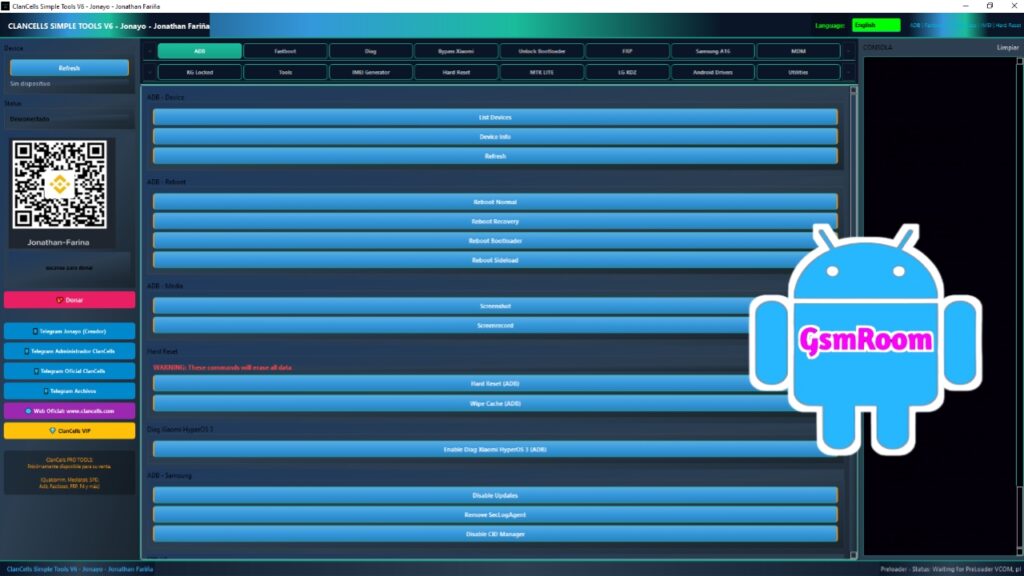
10. Clean & User-Friendly Interface
The software comes with a simple and intuitive UI, making it easy to use even for beginners.
Supported Devices and Brands
ClanCells Simple Tools V6 supports a wide range of Android brands, including:
- Samsung
- Xiaomi
- Redmi
- Poco
- Vivo
- Oppo
- Realme
- Huawei
- Honor
- Tecno
- Infinix
- Nokia
- Motorola
- Lenovo
- Lava
- Micromax
- Itel
Supported Chipsets
The tool is compatible with major Android chipsets:
- MediaTek (MTK)
- Qualcomm Snapdragon
- Spreadtrum (SPD)
- Exynos (Limited Support)
System Requirements
Before installing ClanCells Simple Tools V6, ensure your PC meets the following requirements:
- Operating System: Windows
- RAM: Minimum 4GB
- Processor: Intel or AMD Dual Core or higher
- Storage: 500MB free disk space
- USB Drivers: Installed (MTK, Qualcomm, SPD)
- Internet Connection: Required for some features
How to Download ClanCells Simple Tools V6
To download the latest version of ClanCells Simple Tools V6, follow these steps:
- Find a trusted website or official release source.
- Download the tool in ZIP or RAR format.
- Extract the file using WinRAR or 7-Zip.
- Disable antivirus temporarily if needed.
- Run the tool as Administrator.
How to Install and Use ClanCells V6
Step 1: Extract the Tool
After downloading, extract the archive file to your computer.
Step 2: Install Drivers
Install all required USB drivers for your device chipset.
Step 3: Open the Tool
Launch the ClanCells Simple Tools V6 executable file.
Step 4: Connect Your Device
Power off your device and connect it using a USB cable in the required mode (Fastboot, EDL, or Flash Mode).
Step 5: Select Function
Choose the desired operation such as FRP Remove, Flash, Unlock, or IMEI Repair.
Advantages of ClanCells Simple Tools V6
- All-in-One Mobile Repair Tool
- Supports Multiple Chipsets and Brands
- Easy One-Click Operations
- Fast and Reliable Performance
- Lightweight and Efficient Software
- Regular Updates
Important Notes
- Always backup your data before performing any operation.
- Use the correct USB drivers to avoid connection issues.
- Do not disconnect the device during flashing.
- Some features may not support the latest security patches.
Conclusion
The ClanCells Simple Tools V6 is a comprehensive and reliable solution for Android device servicing. With powerful features like FRP bypass, Mi account removal, bootloader unlocking, and IMEI repair, it offers everything needed for efficient mobile repair.
Its user-friendly interface, wide compatibility, and fast performance make it a valuable tool for both beginners and professionals. If you are looking for a dependable mobile repair solution, ClanCells V6 is an excellent choice.