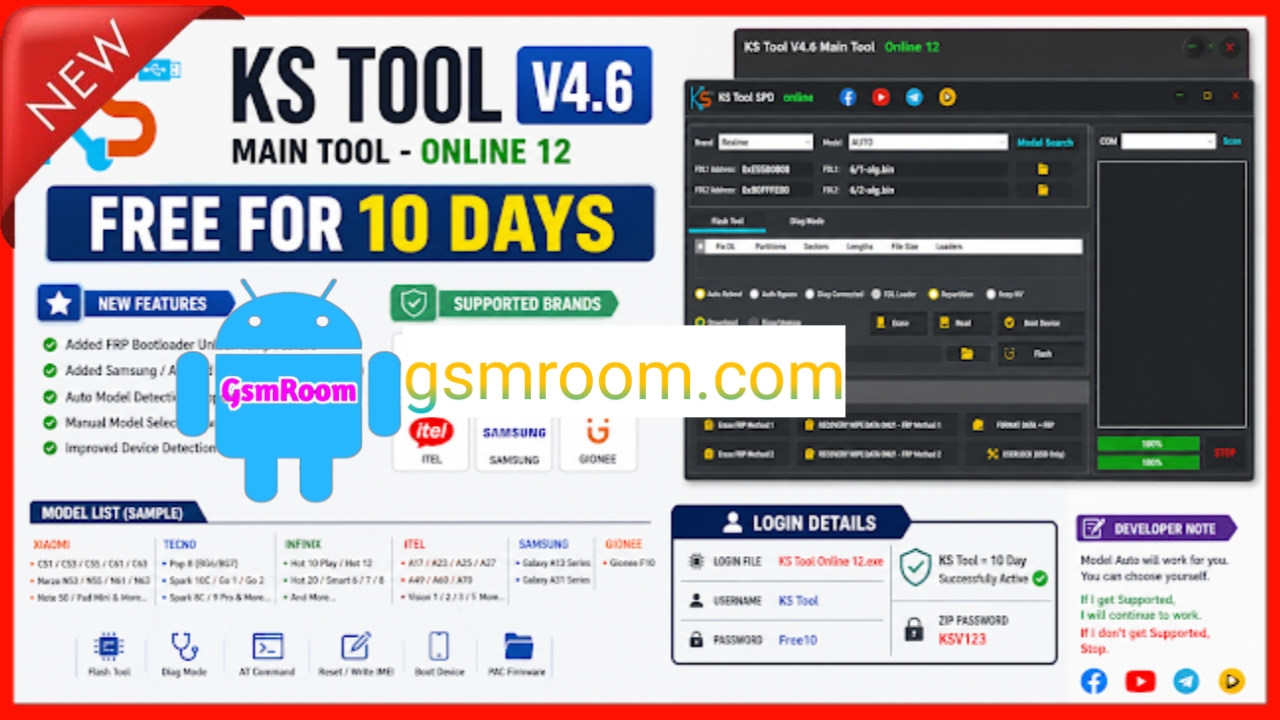
KS Tool V4.6 is the latest officially released version of the popular Android servicing software used for FRP bypass, unlocking, flashing, and repair operations. This version introduces improved security, better compatibility, and requires login authentication for full access.
📌 What Is KS Tool 4.6?
KS Tool is a professional Windows-based GSM utility designed to help technicians perform advanced Android servicing tasks. It supports multiple brands and chipsets, offering both basic and advanced repair features.
⭐ Key Features
🔓 FRP Bypass (Google Lock)
- Remove Factory Reset Protection (FRP)
- One-click FRP for supported devices
- Works with multiple Android versions
🔐 Unlock & Security Functions
- Remove screen locks (PIN, pattern, password)
- Bypass MDM / KG lock (supported devices)
- Advanced security-related operations
📱 Flashing & Firmware Support
- Flash stock firmware
- Fix bootloop and soft-brick issues
- Restore device functionality
🔧 Repair & Utility Options
- Factory reset / wipe data
- Read device information
- Enable diagnostic (Diag) mode
- Reboot into different modes
⚡ Multi-Brand & Chipset Support
Supported brands:
- Samsung
- Xiaomi / Redmi / Poco
- Oppo / Vivo / Realme
- Tecno / Infinix
Supported chipsets:
- MediaTek (MTK)
- Qualcomm
- Unisoc (SPD)
Feature list for the KS Tool.
- Qualcomm Features
- Erase FRP (Google Lock)
- Format / Factory Reset (Remove Screen Lock)
- Disable Mi Account
- Unlock Bootloader
- Erase Huawei ID
- Flash Firmware
MediaTek (MTK) Features
- Erase FRP (Google Lock)
- Format / Factory Reset (Remove Screen Lock)
- Disable Mi Account (Bypass)
- Unlock / Relock Bootloader
- Flash Firmware (Scatter File)
- Read / Write / Erase Partitions
- Backup / Restore / Erase NV (Network Data)
- Repair IMEI
- Auth Bypass
- OPPO “Download Not Complete” Fix
ADB & Sideload Features
- Read Device Info
- Remove FRP
- Factory Reset
- Disable Mi Account (MIUI 13/14/HyperOS)
- Disable OTA Updates (Xiaomi, Vivo, Oppo)
- Enable Diag Mode
🆕 What’s New in Version 4.6 (2026)
- Official login system added for security
- Improved server-based operations
- Better compatibility with latest Android versions
- Faster performance and stability improvements
- Bug fixes and UI enhancements
How to Download
- Visit the official KS Tool website or trusted GSM forums.
- Search for “KS Tool V4.6 Official Release”.
- Download the setup or ZIP file.
- Extract if needed and install the tool.
- Launch and login with your account.
⚠️ Avoid modified or cracked versions—they may be unsafe or non-functional.
🔐 Login Requirement
- Requires user account login
- Some features depend on server access
- Free login may provide limited features
⚙️ How to Use (Basic Steps)
- Install USB drivers (ADB, MTK, Qualcomm).
- Open KS Tool and login to your account.
- Connect your Android device via USB.
- Select desired function (FRP, unlock, flash).
📌 Summary
KS Tool V4.6 (2026 Official Release) is a powerful Android servicing tool offering FRP bypass, unlocking, flashing, and repair features with a new secure login system. It is suitable for technicians who need reliable and updated GSM software.







