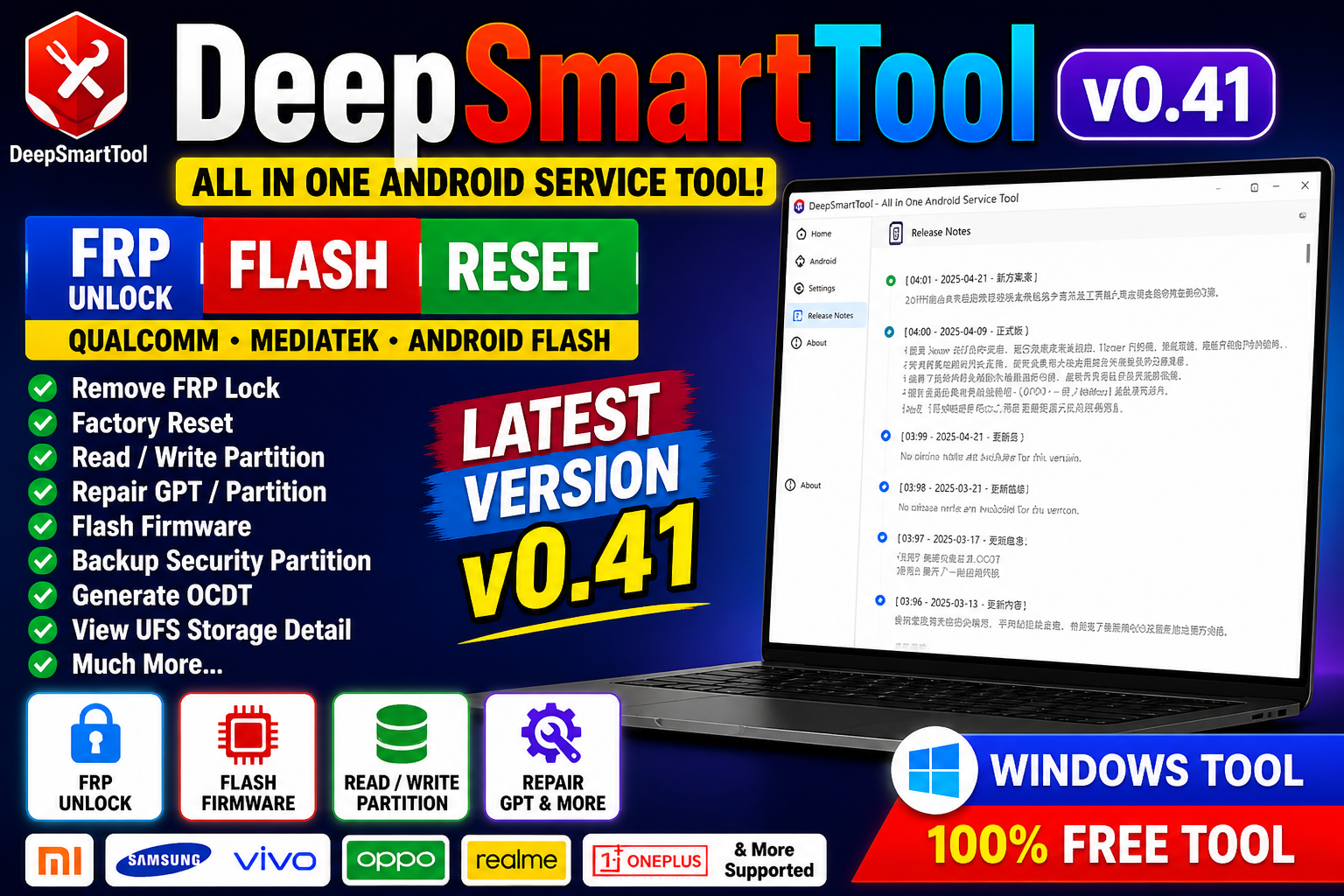
DeepSmartTool v0.41 (English Version) is a powerful Android servicing utility designed for FRP bypass, unlocking, flashing, and repair operations. It is widely used by technicians due to its clean interface, multi-brand support, and advanced features.
📌 What Is DeepSmartTool v0.41?
DeepSmartTool is a Windows-based GSM software that helps users perform Android device servicing tasks such as unlocking, formatting, and flashing firmware. The English version makes it easier for global users to operate without language barriers.
⭐ Key Features
🔓 FRP Bypass (Google Lock)
- Remove Factory Reset Protection (FRP)
- One-click FRP for supported devices
- Works on multiple Android versions
🔐 Unlock & Security Functions
- Remove screen locks (PIN, pattern, password)
- Bypass MDM / KG lock (supported devices)
- Basic security unlock features
📱 Flashing & Firmware Support
- Flash stock firmware
- Fix bootloop and soft-brick issues
- Restore devices to working condition
🔧 Repair & Utility Tools
- Factory reset / wipe data
- Read full device information
- Reboot into Fastboot / Recovery / EDL
- Enable diagnostic (Diag) mode
⚡ Multi-Mode Support
Supports various connection modes:
- ADB Mode
- Fastboot Mode
- MTP Mode
- EDL Mode (Qualcomm)
- BROM Mode (MediaTek)
📱 Supported Devices
Compatible with many Android brands:
- Samsung
- Xiaomi
- Redmi
- Poco
- Oppo
- Vivo
- Realme
- Huawei
- Honor
- Tecno
- Infinix
Chipset support:
- MediaTek (MTK)
- Qualcomm
- Unisoc (SPD)
Main Feature Categories
- Home / General Tools
- Install Qualcomm Driver
- Install Android Driver
- Open Device Manager
- Repair USB 3.0
Qualcomm Module Functions
- Read Partition Table
- Read Partition
- Erase Partition
- Write Partition
- Reboot To
- Set Boot Partition
- Factory Reset
- Repair GPT
- Remove FRP
- Erase GPT
- View UFS Storage Detail
- Remove Alarm ID
- Backup Security Partition
- Generate OCDT
- Retrieve Software Information
- Retrieve Factory IMEI
- Reboot Device After Flashing
- Hot Plug Support
- Skip User Data
- Skip Security Partition
MediaTek Module Functions
- Read Partition Table
- Read Partition
- Erase Partition
- Write Firmware
- Skip Sending DA
- Generate Scatter File
- Set GPT A
Android Flash Module
- Read Partition Table
- Erase Partition
- Write Firmware
- Flash Recovery Package (Xiaomi)
- Open Command Prompt
- Fastboot Flash Support
- Skip User Data
- Skip Security Partition
🆕 What’s New in Version v0.41
- Added English interface support
- Improved FRP bypass success rate
- Better compatibility with new Android security updates
- Faster device detection
- Bug fixes and performance improvements
⚙️ How to Use (Basic Steps)
- Install USB drivers (ADB, MTK, Qualcomm).
- Open the tool as Administrator.
- Connect your Android device via USB.
- Select the required function (FRP, unlock, flash).
📌 Summary
DeepSmartTool v0.41 (English Version 2026) is a reliable and easy-to-use Android servicing tool offering FRP bypass, unlocking, flashing, and repair features. With its English interface and wide compatibility, it is a great option for both beginners and professional technicians.







