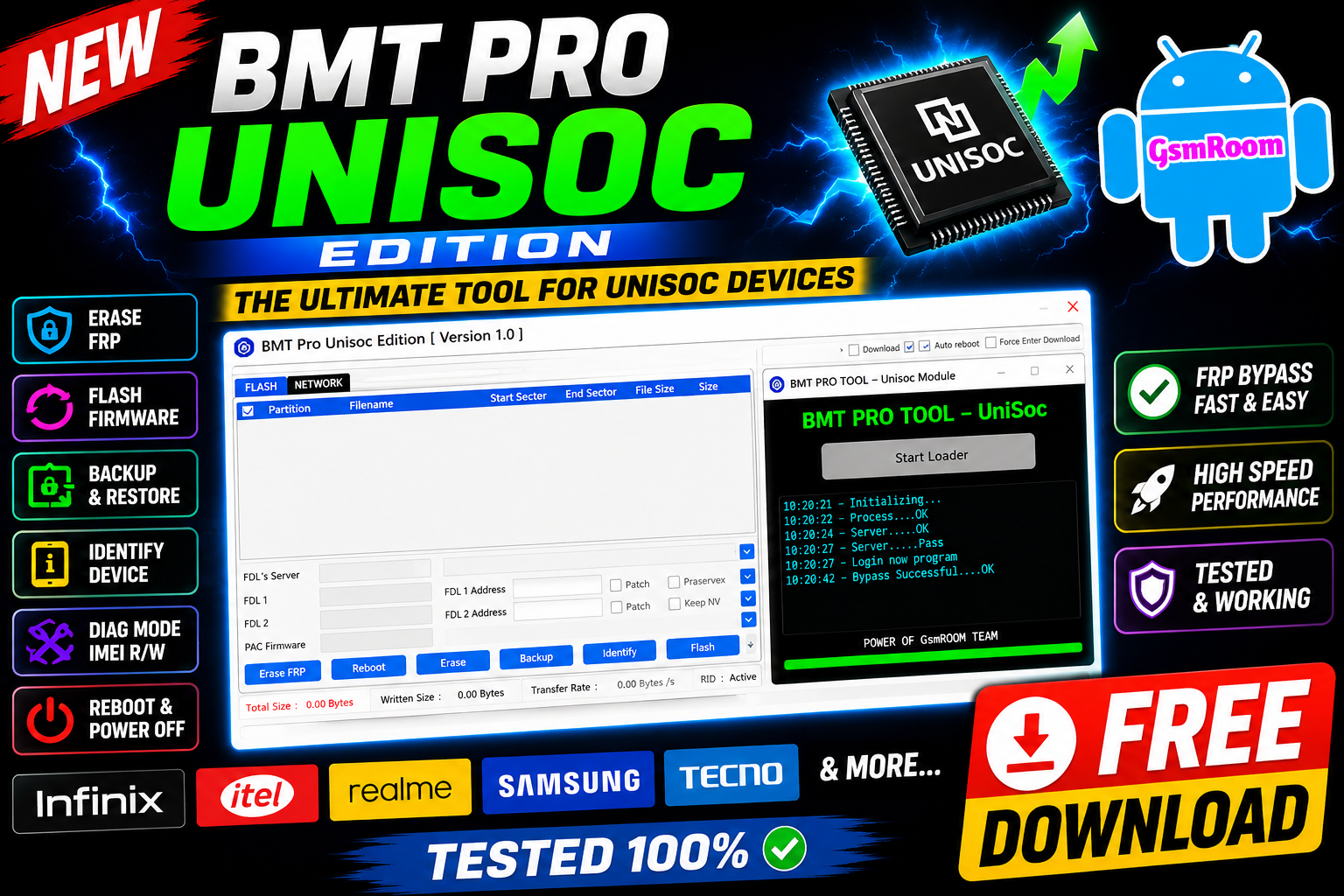
BMT Pro Unisoc Edition V1.0 is a specialized Android servicing tool developed for Unisoc (SPD) devices. It helps technicians perform FRP bypass, flashing, formatting, IMEI repair, and bootloader operations quickly and easily.
📌 What Is BMT Pro Unisoc Edition?
BMT Pro Unisoc Edition is a Windows-based GSM utility designed specifically for smartphones powered by Unisoc/Spreadtrum chipsets. It provides advanced repair and servicing functions through a simple and user-friendly interface.
This version is especially useful for:
- FRP reset
- Factory reset
- Partition management
- Firmware flashing
- Device repair tasks
⭐ Main Features
🔓 FRP Bypass
- Erase FRP
- Reboot Device
- Erase Flash
- Backup Firmware
- Identify Device
- Flash Firmware
- Exploit Mode Support
- Force Enter Download Mode
- Auto Reboot Option
- FDL Patch Support
- Repartition Support
- Keep NV Option
- PAC Firmware Loader
- Manual FDL Address Support
Network / Diag Features
- Enter Calibration Mode
- Enter Factory Test Mode
- Read IMEI
- Write IMEI
- Factory Reset
- Power Off Device
- Already On Diag Mode Support
📱 Flashing Support
- Flash stock firmware files
- Fix bootloop and soft-brick issues
- Restore damaged partitions
🔧 Factory Reset & Formatting
- Safe factory reset options
- Format userdata and cache
- Remove screen lock on supported devices
📡 IMEI & Network Functions
- Read device information
- IMEI repair/write support (where legally permitted)
- Backup and restore NV data
⚡ Bootloader Operations
- Unlock / relock bootloader
- Reboot to Fastboot / Recovery
- Diagnostic mode functions
📱 Supported Devices
Supports many Unisoc (SPD) smartphones including:
- Realme
- Nokia
- Itel
- Tecno
- Infinix
- Lava
- Micromax
Supported chipsets include:
- SC7731
- SC9863A
- T610 / T618
- Tiger series chipsets
🆕 What’s New in Version V1.0
- Initial public release
- Improved Unisoc device detection
- Faster FRP reset process
- Better flashing stability
- Added support for latest SPD security patches
⚙️ How to Use
- Install Unisoc USB drivers
- Open BMT Pro Tool
- Connect the device in required mode
- Select operation (FRP, Flash, Format, IMEI)
- Click Start / Execute
🖥 System Requirements
- Windows
- Unisoc USB drivers installed
- USB cable
- Basic GSM repair knowledge
📌 Summary
BMT Pro Unisoc Edition V1.0 (2026) is a useful servicing utility for Unisoc/SPD devices, offering features like FRP bypass, flashing, formatting, and repair functions. Its simple interface and focused chipset support make it a valuable tool for mobile technicians.
Username: gsmyogesh
Password: 12345







