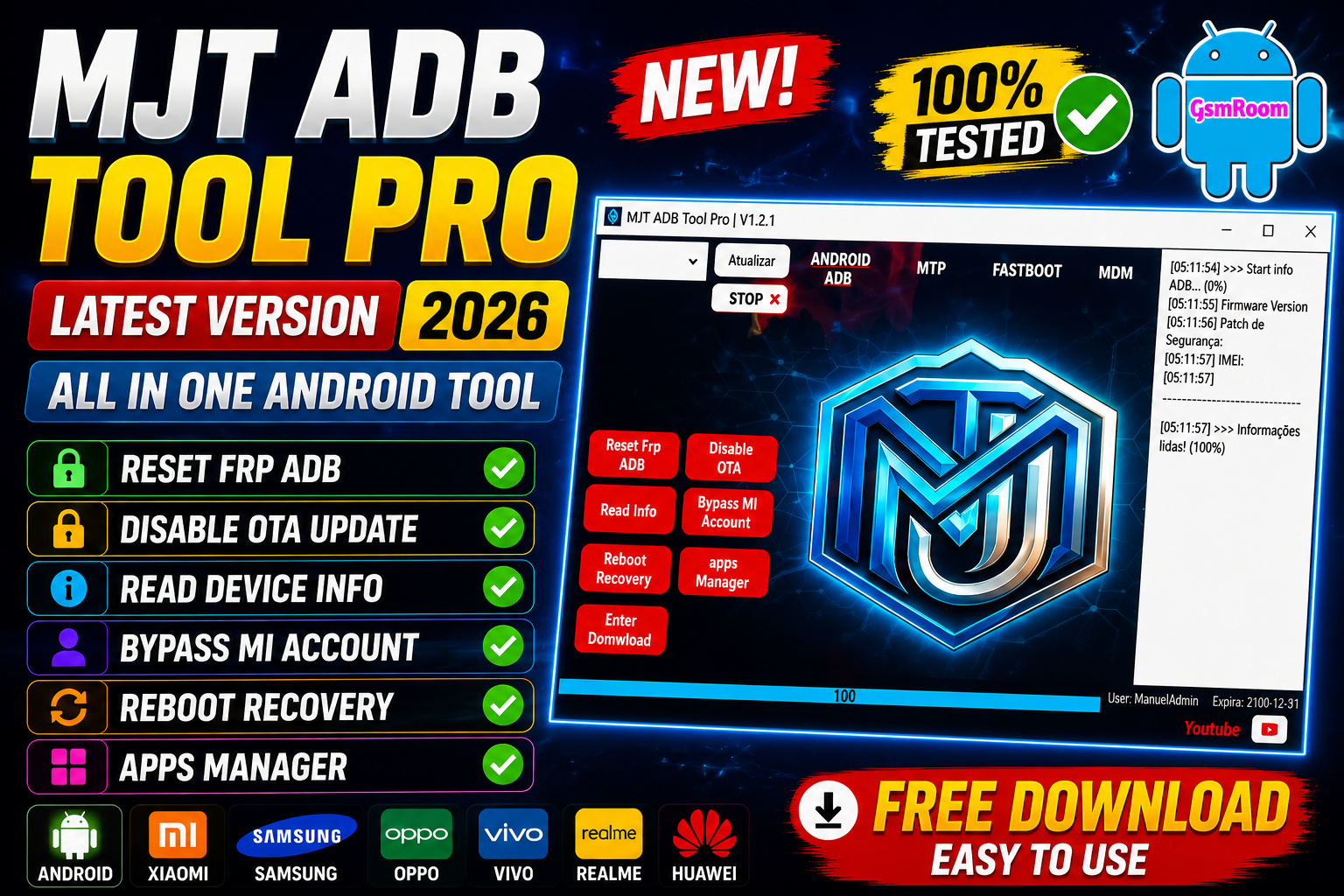
MJT ADB Tool Pro V1.2.1 is one of the most powerful Android servicing utilities designed for mobile technicians and advanced Android users. The tool offers a wide range of professional features including ADB operations, Fastboot commands, FRP unlock, bootloader tools, device information reading, APK management, screen controls, reboot modes, and advanced Android debugging functions.
What is MJT ADB Tool Pro V1.2.1?
MJT ADB Tool Pro is a Windows-based Android utility software that communicates with smartphones through ADB (Android Debug Bridge) and Fastboot mode. The tool is specially developed for GSM technicians who require fast and stable operations for Android servicing.
- ADB Device Control
- Fastboot Commands
- FRP Reset
- Mi Account Functions
- Screen Mirroring
- APK Installation
- ADB Enable Tricks
- Bootloader Operations
- Device Information Reading
- Reboot Functions
- Factory Reset
- Driver Detection
- USB Debugging Tools
MJT ADB Tool Pro V1.2.1 Main Features
1. Advanced ADB Functions
The tool includes a complete set of professional ADB commands that allow users to interact with Android devices directly from Windows PCs.
Supported ADB Operations:
- Read Device Information
- Check Android Version
- Read Build Number
- Reboot Device
- Reboot Recovery
- Reboot Bootloader
- Reboot EDL Mode
- Install APK Files
- Uninstall Applications
- Remove Bloatware
- Enable Hidden Settings
- Open Secret Menus
2. Fastboot Mode Features
Fastboot Features:
- Unlock Bootloader
- Relock Bootloader
- Flash Recovery
- Flash Boot Image
- Reboot Fastboot
- Read Fastboot Info
- Wipe Data
- Format Partitions
3. FRP Unlock Supported Brands
Supported Brands:
- Samsung
- Xiaomi
- Vivo
- Oppo
- Realme
- Motorola
- Tecno
- Infinix
- Huawei
- Nokia
FRP Methods Included:
- ADB FRP Reset
- Fastboot FRP Remove
- MTP FRP Bypass
- Browser FRP Trick
- QR Code Method
- Emergency Call Method
MJT ADB Tool Pro V1.2.1 New Updates
Newly Added Features
- Improved Samsung support
- Better Xiaomi Fastboot detection
- Updated ADB binaries
- New driver installation module
- Enhanced FRP algorithms
- Improved USB communication
- Added automatic device refresh
- Fixed login server issues
- Faster APK installation speed
- Updated GUI design
How to Install MJT ADB Tool Pro V1.2.1
Follow these installation steps carefully for successful setup.
Step 1 – Download the Tool
Download the latest setup package from the official or trusted source.
Step 2 – Extract Files
Use WinRAR or 7-Zip to extract the downloaded archive.
Step 3 – Disable Antivirus
Temporarily disable Windows Defender or antivirus software because some ADB tools may trigger false-positive detections.
Step 4 – Install Drivers
Install:
- Samsung USB Driver
- Xiaomi Driver
- Universal ADB Driver
- Qualcomm Driver
- MediaTek Driver
Step 5 – Run Setup
Open the installer and complete the installation process.
Step 6 – Login Activation
Launch the tool and login using the provided 30 Days Free Login credentials.
How to Use MJT ADB Tool Pro
Enable USB Debugging
On the Android device:
- Open Settings
- Go to About Phone
- Tap Build Number 7 Times
- Enable Developer Options
- Turn ON USB Debugging
Select Desired Function
Choose:
- FRP Reset
- Fastboot
- APK Install
- Reboot
- Device Info
- Factory Reset
Supported CPU Platforms
Supported Processors:
- Qualcomm Snapdragon
- MediaTek MTK
- Exynos
- Unisoc SPD
- Kirin
Advantages of MJT ADB Tool Pro V1.2.1
User-Friendly Interface
The interface is simple and clean, making operations easy for beginners and professionals.
Fast Processing
Commands execute quickly without freezing or crashing.
Wide Device Support
Compatible with most Android brands and chipsets.
Professional Repair Features
Includes advanced servicing functions required by GSM repair technicians.
Regular Updates
Developers continuously improve support and add new functions.
Common Problems and Solutions
Device Not Detected
Solution:
- Install USB Drivers
- Enable USB Debugging
- Change USB Cable
- Try Another USB Port
ADB Unauthorized Error
Solution:
- Reconnect Device
- Allow USB Debugging Permission
- Restart ADB Server
Why GSM Technicians Prefer MJT ADB Tool Pro
Professional mobile repair technicians prefer this software because it combines multiple Android repair functions in one lightweight package. Instead of using separate FRP tools, ADB utilities, Fastboot applications, and APK installers, users can complete all operations from a single dashboard.
The tool is especially useful for:
- Mobile Repair Shops
- GSM Service Centers
- Android Developers
- Flashing Experts
- Unlocking Professionals
MJT ADB Tool Pro V1.2.1 Tested Report
- Samsung Galaxy Devices
- Xiaomi Redmi Series
- Poco Smartphones
- Vivo Y Series
- Oppo A Series
- Realme Narzo Models
- Motorola G Series
- Tecno Spark Devices
- Infinix Hot Series
Final Words
MJT ADB Tool Pro V1.2.1 Free 30 Days Login Setup is an excellent Android servicing utility packed with powerful ADB and Fastboot features. The software provides reliable solutions for FRP unlocking, APK management, reboot operations, device diagnostics, and Android servicing tasks.
Password: freeuser
Password Setup: MJT







