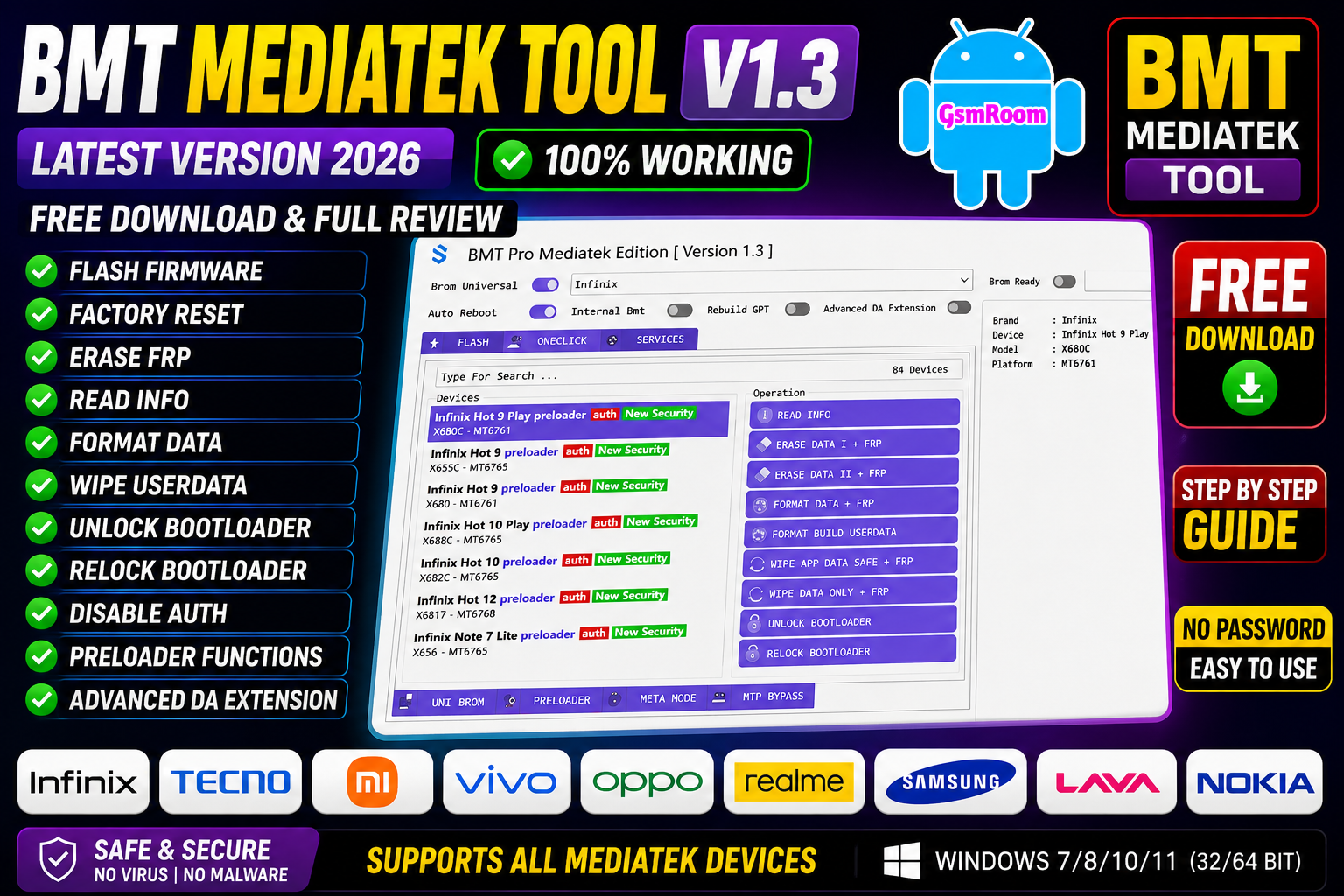
BMT MediaTek Tool v1.3 is a lightweight Android servicing utility developed for MediaTek-powered smartphones and tablets.
What is BMT MediaTek Tool v1.3?
BMT MediaTek Tool is a Windows-based utility designed specifically for servicing devices powered by MediaTek processors. The software combines multiple Android maintenance functions into a simple and beginner-friendly interface.
The tool is useful for:
- Device flashing
- Firmware management
- Device diagnostics
- Factory reset
- Fastboot utilities
- Backup functions
- USB communication
It is mainly used by Android repair technicians and advanced smartphone users.
Main Features of BMT MediaTek Tool v1.3
🔹 MediaTek Device Support
The software supports many MTK-powered Android smartphones including:
- Xiaomi Redmi
- Realme
- Oppo
- Vivo
- Tecno
- Infinix
- Lava
- Micromax
- Nokia MTK models
Compatibility depends on chipset and Android version.
🔹 Firmware Flashing
One of the main functions of BMT Tool is firmware flashing.
Flashing Features:
- Scatter firmware support
- Flash partitions
- Firmware upgrade
- Boot image flashing
- Fast flashing speed
🔹 Factory Reset Functions
The tool provides reset options for supported MediaTek devices.
Reset Features:
- Factory reset
- Cache cleaning
- Userdata formatting
- Device reboot
🔹 Device Information
Information Includes:
- Device model
- Android version
- Chipset details
- Build number
- USB connection status
🔹 Fastboot and ADB Utilities
The software also includes basic Android utilities.
Supported Functions:
- Fastboot reboot
- Recovery reboot
- ADB commands
- Device detection
- USB debugging support
What’s New in BMT MediaTek Tool v1.3?
The latest release includes several improvements:
✔ Improved MTK Compatibility
Better support for newer MediaTek chipsets.
✔ Faster Device Detection
Improved USB communication and connection speed.
✔ Enhanced Stability
Reduced software freezing and crash issues.
✔ Updated User Interface
Cleaner layout and easier navigation.
✔ Better Windows 11 Support
Optimized compatibility with modern Windows systems.
How to Download BMT MediaTek Tool v1.3
Download Tips
- Download from reliable sources only
- Scan files using antivirus software
- Avoid suspicious modified versions
- Backup important device data before use
How to Install BMT MediaTek Tool
Installation Guide
Step 1: Download the Tool
Download the latest ZIP package.
Step 2: Extract Files
Use:
- WinRAR
- 7-Zip
- WinZip
Step 3: Install MTK Drivers
Install required:
- MediaTek USB Drivers
- VCOM Drivers
- ADB Drivers
Step 4: Run as Administrator
Launch the tool with administrator privileges.
Advantages of BMT MediaTek Tool
✔ Lightweight Software
Runs smoothly on most Windows PCs.
✔ Beginner-Friendly Interface
Easy for both beginners and technicians.
✔ Fast Flashing Speed
Optimized firmware flashing performance.
✔ Broad MTK Support
Supports many MediaTek devices.
✔ Free Utility
Useful functions available without expensive licensing.
Common Problems and Solutions
Device Not Detected
Solutions:
- Install MTK USB drivers
- Change USB cable
- Use another USB port
- Restart PC
Flashing Failed
Fixes:
- Verify scatter firmware
- Check battery charge
- Reinstall drivers
- Re-download firmware package
Tool Crashing
Solutions:
- Run as Administrator
- Disable antivirus temporarily
- Install Visual C++ libraries
- Update Windows
Safety Recommendations
Before using any Android servicing software:
- Backup important files
- Use trusted firmware files
- Avoid unsupported operations
- Keep USB connection stable
- Do not disconnect device during flashing
Is BMT MediaTek Tool Safe?
BMT MediaTek Tool is generally safe when downloaded from trusted sources and used responsibly. However, unofficial modified versions may contain malware or unstable files.
For best security:
- Use trusted releases
- Keep antivirus enabled
- Avoid suspicious patches or loaders
BMT MediaTek Tool v1.3 Review
Performance
The tool offers stable performance for common MediaTek servicing tasks.
Interface
Its clean interface makes navigation simple and beginner-friendly.
Compatibility
Supports a wide range of MTK devices and Windows versions.
Speed
Firmware flashing and device detection are relatively fast.
Reliability
Useful for technicians who need a lightweight MTK utility.
Conclusion
BMT MediaTek Tool v1.3 Free Download & Review – Tested 100% is a useful Android servicing utility for MediaTek-powered smartphones. With features like firmware flashing, factory reset, Fastboot utilities, and device diagnostics, the software provides a practical solution for Android maintenance and repair tasks.
Its lightweight design, broad MTK compatibility, and user-friendly interface make it a valuable utility for mobile technicians and advanced Android users in 2026.
Password – softwarecrackguru







