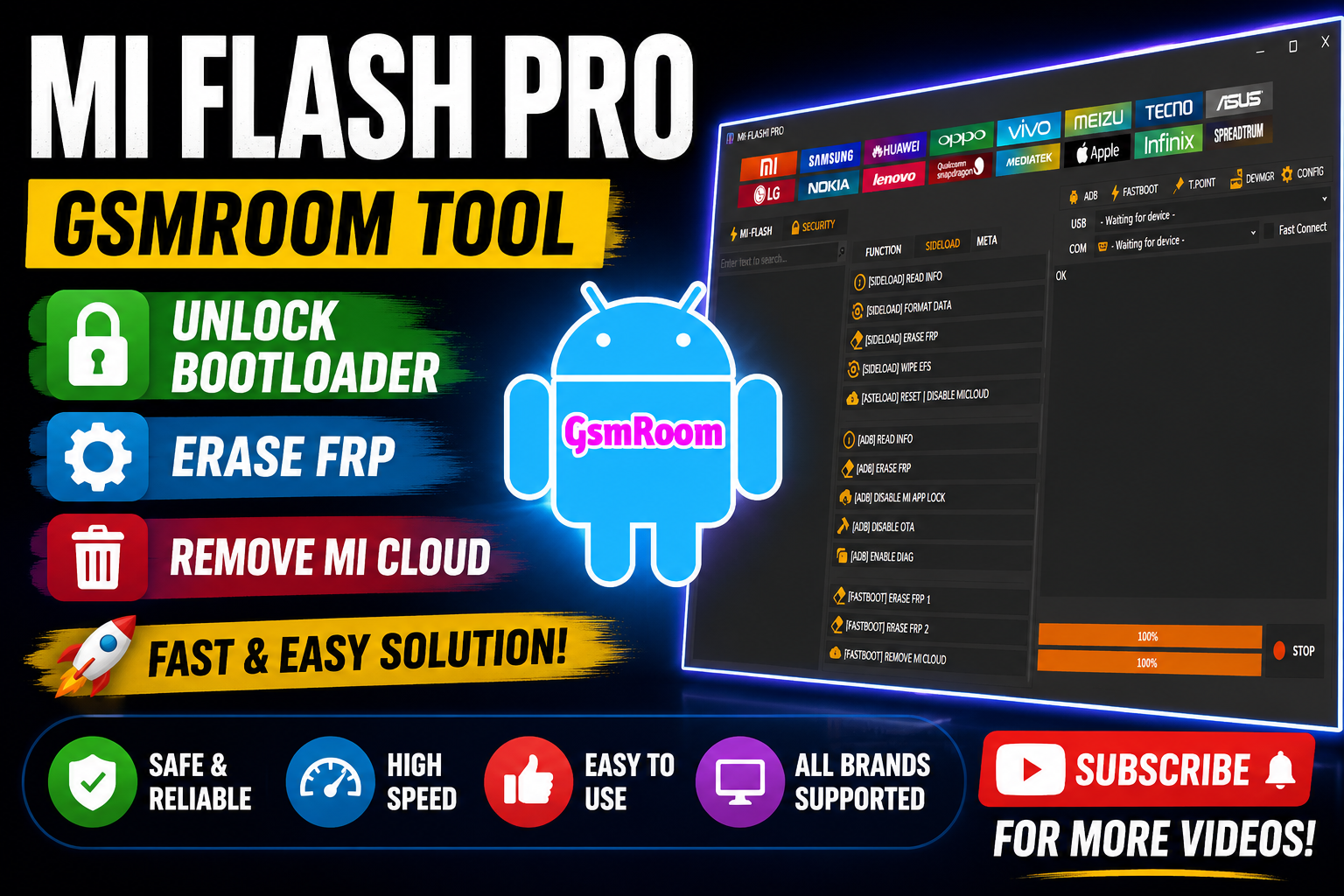
The MDM Fix Pro Unlock Tool is a Windows-based Android servicing utility designed for mobile technicians and repair professionals who work with device management systems, firmware maintenance, and Android diagnostics.
This tool is widely discussed in mobile repair communities because of its lightweight design, simple interface, and support for multiple Android brands and chipsets. Similar Android servicing tools released recently focus on device communication, firmware management, and enterprise-device diagnostics for modern Android systems.
What is MDM Fix Pro Unlock Tool?
MDM Fix Pro Unlock Tool is an Android maintenance and servicing application that allows technicians to perform various device-related operations using different service modes.
The software may support:
- ADB Mode
- Fastboot Mode
- MTP Mode
- Download Mode
- USB Diagnostic Mode
The latest release includes a login system, which allows authorized access to software features and future updates.
Main Features of MDM Fix Pro Unlock Tool
1. Login-Based Access System
One of the biggest changes in the newest version is the addition of a secure login system.
Benefits include:
- User authentication
- Online feature activation
- Access management
- Update verification
- Improved software security
Many modern Android repair platforms now use login systems for account-based access and software licensing.
2. Android Device Detection
The tool can identify connected Android devices and display important information such as:
- Device model
- Android version
- Security patch level
- Firmware build
- Device status
3. Firmware Management
MDM Fix Pro Unlock Tool may support several firmware-related operations.
Functions can include:
- Firmware flashing
- Firmware backup
- Device information reading
- Partition management
- Firmware verification
- 4. Factory Reset & Device Maintenance
The software may provide maintenance features including:
- Factory reset
- Userdata formatting
- Cache cleaning
- Software diagnostics
- Device optimization
These features help technicians troubleshoot software-related problems.
5. Multi-Brand Android Support
The latest version may support devices from brands such as:
- Samsung
- Xiaomi
- Redmi
- Poco
- Vivo
- Oppo
- Realme
- Tecno
- Infinix
- Motorola
6. Multi-Chipset Compatibility
The software may support major Android chipsets including:
- MediaTek (MTK)
- Qualcomm Snapdragon
- UNISOC / SPD
Recent Android repair utilities increasingly focus on broad chipset compatibility to support modern smartphones.
Supported Android Versions
The newest version may support devices running:
- Android 11
- Android 12
- Android 13
- Android 14
- Android 15
- Android 16
How to Download MDM Fix Pro Unlock Tool
To download the latest version:
- Locate a trusted source.
- Download the latest setup package.
- Extract the ZIP or RAR archive.
- Install necessary USB drivers.
- Launch the software as Administrator.
- Log in using supported credentials.
Installation Guide
Step 1: Extract Files
Use WinRAR or 7-Zip to extract the downloaded package.
Step 2: Install Drivers
Install required drivers including:
- Samsung USB Drivers
- MTK Drivers
- Qualcomm Drivers
- ADB Drivers
Step 3: Launch Software
Run the application with Administrator privileges.
Step 4: Login
Enter valid login credentials if required.
Advantages of MDM Fix Pro Unlock Tool
Key Benefits
- Lightweight installation
- Fast startup speed
- Multi-brand Android support
- Login-based access security
- Easy navigation
- Stable performance
- Modern Android compatibility
Conclusion
The MDM Fix Pro Unlock Tool (Login Added) is a modern Android servicing utility designed for technicians who work with firmware management, device diagnostics, and Android maintenance tasks. With improved login security, broader chipset compatibility, and support for newer Android versions, the latest 2026 release offers a more stable and organized servicing experience.
As Android devices continue evolving with stronger enterprise and security systems, tools like MDM Fix Pro Unlock Tool focus on compatibility, streamlined workflows, and efficient device communication for professional repair environments.







