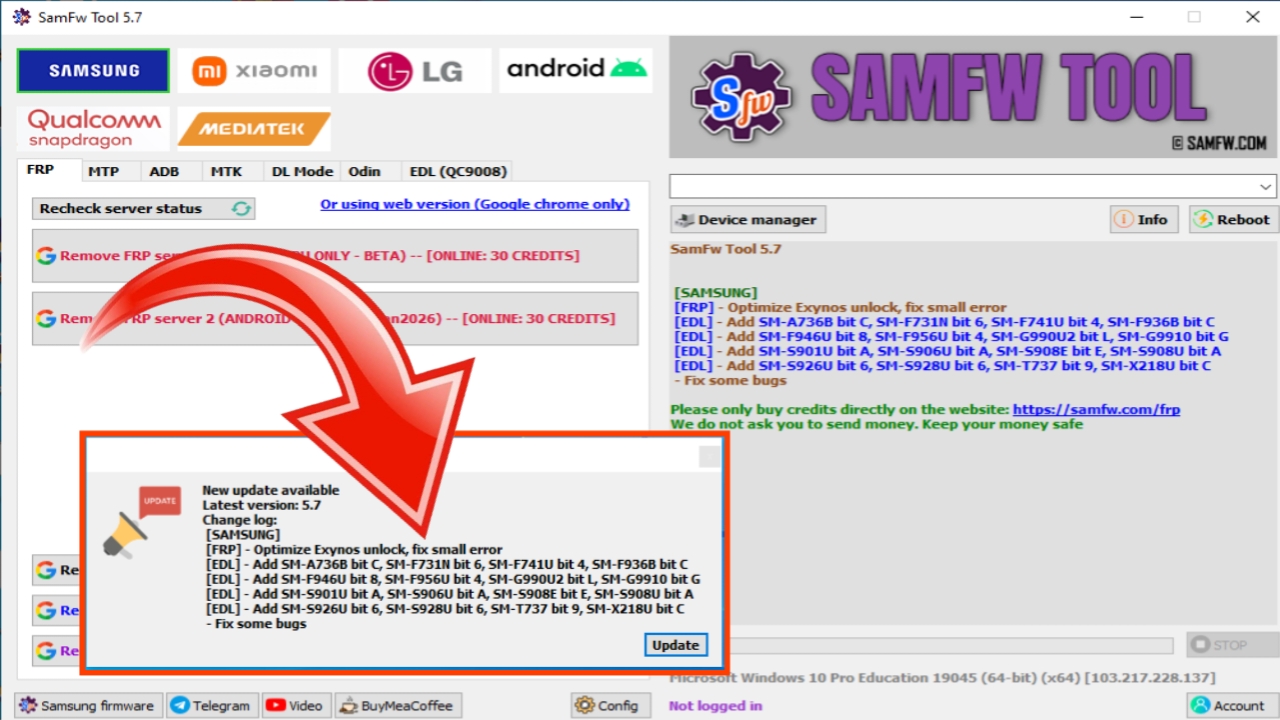
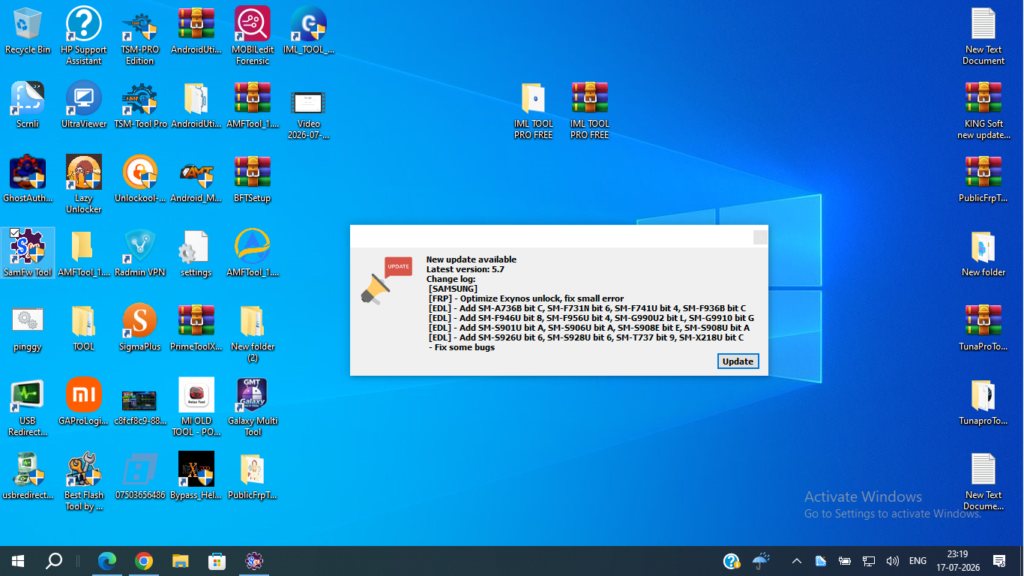
SamFw FRP Tool V5.7 is a free Windows utility developed for Samsung device management. It includes features such as FRP removal (on supported devices), CSC changing, factory reset, device information reading, and ADB utilities. According to the official SamFw blog, version 5.7 introduced additional firehose files and improvements to Exynos device support.
Important: FRP (Factory Reset Protection) is an anti-theft security feature. Use this tool only on devices that you own or are authorized to service.
What is SamFw FRP Tool V5.7?
SamFw FRP Tool is a lightweight Windows application that helps technicians manage supported Samsung devices. It provides several maintenance and diagnostic functions without requiring a hardware dongle for many operations.
Main Features
1. One-Click FRP Removal
Supports FRP removal on compatible Samsung devices and security patch levels.
2. Change CSC
Quickly change the Country/Carrier Specific Code (CSC) on supported models.
3. Factory Reset
Perform a factory reset for supported Samsung devices.
4. Read Device Information
Display important device information such as model number and software version.
5. ADB Utilities
Includes several Android Debug Bridge (ADB) functions for supported devices.
6. Exynos Optimization
Version 5.7 adds improved support for Exynos-based Samsung phones.
What’s New in Version 5.7?
According to the official SamFw changelog, Version 5.7 includes:
- Added 12 new firehose files
- Optimized Exynos unlock
- Improved compatibility with supported Samsung devices
- General bug fixes and stability improvements
How to Download SamFw FRP Tool V5.7
To download the latest version safely:
- Visit the official SamFw website.
- Open the Guide or Downloads section.
- Download the latest installer.
- Install the Samsung USB Driver if needed.
- Run the program as Administrator.
Official Website:
Supported Functions
SamFw FRP Tool provides features such as:
- FRP removal (supported devices)
- Factory reset
- Change CSC
- Read device information
- ADB commands
- Test Mode utilities
- Samsung firmware support
SamFw FRP Tool
- Read Info
- Read RPMB
- Backup EFS
- Erase EFS
- Write EFS
- Reset FRP
- Factory Reset
- Disable Mi Cloud
- Read GPT
- Write GPT
- Reset Mi Account
- Read Back
- Flash Firmware
- Reboot Device
- Erase Userdata
- Unlock Bootloader
- Relock Bootloader
- Patch Boot
- Read Partition
- Write Partition
- Restore Backup
- Read XML
- Write XML
- Reset Screen Lock
- Safe Format
- Reset MDM
- Disable Auth
- Bypass FRP
- Download Firmware
- Read RPMB
- Read NV
- Write NV
- Reset NV Data
- Unlock Mi Account
- Remove Huawei ID
- Remove Samsung Account
- ADB Enable
- Enable Diagnostic Mode
- IMEI Repair
- Baseband Repair
- Flash ENG Firmware
- Read Pattern Lock
- Unlock Device
- Erase Cache
- Erase Metadata
- Read Firmware
- Extract Firmware
- Read Partition Table
- Repair Boot
- Reboot to Recovery
- Reboot to Fastboot
- Reboot to EDL
- Reboot to Download Mode
- Read QCN
- Write QCN
- Backup Security
- Restore Security
- Reset MTP
- Unlock KG
- Disable KG
- Remove Demo Mode
- Remove FRP via ADB
- Auto Reboot
- Scatter Load
- OFP Extract
- PAC Extract
- Payload Extract
- META Mode
- Fastboot Mode
- EDL Mode
- MTK Mode
- Qualcomm Mode
- Samsung Download Mode
- Read/Write Firmware
- Read Security Backup
- Restore Security Backup
- Reset Screen Password
- Patch vbmeta
- Patch Boot Image
- Reset Anti Rollback
- Unlock Relock Bootloader
- Extract Super.img
- Readback ROM
- ADB Sideload
- Driver Install
- Driver Remove
- APK Install
- APK Disable
- APK Enable
- META Editor
SamFw FRP Tool
SamFw FRP Tool V5.7 is a reliable Samsung servicing utility that combines FRP management, CSC changing, factory reset, and ADB tools in one package.







