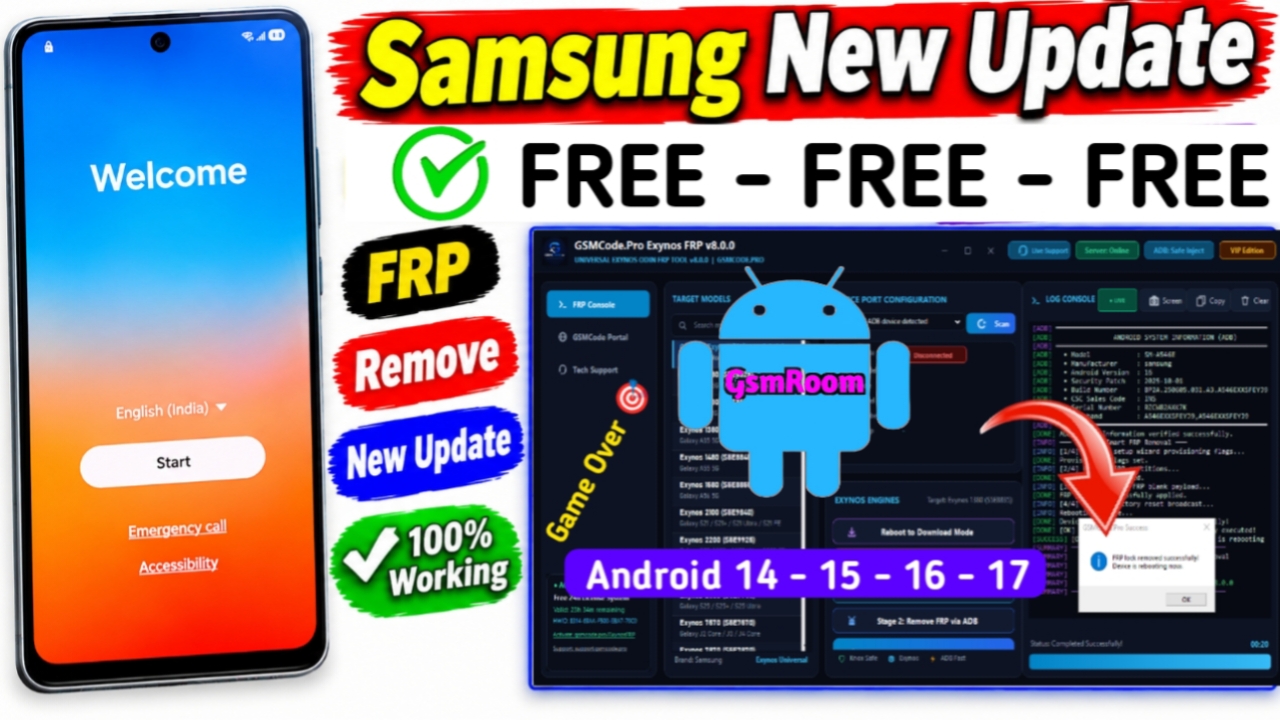
GSMCodePro Exynos Tool v8.0 is a Samsung-focused Windows service utility intended for technicians working with compatible Exynos-based Samsung devices. It is commonly promoted for device identification, USB communication, diagnostics, and other authorized servicing tasks.
Because I couldn’t find a reliable official v8.0 release page in my search, I recommend avoiding claims that every Samsung model or every advertised feature is supported.
GSMCodePro Exynos Tool v8.0 Overview
Samsung technicians often use specialized PC tools to communicate with smartphones and perform maintenance or diagnostic work. GSMCodePro Exynos Tool v8.0 is designed around compatible Samsung Exynos devices and provides a dedicated interface for service workflows.
Main Features
- Samsung Exynos device detection
- Device information
- USB communication
- Diagnostic functions
- Firmware-related service options
- Technician-oriented interface
- Support for compatible Samsung models
- FRP-related service functions where supported and authorized
- Windows-based operation
- Promoted as a free tool
System Requirements
Before using GSMCodePro Exynos Tool v8.0, prepare:
- Windows PC
- Compatible Samsung Exynos device
- Samsung USB drivers
- Working USB data cable
- Sufficient device battery
- Stable USB connection
- Correct device model information
Always verify the exact compatibility requirements included with the particular release.
How to Install GSMCodePro Exynos Tool v8.0
- Download the tool from a trustworthy source.
- Extract the ZIP/RAR package if necessary.
- Install compatible Samsung USB drivers.
- Restart Windows if requested.
- Open the GSMCodePro Exynos Tool executable.
- Connect the supported Samsung device.
- Wait for the device to be detected.
- Select the appropriate service function.
Do not interrupt the USB connection during firmware or other potentially critical operations.
Samsung FRP Service
GSMCodePro Exynos Tool v8.0 may be advertised for Samsung FRP-related servicing. Factory Reset Protection (FRP) is an Android anti-theft feature designed to prevent unauthorized use of a reset device.
Only perform FRP-related service on a device you own or have explicit authorization to repair. For legitimate ownership situations, use the owner’s credentials or official account-recovery/service procedures where applicable.
Common Problems
Device Not Detected
Check the Samsung USB drivers, cable, USB port, device compatibility, and connection mode.
Tool Does Not Start
Try reinstalling a verified copy and make sure the Windows environment meets the software’s requirements.
Service Operation Fails
Verify the exact Samsung model, Android version, firmware, security patch, and tool compatibility before attempting the operation again.
USB Connection Drops
Use a high-quality data cable and connect directly to the computer instead of an unstable USB hub.
GSMCodePro Exynos Tool v8.0 Free Download
If you are searching for GSMCodePro Exynos Tool v8.0 Free Download, verify the authenticity of the package before installing it. I wasn’t able to locate an authoritative official v8.0 download source, so I would not recommend linking to an unverified executable.
Scan downloaded files with reputable security software and avoid modified or repacked versions.
Disclaimer
This article is for educational and informational purposes. Samsung, Android, and related trademarks belong to their respective owners. Use device-service and security-related functions only on devices you own or are authorized to service. Always follow applicable laws, manufacturer policies, and software licensing requirements.







