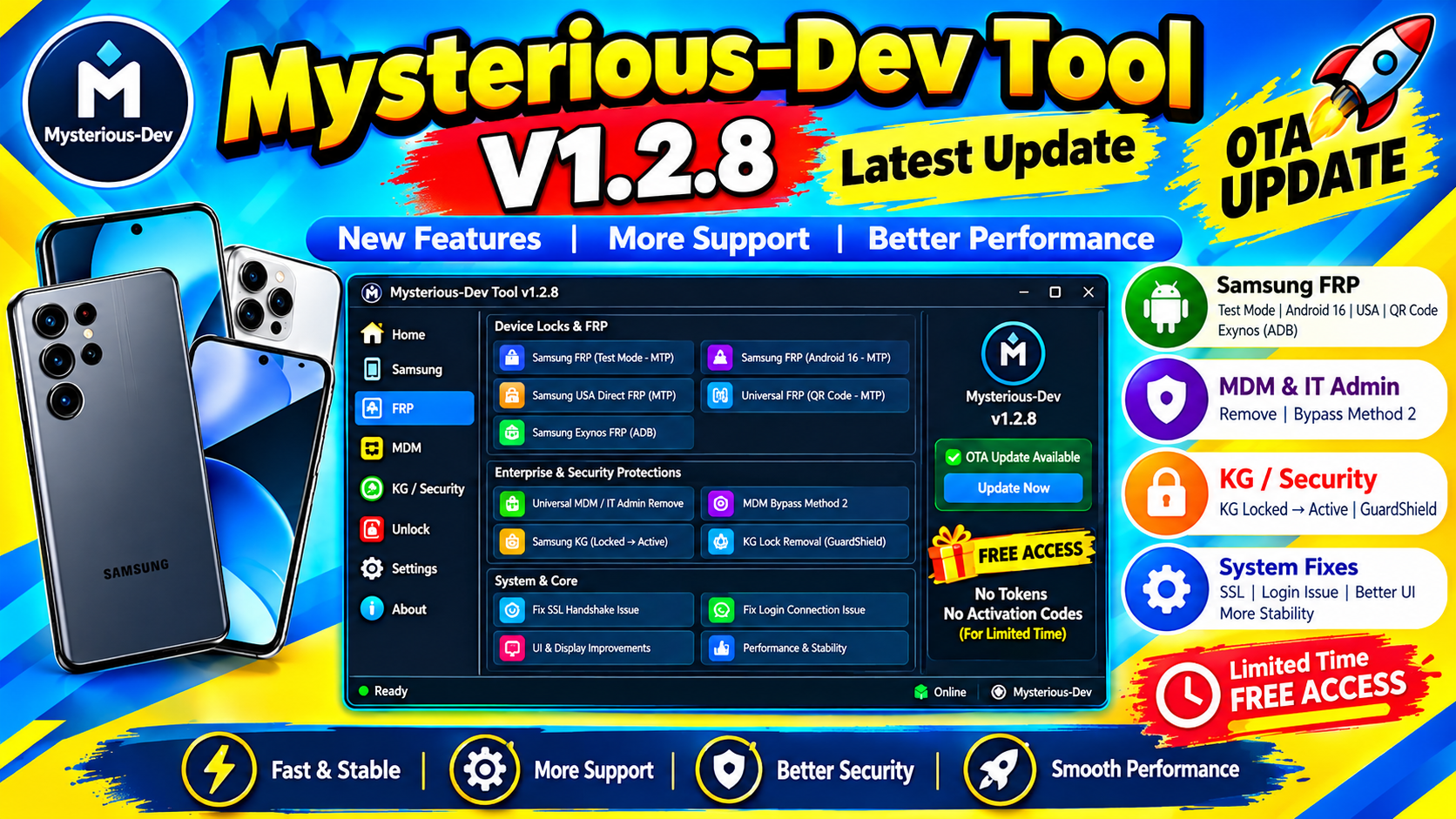
Mysterious-Dev Tool V1.2.8 Free Download (Latest Version) is a mobile-device servicing utility promoted for technicians and users who work with smartphone maintenance and repair tasks. The tool is presented online as a downloadable utility, although detailed official documentation for the V1.2.8 release is limited.
Mobile servicing software can be useful when technicians need to communicate with a smartphone from a Windows PC, identify device information, diagnose connection issues, or perform supported maintenance operations. However, compatibility and available functions can vary according to the particular release and supported device.
In this article, we will discuss Mysterious-Dev Tool V1.2.8, its possible features, requirements, installation process, usage considerations, troubleshooting steps, and important safety information.
What Is Mysterious-Dev Tool V1.2.8?
Mysterious-Dev Tool V1.2.8 is presented as a mobile servicing tool designed for device repair and maintenance workflows.
Tools in this category generally provide a computer-based interface for communicating with smartphones through USB. Depending on the supported device and software version, they may assist with device identification, diagnostics, software maintenance, or other technician-oriented tasks.
y find functions related to:
- Device detection
- Device information
- USB communication
- Diagnostic operations
- Software maintenance
- Device servicing
- Firmware-related operations
- Technician-oriented workflows
- Windows PC support
📱 Supported Brands
- Samsung
- Xiaomi
- Redmi
- Vivo
- Realme
- Tecno
- Infinix
- Itel
- Huawei
- Nokia
- Motorola
Supported Chipsets
- Qualcomm
- MediaTek
- Unisoc
- Huawei Kirin
- EDL Mode
- Fastboot Mode
- ADB Mode
Qualcomm Flashing Features
- Read GPT
- Read Data
- Flash Firmware
- Reboot Device
- Read Partition
- Write Partition
- Erase Partition
- Select Sector Size
- LUN Selection
- Begin Address Selection
- End Address Selection
- Load Firehose File
- Load Patch File
- Load Firmware File
- Backup GPT
- Reset FRP
- Factory Reset
- Mi Account Reset
- EFS Backup
- EFS Restore
Qualcomm Unlock Features
- Reset FRP
- Reset Lock
- Realme FRP Reset
- Realme Reset Lock
- Realme Narzo Series Support
- Realme GT Series Support
- Realme Neo Series Support
- Realme X Series Support
- Realme C Series Support
- Realme Q Series Support
- Realme V Series Support
Qualcomm Network Repair Features
- Write IMEI
- QCN Read
- QCN Write
- Critical Read
- Critical Write
- Diag Enable
- Diag Enable Xiaomi
- Diag Enable Root
MediaTek Flashing Features
- Read GPT
- Read Data
- Flash Firmware
- Reboot Device
- Read Partition
- Write Partition
- Erase Partition
- Scatter File Support
- Preloader Selection
- Download Agent Support
- Read RPMB
- Write RPMB
- Erase RPMB
- Backup RPMB
- Restore RPMB
- Factory Reset
- Safe Format
- Meta Mode Support
- Payload Parser
- Open Browser
MediaTek Unlock Features
- Reset FRP
- Reset Userdata and FRP
- Reset Lock
- Reset Mi Account
- Relock Bootloader
- Unlock Bootloader
- Erase FRP
- Security Repair
- Fix DM Verify
- Patch IMEI
- Erase Data
- Reset Backup
MediaTek META Features
- META Mode Connection
- IMEI Repair
- NVRAM Operations
- Network Repair
- Security Repair
- Extra Mode Features
- Oplus Demo Exit Code
- Vivo Demo Exit Code
- Demo Phone Unlock
- Special Service Functions
Unisoc Features
- Tiger T7200 FRP Bypass
- Tiger T7250 FRP Bypass
- Factory Reset
- SOC Detection
- Auto Detection
- Reset User Lock
- Samsung Features
- Samsung FRP Reset
- Samsung Factory Reset
- Samsung Erase FRP Bit 1
- Samsung Erase FRP Bit 2
- Samsung MediaTek Support
Xiaomi Features
- Mi Account Reset
- Xiaomi Diag Enable
- Bootloader Unlock
- FRP Reset
- Factory Rese
Supported Operations
- Flash Firmware
- Read Firmware
- Write Firmware
- Erase Firmware
- Readback Support
- Partition Manager
- Bootloader Operations
- FRP Unlock
- Userdata Reset
- Security Backup
- Security Restore
- Device Information Read
- Memory Information Read
- ADB Support
- Fastboot Support
- EDL Support
Mysterious-Dev Tool V1.2.8 Free?
The title Mysterious-Dev Tool V1.2.8 Free Download indicates that the software is being promoted as a free download. However, users should verify the actual licensing and distribution terms of the particular package they obtain.
Third-party websites can use the word “free” for different types of releases, so always read the software information supplied with the download.
Mysterious-Dev Tool V1.2.8 Free Download
If you are looking for Mysterious-Dev Tool V1.2.8 Free Download, verify the package before installation and confirm that it is the intended version.







