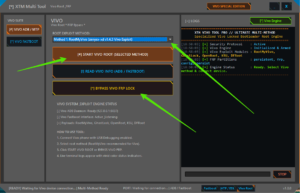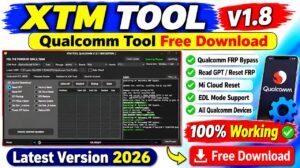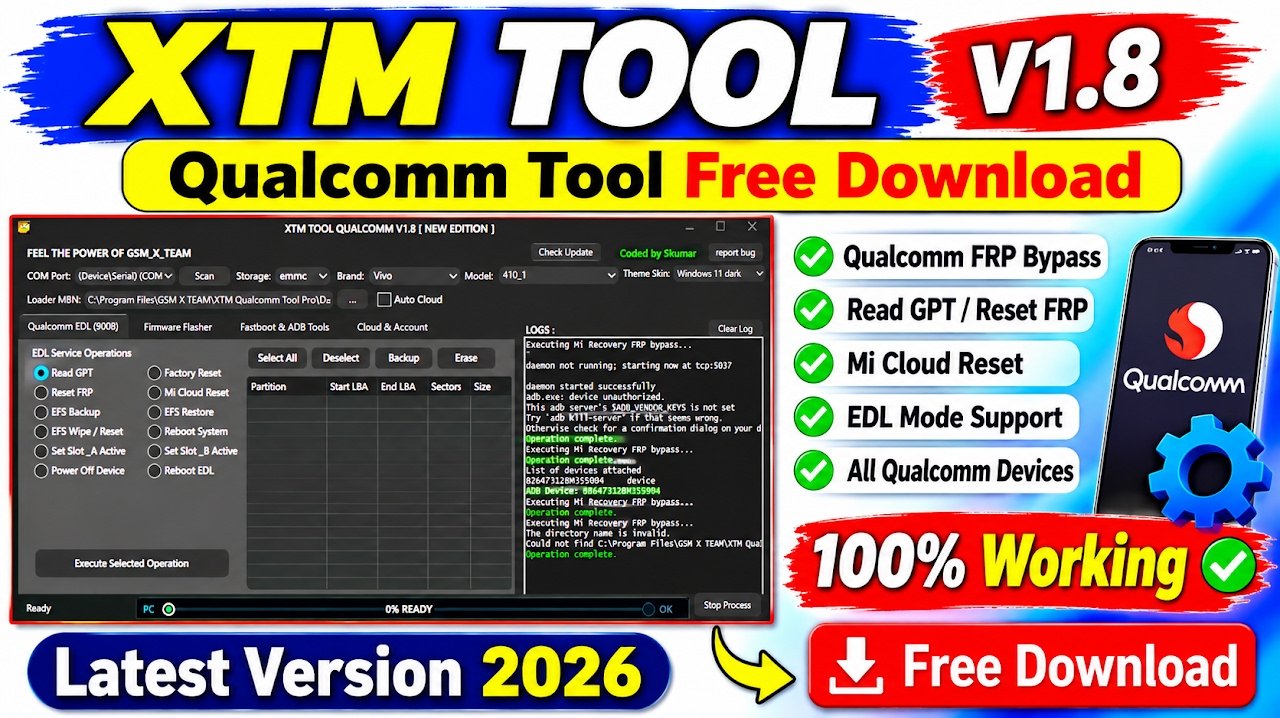
XTM Tool Qualcomm v1.8
XTM Tool Qualcomm v1.8 is a software utility featured for technicians and mobile repair professionals working with Qualcomm-powered Android devices. Qualcomm-based smartphones are widely used across different mobile brands, and servicing them can require dedicated software, compatible USB drivers, and technical knowledge.
The XTM Tool Qualcomm v1.8 download topic is useful for technicians looking for information about this utility, its supported operations, installation requirements, and compatibility.
Before using any mobile servicing application, always check the official release information and confirm that the software supports your device.
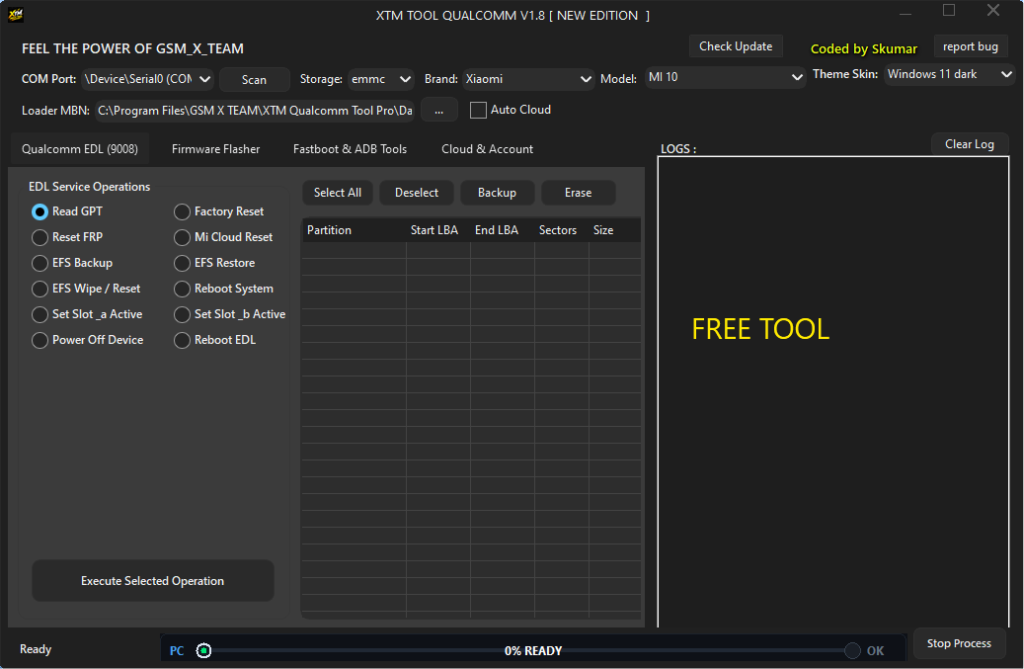
What Is XTM Tool Qualcomm v1.8?
XTM Tool Qualcomm v1.8 is presented as a Qualcomm-related mobile servicing utility. Qualcomm tools generally support specific device communication and servicing workflows through compatible interfaces and drivers.
The exact features of XTM Tool v1.8 should be confirmed through its developer’s release notes. Users should not assume that every Qualcomm chipset or smartphone model is supported.
Why Use XTM Tool Qualcomm v1.8?
Mobile technicians often need dedicated software to communicate with Android devices during maintenance and troubleshooting.
A suitable Qualcomm servicing utility can help technicians work with supported devices and perform authorized diagnostic or maintenance procedures.
Before selecting XTM Tool Qualcomm v1.8, check its supported device list, available functions, and developer documentation.
Requirements Before Installation
- A Windows computer compatible with the software.
- A stable USB connection.
- Compatible Qualcomm USB drivers, if required.
- Sufficient free disk space.
- A trusted and verified installation package.
- Administrator permission when required.
How to Download XTM Tool Qualcomm v1.8
- Visit the download article linked below.
- Read the available release information.
- Check the version number and compatibility details.
- Review the file information before downloading.
- Download the package only from a trusted source.
- Scan the downloaded file with updated security software.
- Follow the developer’s installation instructions.
How to Install XTM Tool Qualcomm v1.8
- Locate the downloaded archive or setup file.
- Scan the package for potential security threats.
- Extract the archive if necessary.
- Install any required drivers from trusted sources.
Frequently Asked Questions (FAQs)
Q1. What is XTM Tool Qualcomm v1.8?
XTM Tool Qualcomm v1.8 is presented as a Qualcomm-related mobile servicing utility for technicians and Android repair enthusiasts.
Q2. Is XTM Tool Qualcomm v1.8 free?
Its pricing and licensing information should be checked on the official developer’s release page.
Q3. Which Windows version supports XTM Tool Qualcomm v1.8?
Check the release documentation for the supported Windows versions and system requirements.
Q4. Does XTM Tool Qualcomm v1.8 support all Qualcomm devices?
No universal compatibility should be assumed. Device support depends on the chipset, model, and software release.
Q5. Are Qualcomm USB drivers required?
Compatible USB drivers may be required for proper communication between the computer and the connected smartphone.
Download XTM Tool Qualcomm v1.8 Latest Version
If you want to learn more about XTM Tool Qualcomm v1.8, visit the original article below and check the available download information.
Software Name: XTM Tool Qualcomm
Version: v1.8
Category: Qualcomm Mobile Servicing Utility
Platform: Windows (verify compatibility)
Download Information: Visit the linked article.
Download
Conclusion
XTM Tool Qualcomm v1.8 is a topic of interest for mobile technicians who work with Qualcomm-powered Android smartphones. Before downloading or installing the software, verify its actual features, supported devices, system requirements, and developer information.