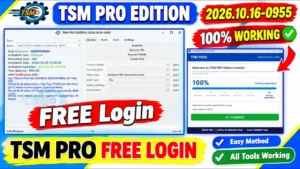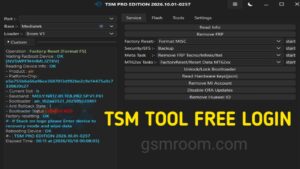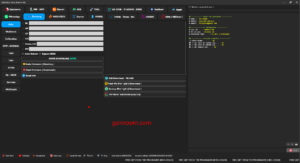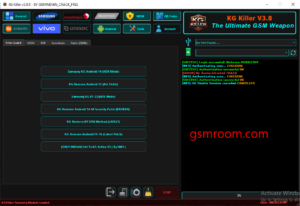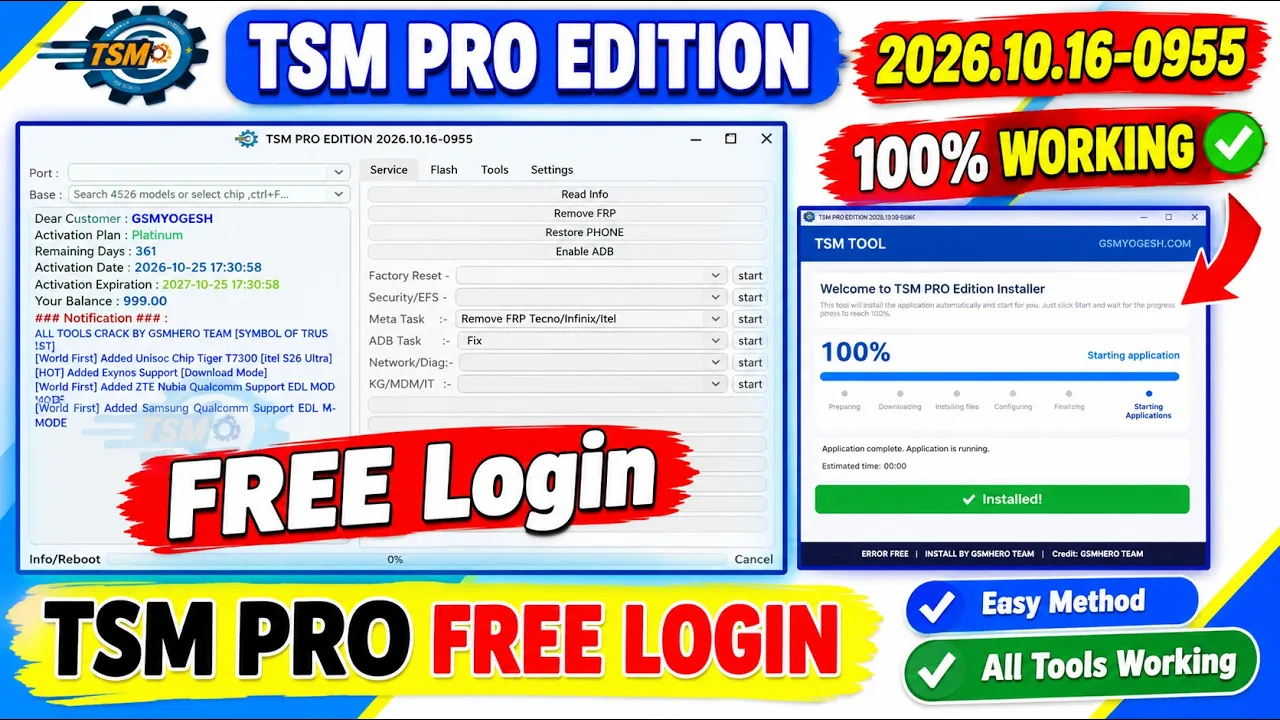
TSM PRO Tool is a mobile servicing utility designed for technicians who work with supported Android PHONE. The software provides various device maintenance, firmware, and troubleshooting functions through a Windows computer.
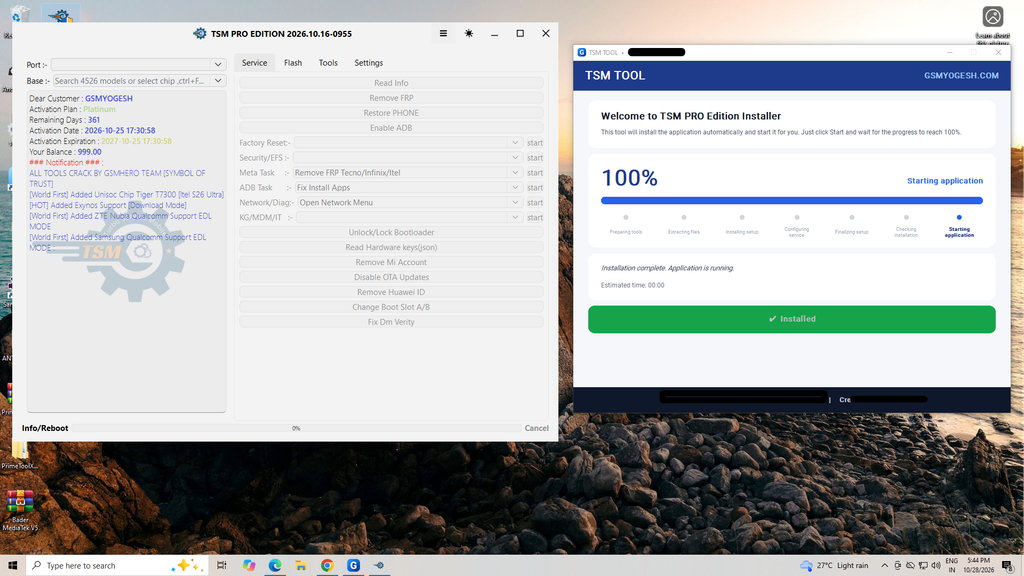
Flashing Support
TSM PRO includes firmware-related functions for selected devices. Supported operations depend on the smartphone model, chipset, firmware version, and connection mode.
TSM PRO Tool Features
- Read Device Information
- Remove FRP
- Factory Reset
- Enable ADB
- Samsung EDL Operations
- ZTE Unisoc ADL Mode
- Read/Write Firmware and Dump for supported Samsung models
- ADB Tasks
- Security/EFS Operations
- Meta Tasks
- Network and Diagnostic Tasks
- KG/MDM/IT Operations
- Unlock/Lock Bootloader
- Read Hardware Keys (JSON)
- Remove Mi Account
- Disable OTA Updates
- Remove Huawei ID
- Change Boot Slot A/B
- Fix DM Verity
- Motorola Fastboot Flasher
- Xiaomi Fastboot Flasher
- MediaTek firmware flashing
- Auto device detection
- Brand and model selection
- Download Agent (DA) file support
- AUTH file support
- Preloader file support
- SLA/DAA Bypass Mode
- Crash Preloader
- Patch DA
- Download Only mode
- Flash mode
- Unlock Bootloader
- Relock Bootloader
- Bypass SLA/DAA and SBC
- Bypass FRP
- Format Device
- Read Partition Tables
- Read Partition
- Erase Partition
- Read Raw Firmware
- Write Raw Firmware
- Read GPT
- Write GPT
- Read Preloader
- Write Preloader
- Read RPMB
- Write RPMB
- Erase RPMB
- Read Keys
- Read NVItems
- Write NVItems
- Erase NVItems
- Write OemInfo
- Xiaomi Chip Bootloader / LK Patcher
- Partitions List
- Patch Image
- Export Config
- Verify File
- Samsung device brand selection
- Motorola device brand selection
- Infinix device brand selection
- Honor device brand selection
- Vivo device brand selection
- Redmi device brand selection
- TCL device brand selection
📱 Supported Brands
- Supports many Android brands including:
- Samsung
- Xiaomi
- Redmi
- Poco
- Vivo
- Oppo
- Realme
- Tecno
- Infinix
- Itel
- Huawei
- Nokia
- Motorola
Supported Chipsets
- Qualcomm
- MediaTek
- Unisoc
- Huawei Kirin
- EDL Mode
- Fastboot Mode
- ADB Mode
Qualcomm Flashing Features
- Read GPT
- Read Data
- Flash Firmware
- Reboot Device
- Read Partition
- Write Partition
- Erase Partition
- Select Sector Size
- LUN Selection
- Begin Address Selection
- End Address Selection
- Load Firehose File
- Load Patch File
- Load Firmware File
- Backup GPT
- Reset FRP
- Factory Reset
- Mi Account Reset
- EFS Backup
- EFS Restore
Qualcomm Network Repair Features
- Write IMEI
- QCN Read
- QCN Write
- Critical Read
- Critical Write
- Diag Enable
- Diag Enable Xiaomi
- Diag Enable Root
MediaTek Flashing Features
- Read GPT
- Read Data
- Flash Firmware
- Reboot Device
- Read Partition
- Write Partition
- Erase Partition
- Scatter File Support
- Preloader Selection
- Download Agent Support
- Read RPMB
- Write RPMB
- Erase RPMB
- Backup RPMB
- Restore RPMB
- Factory Reset
- Safe Format
- Meta Mode Support
- Payload Parser
- Open Browser
- Reset FRP
- Reset Userdata and FRP
- Reset Lock
- Reset Mi Account
- Relock Bootloader
- Unlock Bootloader
- Erase FRP
- Security Repair
- Fix DM Verify
- Patch IMEI
- Erase Data
- Reset Backup
TSM PRO Tool
TSM PRO Tool V2026.10.16-0955 is a mobile servicing utility with updates for selected devices, Samsung EDL operations, Unisoc ADL mode, and Fastboot flashing functions. Before downloading, verify the version, review the supported-device list, and follow the official installation instructions for a safer experience.