What Is KS Tool V5.0?
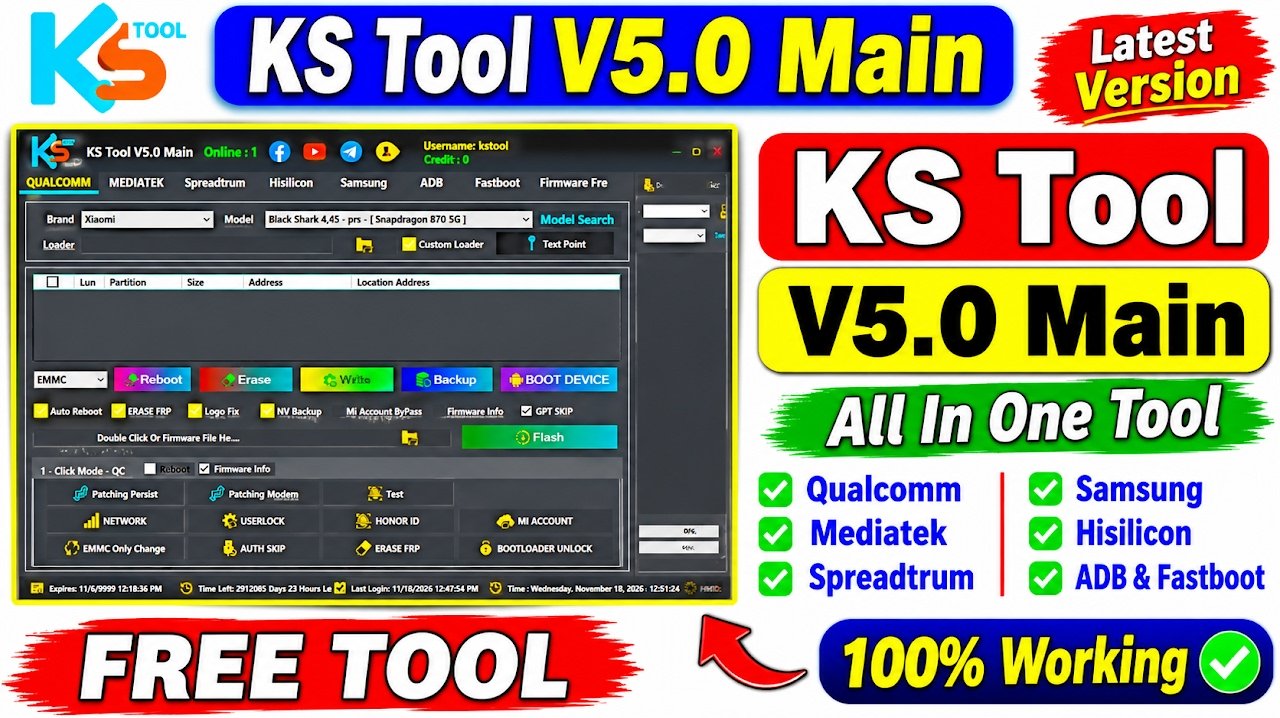
Are you looking for KS Tool V5.0 Latest Version for your Windows PC? KS Tool V5.0 is a mobile servicing tool that may be useful for technicians working with supported Android smartphones.
In this article, we will discuss KS Tool V5.0, its features, system requirements, download information, and installation process.
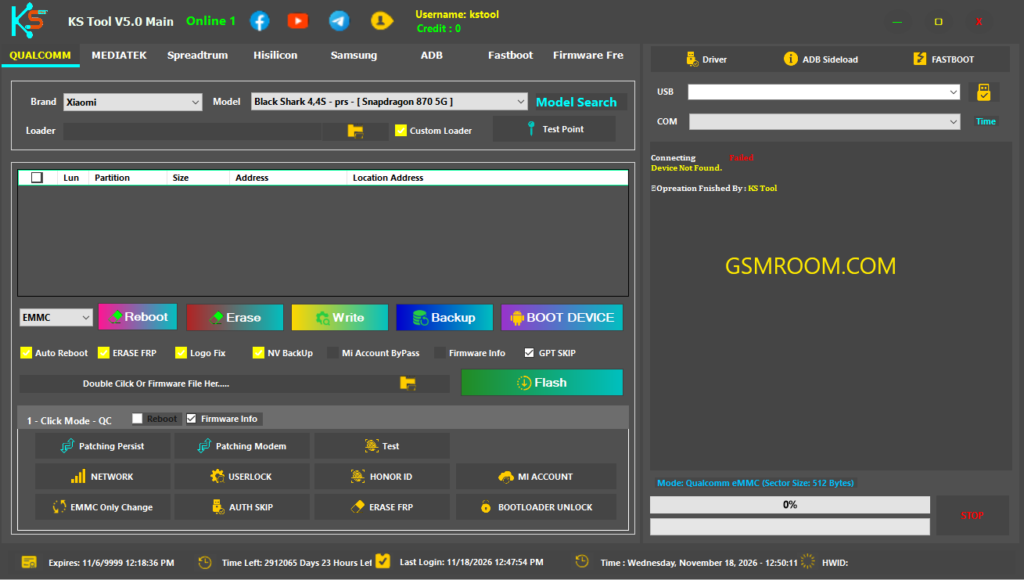
KS Tool V5.0 Features
- Simple and user-friendly interface.
- Android device detection.
- USB connection support.
- Device information reading.
- Supported software servicing operations.
- Mobile troubleshooting features.
- Windows PC compatibility.
- Easy installation process.
KS Tool V5.0 Tool Details
| Information | Details |
|---|---|
| Tool Name | KS Tool |
| Version | V5.0 |
| Platform | Windows PC |
| Category | Mobile Servicing Tool |
| Device Support | Verify supported models |
| Connection | USB |
| File Type | Verify official package |
| Price | Verify with developer |
How to Download KS Tool V5.0 Latest Version
- Visit the official developer website or trusted distributor.
- Search for KS Tool V5.0 Latest Version.
- Check the release information and compatibility.
- Download the installation package.
- Scan the downloaded file with antivirus software.
- Extract the ZIP or RAR file if necessary.
- Follow the developer’s installation instructions.
How to Install KS Tool V5.0 on Windows
- Download the KS Tool V5.0 package.
- Extract the downloaded archive if required.
- Open the extracted folder.
- Read the included instructions.
- Install the required USB drivers from trusted sources.
- Run the application according to the developer’s instructions.
- Check whether the device is detected correctly.
KS Tool V5.0 System Requirements
- Operating System: Windows
- RAM: 4 GB or higher recommended.
- Storage: Sufficient free disk space.
- USB Port: Required.
- USB Drivers: Compatible drivers may be required.
- Internet Connection: May be required for online functions.
Important Information Before Using KS Tool V5.0
Before installing the software, remember these points:
- Always download from a trusted source.
- Check compatibility with your Windows version.
- Scan installation files for malware.
- Avoid unknown activation patches and modified files.
- Back up important mobile data before servicing.
- Use the software only on devices you own or are authorized to repair.
Is KS Tool V5.0 100% Tested?
The title may advertise KS Tool V5.0 as 100% tested, but actual performance depends on the device model, Android version, USB drivers, and software compatibility.
We recommend testing the application on compatible devices before making any performance guarantees.
Conclusion
KS Tool V5.0 is a mobile servicing utility that users may be interested in exploring for Android device maintenance and troubleshooting.
Before downloading, verify the official software source, supported devices, and available features. Always use trusted installation files.
Keep visiting our website for more mobile tools, Android software, USB drivers, and mobile servicing tutorials.
Password: gsmyogesh
Login Username: kstool
Login Password: v5