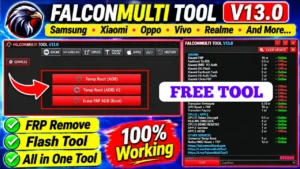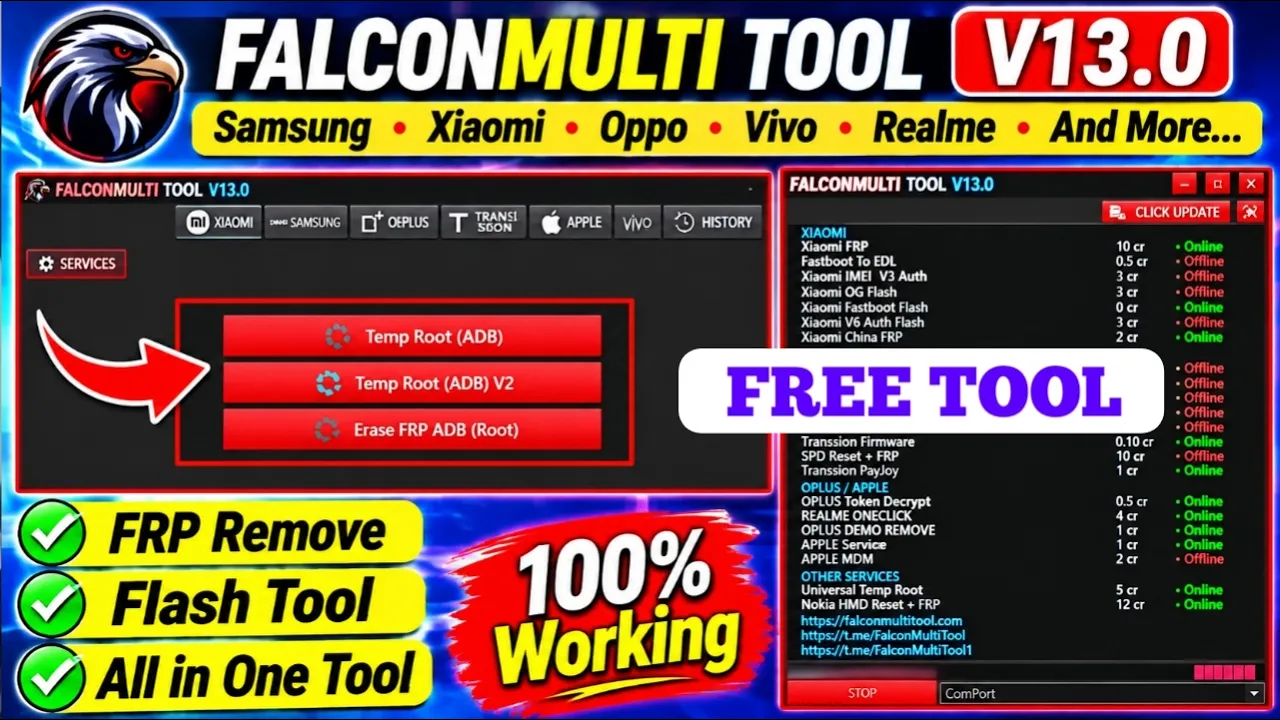
Are you looking for a multi-brand mobile servicing tool for your Windows computer? FalconMultiTool V13.0 is a mobile servicing application designed to bring several smartphone maintenance and software-related operations into one interface.
This release covers multiple popular mobile brands, including Xiaomi, Samsung, Oppo, Realme, OnePlus, Tecno, Infinix, Itel, Apple, Nokia HMD, and Vivo.
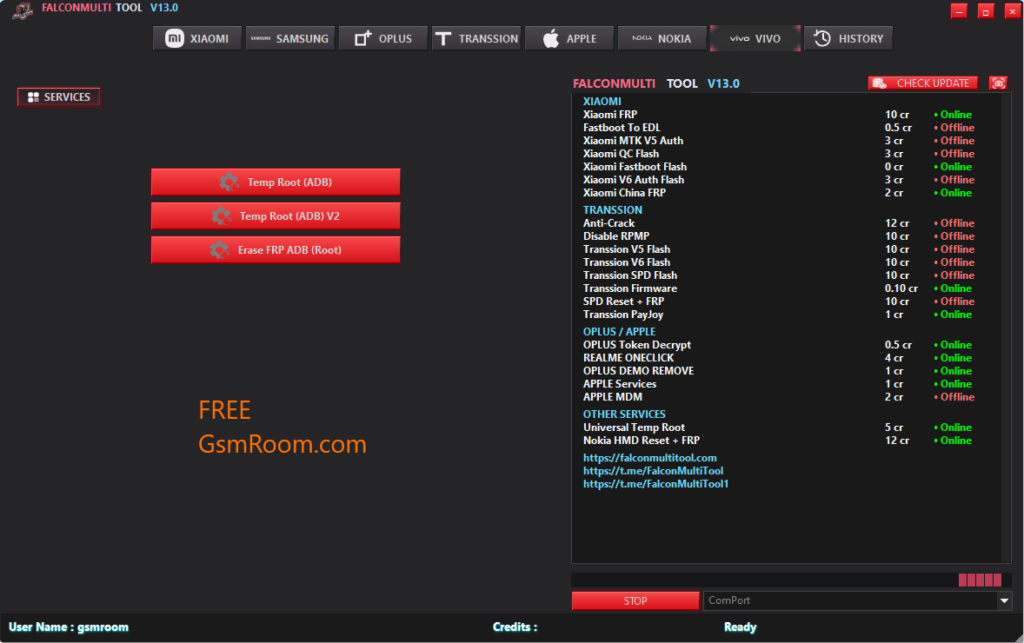
FalconMultiTool V13.0 also introduces dedicated Vivo and Nokia HMD sections, along with additional bug fixes. In this article, you can explore its features, supported brands, installation information, and important precautions before downloading.
What Is FalconMultiTool V13.0?
FalconMultiTool is a Windows-based mobile servicing utility designed for technicians and experienced Android repair users.
It combines different servicing categories, including firmware flashing, device information reading, ADB operations, Fastboot services, partition management, and other device-specific functions.
The available options depend on the smartphone brand, chipset, model, and software version.
Key Features of FalconMultiTool V13.0
1. Xiaomi Features
- MTK Firmware Flashing
- Qualcomm Flashing
- Fastboot Read Information
- Fastboot Flash
- Fastboot to EDL
- Mi Assistant Services
- Xiaomi Device Information
- Supported FRP Services
2. Samsung Features
- Samsung Device Servicing
- FRP Reset Option
3. Oppo, Realme and OnePlus Features
- Oplus Token Decrypt
- Custom Signature
- Factory Reset Options
- Partition Manager
- Read and Write Partitions
- Erase Partition
- IMEI Information Query
- ADB Services
- Temporary Root Options
4. Tecno, Infinix and Itel Features
- FDL Services
- META Mode
- Read Device Information
- Factory Reset
- Firmware Flashing
- Firmware Upgrade
- Partition Operations
- Anti-Crack Options
- RPMB Services
5. Apple Features
- ECID Information
- Device Information
- Ramdisk Options
- Passcode-Related Services
- Reboot Options
- MDM-Related Functions
6. Nokia HMD Features
Nokia HMD
- Read Device Information
- Factory Reset Options
- Supported FRP Services
- Reboot to Bootloader
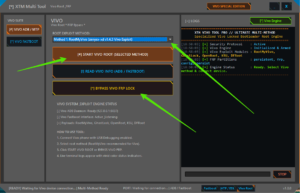
7. Vivo Features
- Temporary Root ADB
- Temporary Root ADB V2
- Supported ADB Services
- Root-Based FRP Servicing
What’s New in FalconMultiTool V13.0?
- New Vivo tab added.
- New Nokia HMD tab added.
- Additional bug fixes.
- Improved multi-brand servicing organization.
- Additional device servicing options.
System Requirements
- Windows computer.
- Stable USB connection.
- Compatible USB data cable.
- Required mobile USB drivers.
- Sufficient free disk space.
- Administrator permissions.
- Compatible device and firmware files.
How to Download and Install FalconMultiTool V13.0
Follow these general installation steps:
Step 1: Find a trusted source offering the FalconMultiTool V13.0 package.
Step 2: Download the installation archive to your Windows computer.
Step 3: Scan the downloaded archive using updated security software.
Step 4: Extract the archive using a compatible extraction program.
Step 5: Read any included installation instructions before launching the application.
Step 6: Install the required USB drivers for your device.
Step 7: Open the application and check whether the interface loads correctly.
Step 8: Connect a compatible device and use only the servicing options supported by that model.
Advantages of FalconMultiTool V13.0
- Multiple mobile brands in one interface.
- Dedicated sections for different manufacturers.
- Xiaomi MTK and Qualcomm options.
- Oplus partition management.
- Transsion servicing features.
- New Vivo and Nokia HMD sections.
- Various ADB and Fastboot utilities.
FalconMultiTool V13.0 is a multi-brand mobile servicing utility with several features for smartphone technicians. Its Xiaomi, Samsung, Oplus, Transsion, Apple, Nokia HMD, and Vivo sections provide different device-related operations through one Windows interface.
The addition of Vivo and Nokia HMD sections makes this release worth exploring. Before installing, always verify the download source, check compatibility, and back up important device information.
If you work with multiple smartphone brands, FalconMultiTool V13.0 may be a useful addition to your mobile servicing software collection.
Password:- gsmyogesh.com