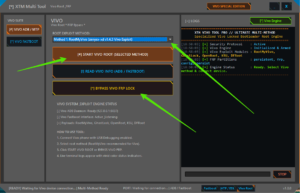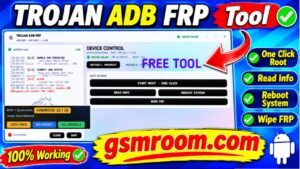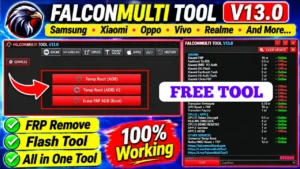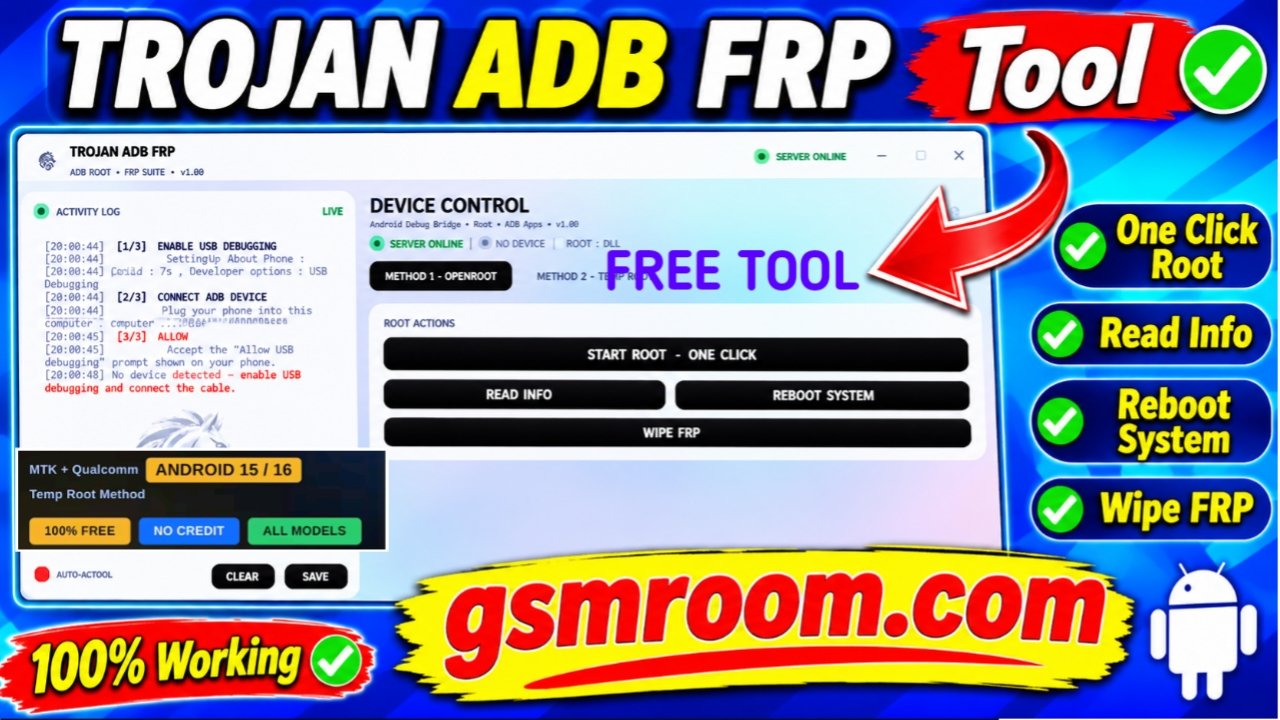
Hello friends! Today we are sharing information about the ADB FRP Temp Root Tool, designed for Android devices running Android 14, Android 15, and Android 16.
ADB (Android Debug Bridge) is a useful utility that allows a Windows computer to communicate with Android smartphones and tablets. It is widely used by mobile technicians and developers for device diagnostics, debugging, software testing, and authorized servicing.
Some third-party tools also advertise temporary root functionality for selected Android devices. However, temporary root is device-specific and is not guaranteed on every Android version or smartphone.
In this article, we will explain its features, compatibility, installation process, and download options.
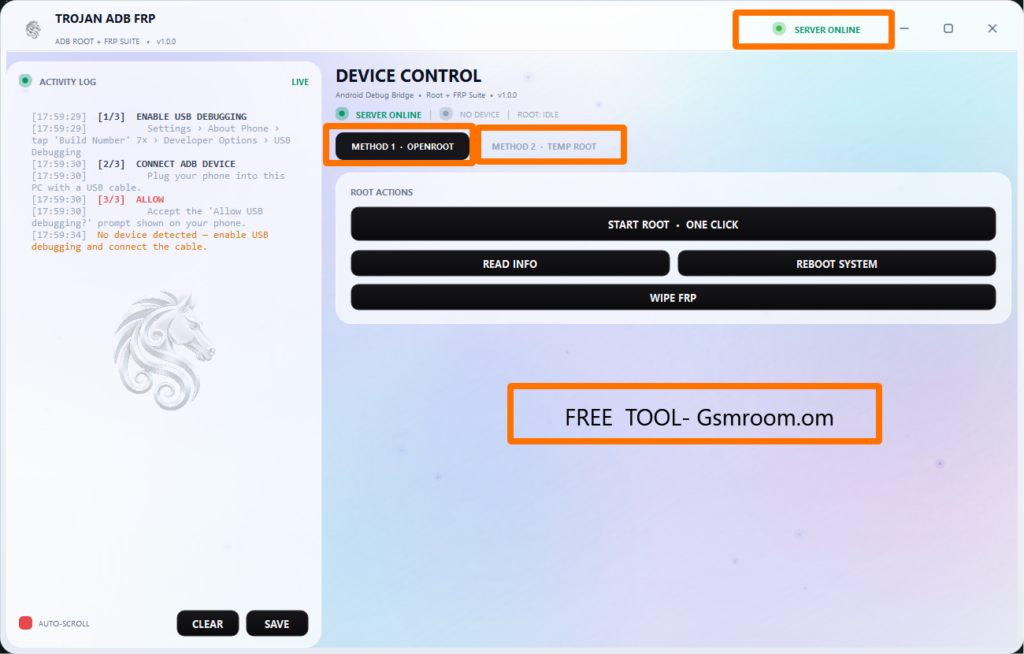
ADB FRP Temp Root Tool Features
- ADB device detection.
- Fastboot communication.
- Android device information reading.
- USB debugging support.
- Device diagnostics and log reading.
- Application management.
- Temporary root support on compatible devices.
- Android 14, 15 and 16 compatibility checks.
- Windows PC support.
- USB driver support.
Android Version Compatibility
| Android Version | ADB Support | Temp Root Support |
|---|---|---|
| Android 14 | Yes | Device dependent |
| Android 15 | Yes | Device dependent |
| Android 16 | Yes | Device dependent |
Software Information
| Details | Information |
|---|---|
| Tool Name | ADB FRP Temp Root Tool |
| Android Support | Android 14 / 15 / 16 |
| Platform | Windows PC |
| Connection | USB / ADB / Fastboot |
| Main Features | Device Diagnostics & Temp Root |
| Category | Android Servicing Tool |
| License | Depends on selected tool |
| Root Support | Selected compatible devices |
How to Install ADB Tools on Windows
- Download Android SDK Platform Tools.
- Extract the ZIP file on your PC.
- Open the Platform Tools folder.
- Connect your authorized Android device.
- Enable USB Debugging from Developer Options.
- Approve the USB debugging authorization.
- Open Command Prompt inside the Platform Tools folder.
- Enter the following command:
Frequently Asked Questions (FAQ)
Q1. What is ADB FRP Temp Root Tool?
It is a term used for Android servicing utilities that combine ADB communication with device-specific temporary-root functionality.
Q2. Does it support Android 14, 15 and 16?
ADB supports communication with these Android versions. Temporary root depends on individual device compatibility.
Q3. Is temporary root available for every Android phone?
No. It depends on the device model, chipset, kernel and security patch.
Q4. Is ADB Platform Tools free?
Yes. Google’s official ADB and Fastboot Platform Tools are free.
Q5. Can ADB remove FRP from all Android devices?
No. ADB is not a universal FRP removal solution.
ADB FRP Temp Root Tool is a popular search term among mobile technicians looking for Android servicing utilities. ADB provides useful device communication and diagnostic functions, while temporary root is available only on specifically supported devices.
Before downloading any third-party software, verify its authenticity, check compatibility and scan the files for security risks.
Thanks for visiting MOBILE TODAY FRP. Keep visiting for more Android tools, mobile software updates and tutorials!
Password:- 123