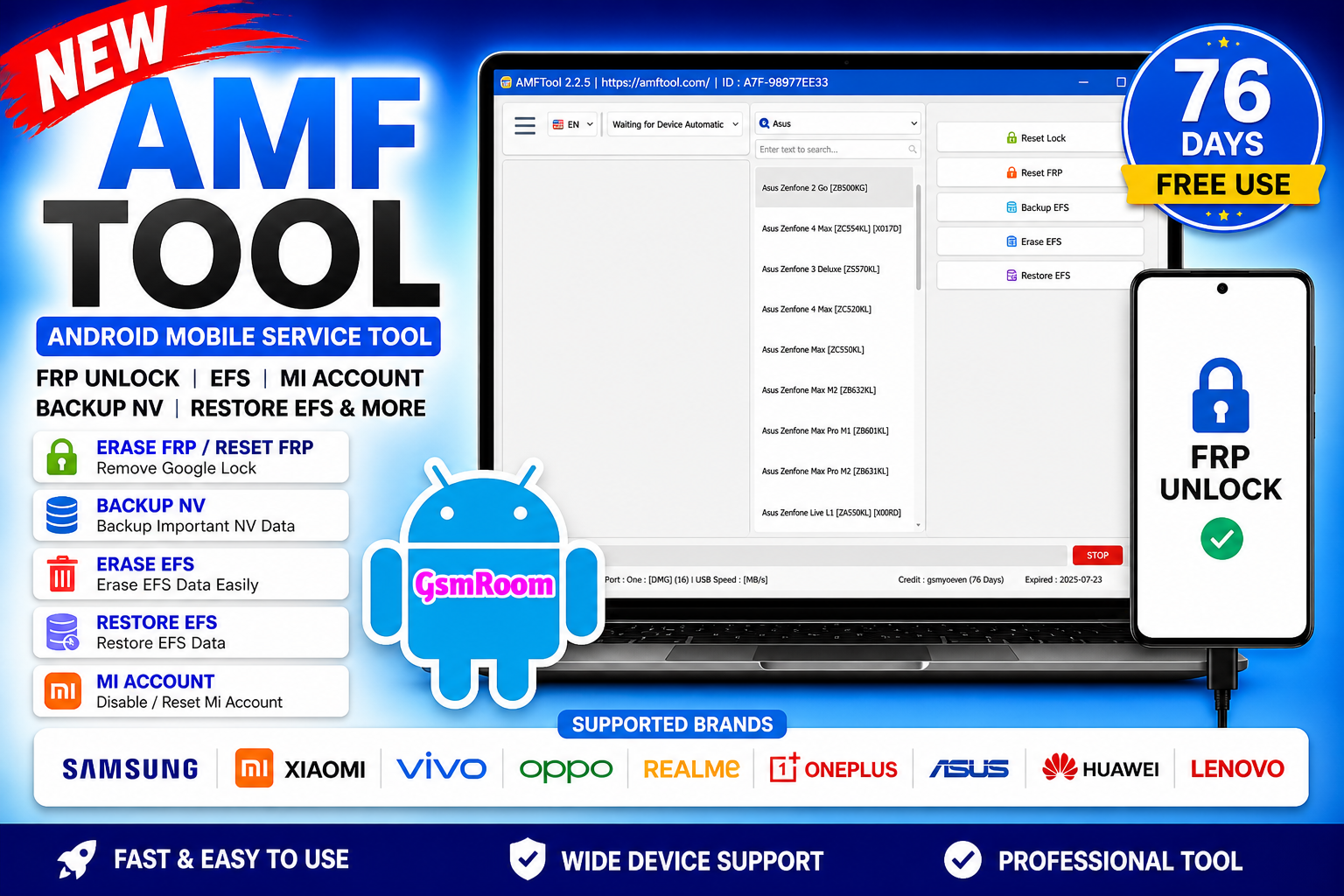
AMF Tool v1.2.5 is a powerful Android servicing software used for FRP bypass, EFS repair, Mi account reset, and device maintenance. It is popular among technicians due to its clean interface and advanced repair features.
📌 What Is AMF Tool 1.2.5?
AMF Tool is a Windows-based GSM utility designed to help users perform Android unlocking and repair operations easily. It supports multiple brands and offers important functions like FRP reset, EFS backup/restore, and account removal.
⭐ Key Features
🔓 FRP Unlock (Google Lock)
- Erase / Reset FRP lock
- One-click FRP unlock
- Works on many Android devices
📂 EFS Management
- Backup EFS / NV data
- Restore EFS partitions
- Fix network-related issues
🔐 Mi Account Reset
- Disable or reset Mi Account
- Works on supported Xiaomi devices
🔧 Repair & Utility Options
- Factory reset device
- Read device information
- Enable ADB functions
- Basic repair tools
⚡ Multi-Brand Support
Supported brands include:
- Samsung
- Xiaomi
- Vivo
- Oppo
- Realme
- Asus
- Lenovo
Chipset support:
- MediaTek (MTK)
- Qualcomm
- Unisoc (SPD)
Main Feature Categories
- Home / General Tools
- Install Qualcomm Driver
- Install Android Driver
- Open Device Manager
- Repair USB 3.0
Qualcomm Module Functions
- Read Partition Table
- Read Partition
- Erase Partition
- Write Partition
- Reboot To
- Set Boot Partition
- Factory Reset
- Repair GPT
- Remove FRP
- Erase GPT
- View UFS Storage Detail
- Remove Alarm ID
- Backup Security Partition
- Generate OCDT
- Retrieve Software Information
- Retrieve Factory IMEI
- Reboot Device After Flashing
- Hot Plug Support
- Skip User Data
- Skip Security Partition
MediaTek Module Functions
- Read Partition Table
- Read Partition
- Erase Partition
- Write Firmware
- Skip Sending DA
- Generate Scatter File
- Set GPT A
Android Flash Module
- Read Partition Table
- Erase Partition
- Write Firmware
- Flash Recovery Package (Xiaomi)
- Open Command Prompt
- Fastboot Flash Support
- Skip User Data
- Skip Security Partition
🆕 What’s New in Version 1.2.5
- Improved FRP unlock success rate
- Better EFS backup & restore stability
- Added support for more Android devices
- Faster performance and bug fixes
⚙️ How to Use (Basic Steps)
- Install USB drivers (ADB / Qualcomm / MTK).
- Open AMF Tool as Administrator.
- Connect your device via USB.
- Select the function (FRP, EFS, Mi Account).
📌 Summary
AMF Tool v1.2.5 (2026) is a reliable Android servicing tool offering FRP unlock, EFS repair, Mi account reset, and basic repair functions. It is a good choice for technicians who need a simple and effective multi-function tool.
Username 👉 gsmyogesh
password 👉 12345678







