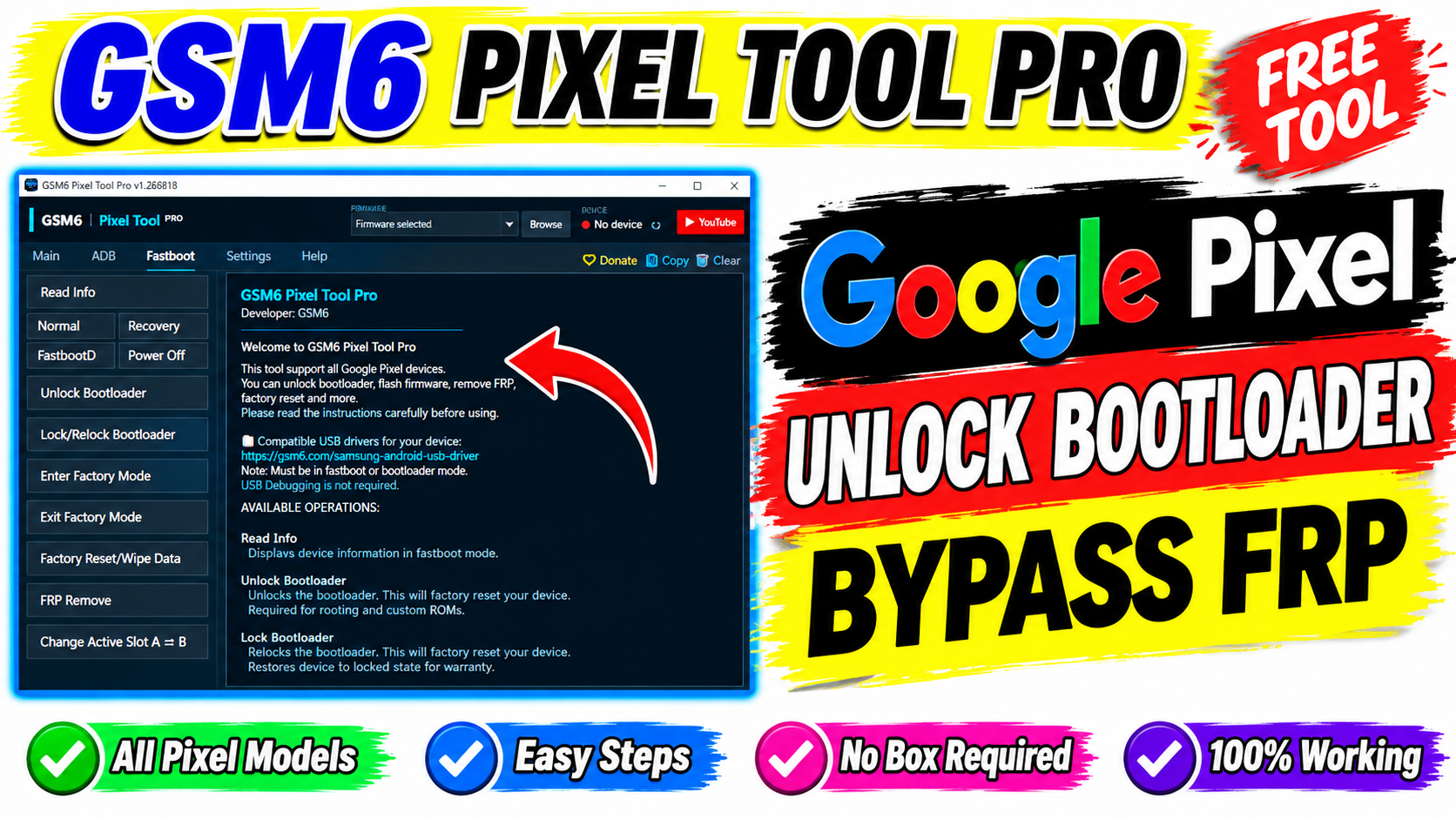
GSM6 Pixel Tool Pro is a Windows-based utility designed for servicing and maintaining supported Google Pixel smartphones. The tool brings together ADB and Fastboot operations, device information, firmware-related functions, reboot controls, and additional technician-oriented features in a single interface.
A third-party listing currently identifies GSM6 Pixel Tool Pro v1.260716 as a free Windows utility developed by GSM6 Team. Reported functions include firmware flashing, ADB operations, Fastboot controls, partition backup and restore, and additional Tensor/Qualcomm technician functions. Because these capabilities can vary by Pixel model, Android version, and software release, users should verify compatibility before performing advanced operations.
What Is GSM6 Pixel Tool Pro?
GSM6 Pixel Tool Pro is a Google Pixel servicing application intended for repair technicians and experienced Android users.
Instead of manually entering every ADB or Fastboot command, a graphical tool can place commonly used operations into buttons and menus. This can be useful when diagnosing a device, checking its software state, rebooting between service modes, or performing authorized maintenance.
A separate third-party report describes the software as a lightweight Windows application with ADB, Fastboot, diagnostics, and Pixel maintenance functions.
GSM6 Pixel Tool Pro Features
The reported feature set is relatively broad for a Pixel-focused utility.
1. Device Information
The tool may provide information about a connected Pixel device, including items such as:
Device model
Android version
Build information
Product name
Security information
Bootloader status
Device identification information
Having this information available before performing repairs can help technicians confirm that they are working with the correct device and software.
2. ADB Functions
The ADB section is designed for devices that can communicate with a computer through Android Debug Bridge.
3. Fastboot Functions
Fastboot is particularly important when servicing Pixel smartphones.
Reported GSM6 Pixel Tool Pro Fastboot functions include:
Read Fastboot information
Reboot
Reboot to recovery
Reboot to FastbootD
Power off
Bootloader-related operations
Factory reset
Factory mode controls
Active slot switching
4. Firmware-Related Operations
Current third-party descriptions also report firmware flashing and custom flashing functions.
Firmware operations are highly device-dependent. A Pixel firmware package must match the device and intended repair procedure. Using an incorrect package or interrupting a flash can cause serious software problems.
Always maintain a backup when possible and use firmware intended for the exact Pixel model.
5. ADB Sideload
The reported feature list includes ADB sideload functionality.
ADB sideload can be useful for installing compatible update packages from a computer when a device is operating in an appropriate recovery environment.
The package must be compatible with the device and recovery environment.
How to Connect a Google Pixel
ADB Mode
For ADB operations:
Boot the device normally.
Enable Developer Options where appropriate.
Enable USB debugging.
Connect the phone to the computer.
Accept the USB debugging authorization prompt.
Check whether the tool detects the device.
Fastboot Mode
For Fastboot operations:
Power off or reboot the Pixel into the appropriate bootloader mode.
Connect the USB cable.
Open GSM6 Pixel Tool Pro.
Select the Fastboot section.
Confirm that the displayed device information matches the phone.
What is GSM6 Pixel Tool Pro?
GSM6 Pixel Tool Pro is a Windows-based utility focused on servicing supported Google Pixel smartphones. Reported features include ADB, Fastboot, firmware-related operations, and additional technician functions.
GSM6 Pixel Tool Pro is a Pixel-focused Windows servicing utility that brings ADB, Fastboot, device information, firmware-related operations, and reported technician functions into one application.







