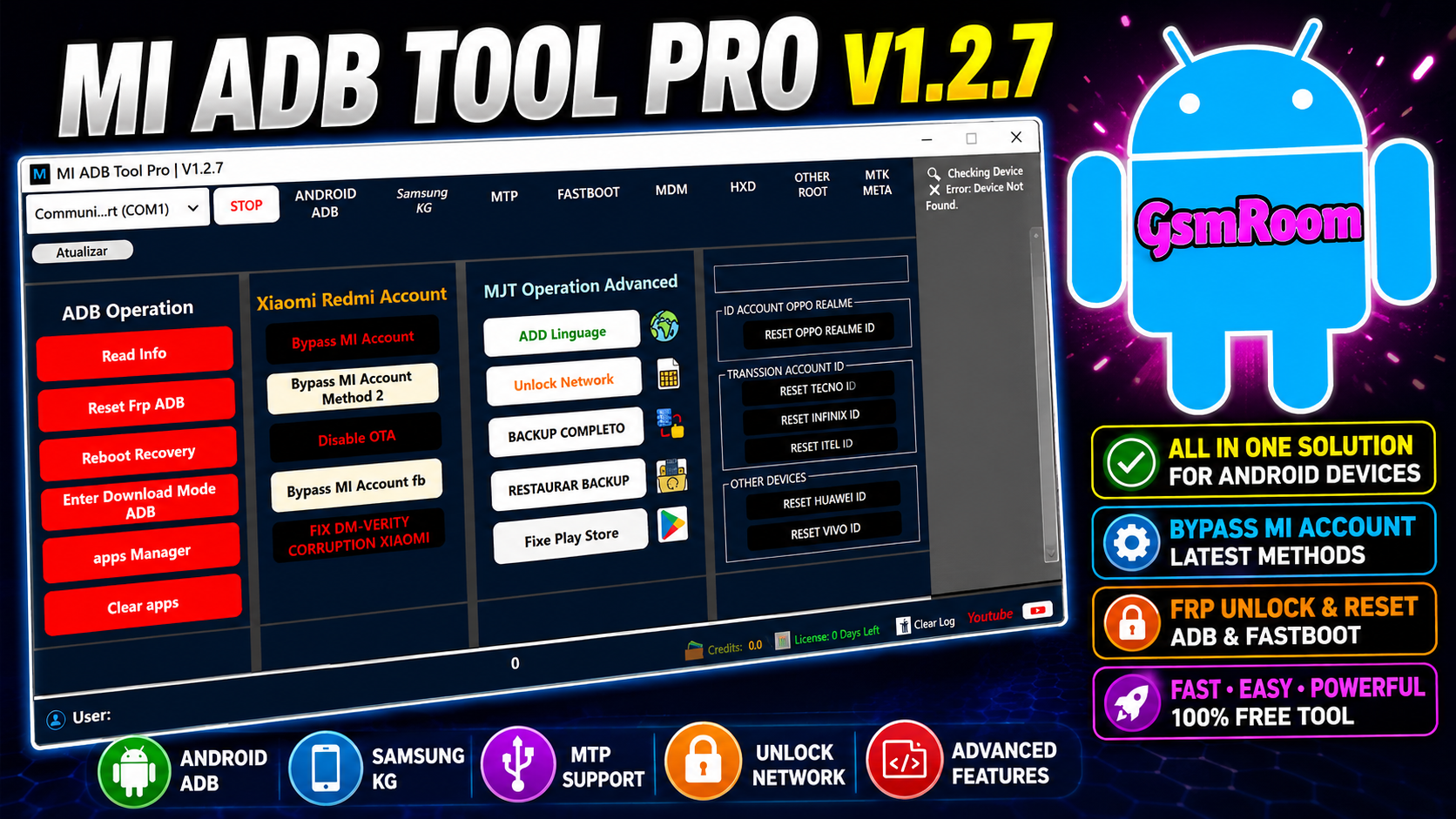
MJT ADB Tool Pro v1.2.7 is a Windows-based Android device management utility designed for technicians, developers, and advanced Android users. The software provides a collection of ADB (Android Debug Bridge) utilities, Fastboot functions, device diagnostics, and application management tools for supported Android smartphones and tablets.
The latest version focuses on improved performance, enhanced device detection, and a more user-friendly interface for everyday Android maintenance. Android’s official Platform-Tools continue to provide the underlying ADB and Fastboot components used by many Android management utilities.
What is MJT ADB Tool Pro?
MJT ADB Tool Pro is a desktop application that simplifies Android device management by combining commonly used ADB and Fastboot operations into a single graphical interface. Instead of entering command-line instructions manually, users can perform supported tasks with just a few clicks.
The software is suitable for:
- Mobile Repair Technicians
- Android Developers
- Advanced Android Users
- Software Testing Professionals
Key Features of MJT ADB Tool Pro v1.2.7
1. Device Information Reader
- Android Version
- Build Number
- Manufacturer
- Product Name
- Security Patch Level
- Device Serial Number
2. ADB Utilities
- Detect Connected Devices
- Read Device Information
- Reboot Device
- Reboot to Recovery
- Reboot to Bootloader
- Install APK Files
- Uninstall Applications
- View System Logs
3. Fastboot Tools
The Fastboot module offers:
- Fastboot Device Detection
- Bootloader Information
- Device Diagnostics
- Partition Information
- Fastboot Reboot
4. APK Management
- Install APK packages
- Remove installed applications
- View installed packages
- Manage user applications
5. Modern User Interface
Version 1.2.7 includes:
- Lightweight application
- Clean dashboard
- Faster startup
- One-click navigation
- Improved workflow
What’s New in Version 1.2.7?
Recent improvements include:
- Better software stability
- Faster device recognition
- Enhanced ADB communication
- Performance optimizations
- User interface improvements
- General bug fixes
Supported Operating Systems
The software is compatible with:
- Windows 10
- Windows 11
Advantages of MJT ADB Tool Pro
- Lightweight Windows application
- Simple and intuitive interface
- Fast ADB communication
- Built-in Fastboot utilities
- Reliable device detection
- Suitable for developers and technicians
- Regular performance improvements
Common Uses
MJT ADB Tool Pro is commonly used for:
- Device diagnostics
- Device information reading
- APK installation and management
- ADB operations
- Fastboot operations
- Android software maintenance
- Development and testing
Troubleshooting Tips
If your device is not detected:
- Install the latest Android USB drivers.
- Enable USB Debugging in Developer Options.
- Use a high-quality USB cable.
- Connect directly to a USB port on your computer.
- Ensure the latest Android Platform-Tools are installed.
MJT ADB Tool Pro v1.2.7 is a practical Android device management utility that combines ADB tools, Fastboot features, diagnostics, and application management into a single Windows application. With a clean interface, dependable device detection, and support for standard Android maintenance tasks, it is a useful solution for technicians, developers, and advanced Android users.
Password – gsmyogesh







