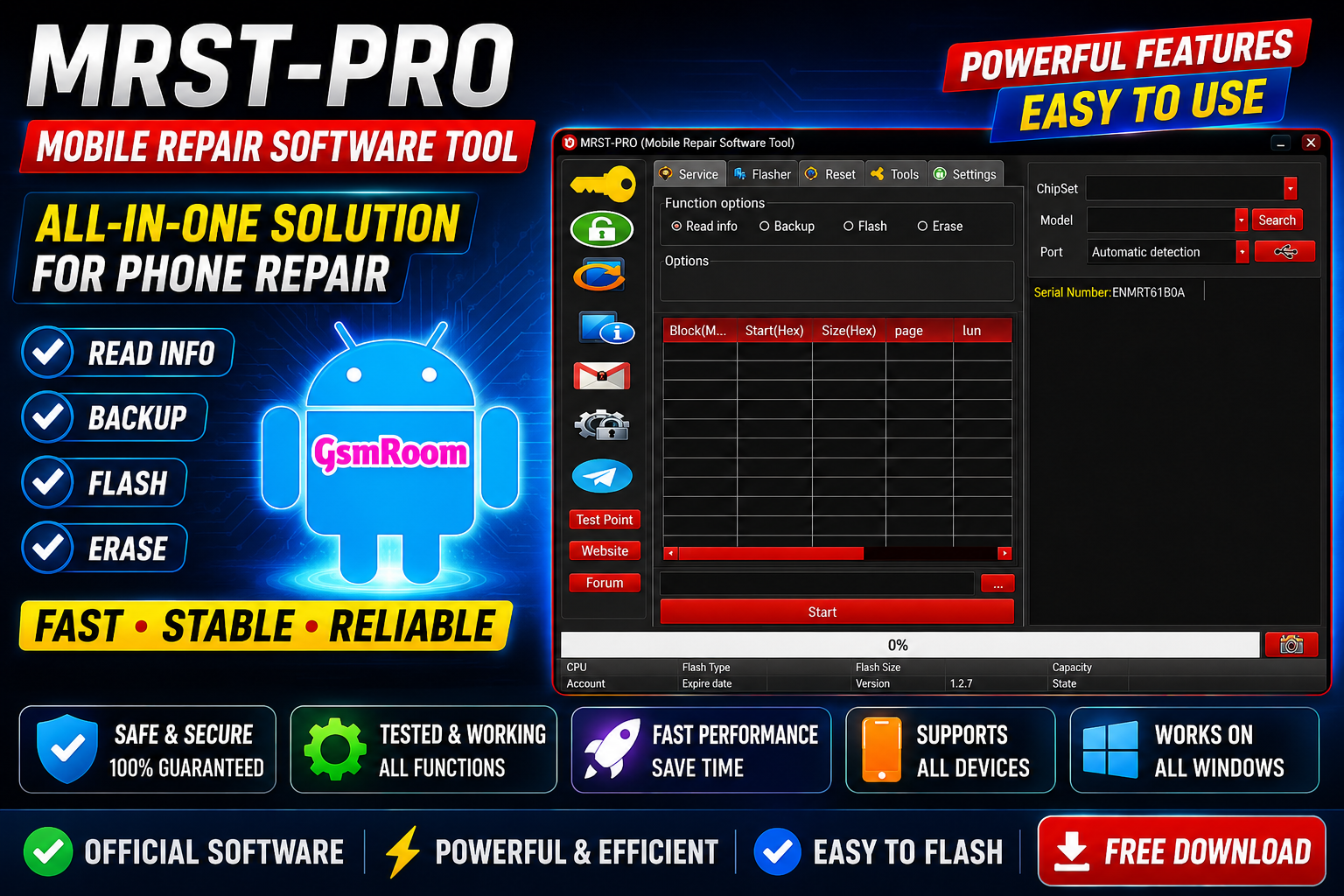
The MRST Tool (Mobile Repair Software Tool) is a professional Android servicing solution designed for mobile technicians, repair shops, and advanced users. Developed by the MRST Team, the software provides powerful functions for FRP unlocking, firmware flashing, bootloader management, IMEI repair, factory reset, and device servicing across multiple Android brands and chipsets.
The latest MRST releases include enhanced support for MediaTek (MTK), Qualcomm (QCOM), and UNISOC/SPRD devices, along with improved security bypass methods and faster device detection.
What is MRST Mobile Repair Software Tool?
MRST Tool is an all-in-one mobile servicing platform that allows users to repair software issues, remove locks, flash firmware, and unlock Android devices using different connection modes including:
- ADB Mode
- Fastboot Mode
- EDL Mode
- BROM Mode
- Diag Port Mode
The tool supports many major smartphone brands including Samsung, Xiaomi, Redmi, Poco, Vivo, Oppo, Realme, Lenovo, Huawei, Honor, Tecno, and Infinix.
Main Features of MRST Tool
1. FRP Unlock (Factory Reset Protection Removal)
MRST Tool can bypass Google FRP locks on supported Android devices. The latest versions include improved support for newer Android security patches and modern chipsets.
Supported functions include:
- Samsung FRP Reset
- Xiaomi FRP Unlock
- Vivo FRP Removal
- Oppo FRP Bypass
- MTK FRP Reset
- UNISOC FRP Unlock
2. Bootloader Unlock & Relock
The software provides bootloader management features including:
- Unlock Bootloader
- Relock Bootloader
- Xiaomi Bootloader Unlock
- MI Bootloader Unlock (No Auth on selected models)
3. Mi Account Removal
MRST supports various Xiaomi servicing operations including:
- Mi Account Remove
- Mi Cloud Unlock
- Disable Mi Account Verification
- Mi Account APK Disable
Supported on selected Xiaomi, Redmi, and Poco devices.
4. Firmware Flashing
Users can flash stock ROMs and firmware files directly through the software.
Supported operations:
- Flash Firmware
- Read Firmware
- Backup Firmware
- Extract OFP Files
- Write Partitions
- Erase Partitions
5. Factory Reset & Userdata Formatting
MRST Tool provides several reset functions:
- Factory Reset
- Hard Reset
- Soft Reset
- Userdata Format
- Reset Persist
- Reset Modem
These functions help fix:
- Bootloops
- Stuck Logo Issues
- Forgotten Passwords
- Software Crashes
- Device Lagging Problems
6. IMEI Repair & Security Backup
The software supports:
- IMEI Repair
- NVRAM Backup
- NV Backup
- Security Partition Backup
- Restore Operations
UNISOC versions also support NV and AT Mode IMEI repair methods.
7. Read Device Information
Users can quickly retrieve:
- Model Number
- Android Version
- IMEI Information
- CPU Details
- Firmware Version
- Security Patch Level
8. Partition Manager
Advanced users can:
- Read Partitions
- Backup Partitions
- Restore Partitions
- Erase Partitions
- Manage Recovery & Boot Images
Supported Chipsets
MRST Tool supports major Android processors including:
MediaTek (MTK)
- MT6765
- MT6768
- MT6785
- Dimensity Series
Qualcomm Snapdragon
- EDL Mode Support
- Flashing Support
- FRP Support
UNISOC / SPD
- SC7731E
- SC9832E
- SC9863A
- Tiger T606
- Tiger T610
- Tiger T612
- Tiger T616
- Tiger T700
Supported Brands
MRST Mobile Repair Software supports:
- Samsung
- Xiaomi
- Redmi
- Poco
- Vivo
- Oppo
- Realme
- Tecno
- Infinix
- Motorola
- Lenovo
- Huawei
- Honor
- Nokia
Latest MRST Updates
Recent MRST releases introduced:
- Improved MTK Patch Handling
- Faster Device Detection
- Auto Model Detection
- New Oppo & Vivo Methods
- Android 15 Support
- Improved Samsung MTK Support
- New Xiaomi Unlock Functions
- Modern Dark/Light UI
The MRST forum also shows active development with new beta builds and ongoing updates throughout 2026.
Installation Guide
Step 1
Download the latest MRST package.
Step 2
Extract the archive using WinRAR or 7-Zip.
Step 3
Install:
- MTK Drivers
- Qualcomm Drivers
- SPD Drivers
Step 4
Run the software as Administrator.
Step 5
Connect your device using:
- Fastboot Mode
- EDL Mode
- BROM Mode
- ADB Mode
Step 6
Select the required operation and start the process.
Advantages of MRST Tool
- Multi-platform Android support
- MTK, Qualcomm, and UNISOC compatibility
- FRP removal functions
- Mi Account unlocking support
- Bootloader management
- Firmware flashing tools
- Modern user interface
- Frequent updates from the MRST Team
Conclusion
The MRST Mobile Repair Software Tool is a powerful Android servicing platform that combines FRP bypass, firmware flashing, bootloader unlocking, Mi account removal, IMEI repair, and partition management into one solution. With support for MediaTek, Qualcomm, and UNISOC devices, along with continuous updates and expanding device compatibility, MRST remains one of the most capable mobile repair tools available for technicians in 2026.







