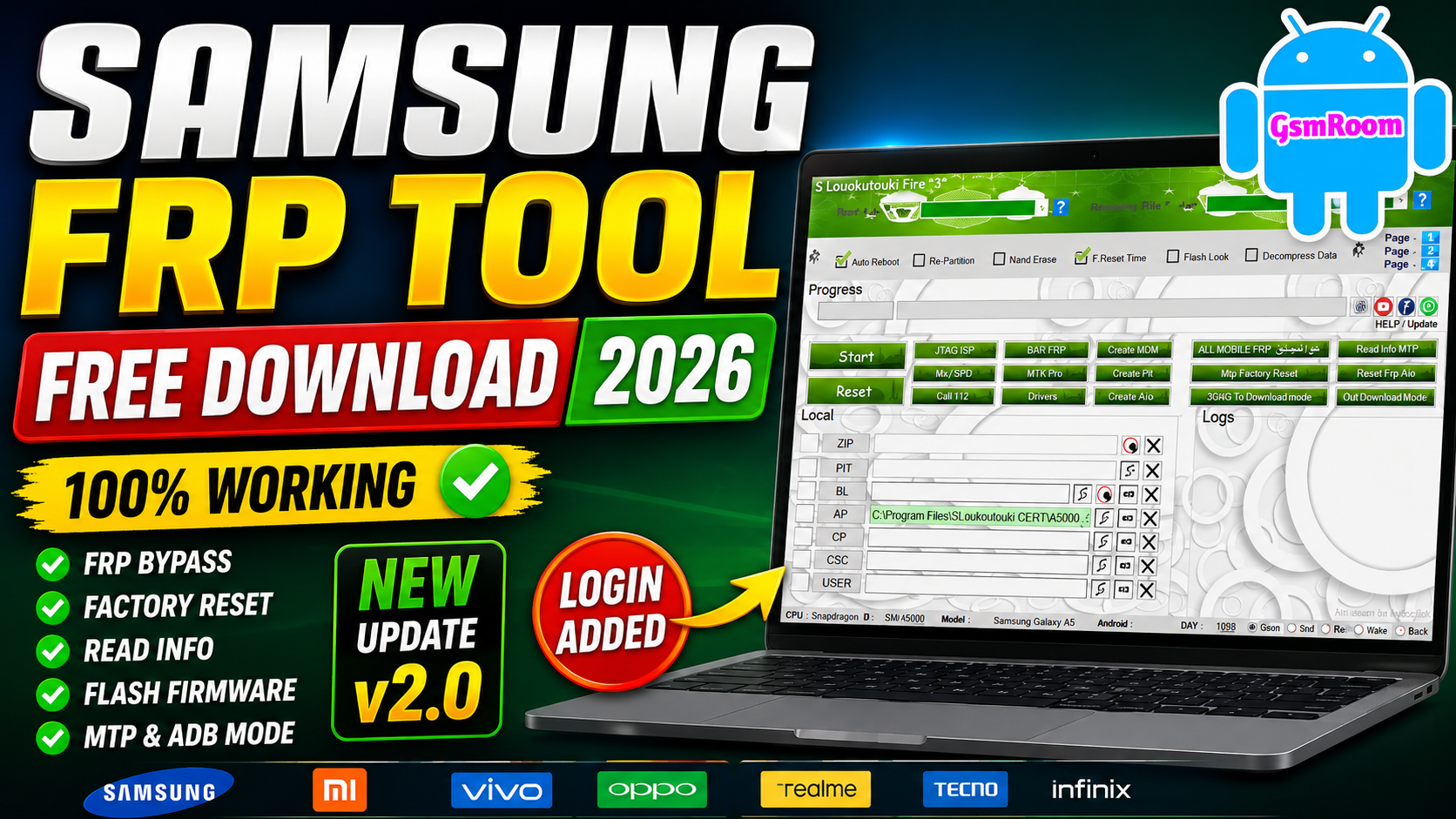
Muslim Odin v5.0 is a Windows-based Samsung servicing and firmware flashing utility designed for mobile technicians and advanced Android users. The tool is intended to assist with Samsung firmware management, device diagnostics, ADB communication, and maintenance operations. The developer’s website describes it as an all-in-one application for mobile repair specialists.
Note: Always use servicing tools only on devices you own or are authorized to repair. Factory Reset Protection (FRP) is an important security feature designed to protect Android devices from unauthorized access.
What is Muslim Odin v5.0?
Muslim Odin v5.0 is a Samsung service utility that combines multiple maintenance and firmware management features into a single Windows application. It is primarily intended for Samsung Galaxy smartphones and tablets.
Main Uses
- Samsung firmware flashing
- Device information reading
- ADB communication
- Device diagnostics
- System maintenance
- Firmware management
The official project page emphasizes firmware flashing, system repair, and device management workflows.
Key Features
🔹 Samsung Firmware Flashing
The tool supports standard Samsung firmware package loading, including:
- BL
- AP
- CP
- CSC
📱 Supported Brands
- Samsung
- Xiaomi
- Redmi
- Vivo
- Realme
- Tecno
- Infinix
- Itel
- Huawei
- Nokia
- Motorola
Supported Chipsets
- Qualcomm
- MediaTek
- Unisoc
- Huawei Kirin
- EDL Mode
- Fastboot Mode
- ADB Mode
Qualcomm Flashing Features
- Read GPT
- Read Data
- Flash Firmware
- Reboot Device
- Read Partition
- Write Partition
- Erase Partition
- Select Sector Size
- LUN Selection
- Begin Address Selection
- End Address Selection
- Load Firehose File
- Load Patch File
- Load Firmware File
- Backup GPT
- Reset FRP
- Factory Reset
- Mi Account Reset
- EFS Backup
- EFS Restore
Qualcomm Unlock Features
- Reset FRP
- Reset Lock
- Realme FRP Reset
- Realme Reset Lock
- Realme Narzo Series Support
- Realme GT Series Support
- Realme Neo Series Support
- Realme X Series Support
- Realme C Series Support
- Realme Q Series Support
- Realme V Series Support
Qualcomm Network Repair Features
- Write IMEI
- QCN Read
- QCN Write
- Critical Read
- Critical Write
- Diag Enable
- Diag Enable Xiaomi
- Diag Enable Root
MediaTek Flashing Features
- Read GPT
- Read Data
- Flash Firmware
- Reboot Device
- Read Partition
- Write Partition
- Erase Partition
- Scatter File Support
- Preloader Selection
- Download Agent Support
- Read RPMB
- Write RPMB
- Erase RPMB
- Backup RPMB
- Restore RPMB
- Factory Reset
- Safe Format
- Meta Mode Support
- Payload Parser
- Open Browser
🔹 Device Information
Read important device information, including:
- Model number
- Android version
- Build number
- Serial number
- Software version
🔹 ADB Utilities
Common ADB features include:
- Device detection
- Device reboot
- Read device information
- USB debugging communication
🔹 Download Mode Support
Useful functions include:
- Download Mode communication
- Firmware installation support
- Device detection
- Flashing status monitoring
🔹 User-Friendly Interface
The software provides:
- Clean dashboard
- Easy navigation
- One-click device detection
- Lightweight Windows application
What’s New in Version 5.0?
Recent announcements for v5.0 mention:
- Improved Samsung firmware compatibility
- Better Windows 11 support
- Enhanced device detection
- Updated interface
- Improved application stability
- Online server file download support (where available)
Installation Guide
Step 1
Download the latest Muslim Odin package from the developer’s website or another trusted source.
Step 2
Extract the ZIP archive using:
- WinRAR
- 7-Zip
Step 3
Install Samsung USB Drivers.
Step 4
Run the application as Administrator.
Step 5
Connect your Samsung device using a quality USB cable.
Review (2026)
Performance ⭐⭐⭐⭐⭐
Fast firmware loading and stable Samsung device communication.
Interface ⭐⭐⭐⭐⭐
Simple layout that is suitable for both beginners and experienced technicians.
Compatibility ⭐⭐⭐⭐☆
Works with many Samsung Galaxy devices, though supported functions may vary depending on the model and firmware version.
Reliability ⭐⭐⭐⭐⭐
A useful utility for Samsung firmware management and routine servicing tasks.
Overall Rating ⭐⭐⭐⭐⭐
A solid Samsung servicing application for firmware flashing, diagnostics, and maintenance.
Muslim Odin
Muslim Odin v5.0 is a lightweight Samsung servicing utility that provides firmware flashing support, ADB communication, device information, and maintenance features through an easy-to-use Windows interface. According to the developer, it is designed for professional mobile repair workflows, while community discussions indicate that available features and compatibility may vary between device models and software versions. Always verify compatibility and use the tool responsibly on devices you are authorized to service.
RAR Password – gsmyogesh
Email : re_guru@root.me
Password : 1337







