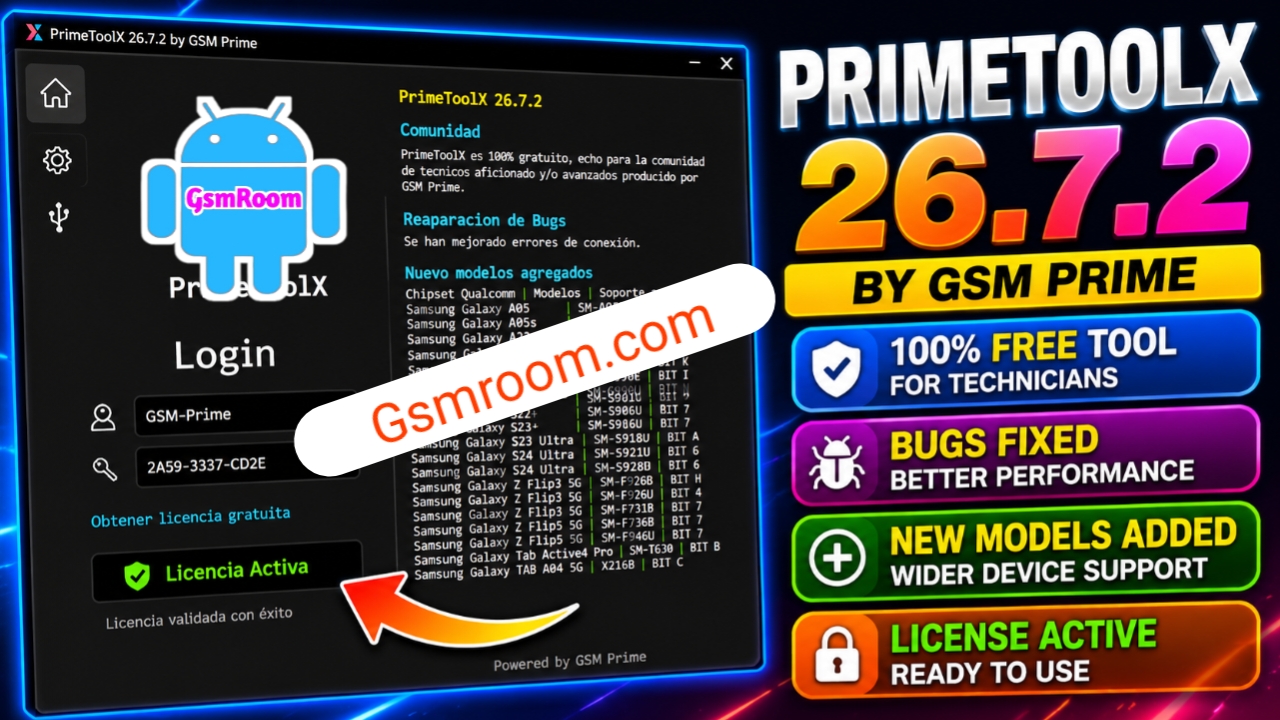
PrimeToolX 26.7.2 is a Windows-based Android device management utility designed for mobile repair professionals and advanced Android users. The latest version introduces improved performance, enhanced device compatibility, updated maintenance modules, and a streamlined interface for supported Android smartphones. Recent community reports highlight broader compatibility and stability improvements in version 26.7.2.
What is PrimeToolX 26.7.2?
PrimeToolX is a desktop application that brings together several Android maintenance and diagnostic utilities into one interface. It helps technicians perform supported device management tasks more efficiently through integrated ADB and Fastboot tools.
The software is commonly used by:
- Mobile Repair Technicians
- Service Centers
- Android Developers
- Advanced Android Users
Key Features of PrimeToolX 26.7.2
1. Device Information Reader
- Device Model
- Android Version
- Build Number
- Manufacturer
- Product Name
- Security Patch Level
- Serial Number
2. ADB Utilities
- Device Detection
- Read Device Information
- Reboot Device
- Reboot to Recovery
- Reboot to Bootloader
- Install APK Files
- Uninstall Applications
3. Fastboot Utilities
- Fastboot Device Detection
- Bootloader Information
- Device Diagnostics
- Partition Information
- Fastboot Reboot
4. Multi-Brand Compatibility
According to recent release information, PrimeToolX supports maintenance functions for compatible devices from multiple manufacturers. Compatibility varies depending on the device model, chipset, firmware version, and supported features.
5. Modern User Interface
Version 26.7.2 includes:
- Lightweight application
- Faster startup
- Modern dashboard
- One-click navigation
- Improved workflow
What’s New in Version 26.7.2?
Recent updates include:
- Improved software stability
- Enhanced device compatibility
- Better Windows performance
- Updated maintenance modules
- Faster device recognition
System Requirements
Minimum Requirements
- Windows 7, 8, 10, or 11
- Intel Dual-Core Processor
- 2 GB RAM
- 500 MB Free Disk Space
- USB Port
Recommended Requirements
- Windows 10 or Windows 11 (64-bit)
- Intel Core i5 or AMD Ryzen Processor
- 4 GB RAM or Higher
- Latest Android USB Drivers
Advantages of PrimeToolX
- Lightweight Windows application
- Easy-to-use interface
- Fast device detection
- Integrated ADB and Fastboot tools
- Regular software updates
- Broad compatibility with supported devices
Common Applications
PrimeToolX is commonly used for:
- Device diagnostics
- Device information reading
- Software maintenance
- APK management
- ADB operations
- Fastboot operations
- Android device management
Troubleshooting Tips
If your device is not detected:
- Install the latest USB drivers.
- Enable USB Debugging.
- Use a reliable USB cable.
- Connect directly to a USB port.
- Restart both the application and your device.
Conclusion
PrimeToolX 26.7.2 Latest Version is a practical Android device management utility that combines diagnostics, ADB tools, Fastboot utilities, and maintenance features into one Windows application. With improved compatibility, enhanced stability, and a user-friendly interface, it provides an efficient solution for technicians and advanced users performing legitimate maintenance on supported Android devices.
Keywords: PrimeToolX 26.7.2, PrimeToolX Latest Version, PrimeToolX Download, Android Device Manager, Android Service Tool, ADB Tool, Fastboot Utility, Mobile Repair Software, Windows Android Tool, PrimeToolX for Windows.







