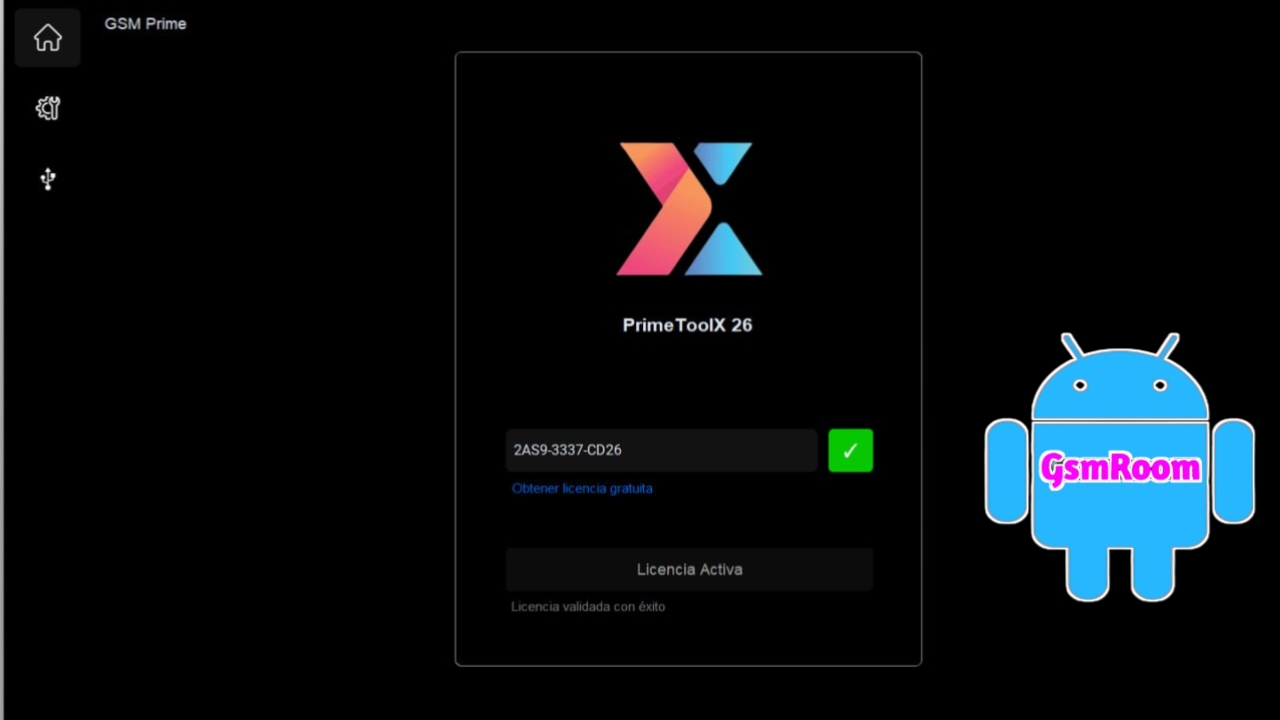
PrimeToolX 26 is a powerful Android servicing tool used for FRP bypass, unlocking, flashing firmware, and device repair. It is widely popular among mobile technicians due to its easy interface, fast performance, and one-click solutions.
📌 What Is PrimeToolX 26?
PrimeToolX 26 is a Windows-based GSM tool designed to perform multiple Android servicing tasks. It supports various brands and chipsets, making it a complete solution for mobile repair work.
⭐ Key Features
🔓 FRP Bypass (Google Lock)
- Remove Factory Reset Protection (FRP)
- One-click FRP for supported devices
- Works with multiple Android versions
🔐 Unlock Functions
- Remove screen locks (PIN, pattern, password)
- Basic bootloader-related operations (device dependent)
📱 Flashing & Firmware Tools
- Flash stock firmware
- Fix bootloop and soft-brick issues
- Restore devices to working condition
🔧 Repair & Utility Options
- Factory reset / wipe data
- Read device information
- Enable diagnostic modes
⚡ Multi-Brand Support
Supports many Android devices:
- Samsung
- Xiaomi / Redmi / Poco
- Oppo / Vivo / Realme
- Tecno / Infinix
🔌 Chipset Support
- MediaTek (MTK)
- Qualcomm
- Unisoc (SPD)
🆕 What’s New in Version 26
- Improved FRP bypass success rate
- Better compatibility with latest Android versions
- Faster processing and connection
- Updated UI and bug fixes
How to Download
- Visit trusted GSM tool websites or forums.
- Search for “PrimeToolX 26 latest version download”.
- Download the ZIP file.
- Extract using WinRAR or 7-Zip.
- Run the tool as Administrator.
⚠️ Always scan downloaded files before installation to avoid malware.
⚙️ How to Use (Basic Steps)
- Install USB drivers (ADB, MTK, Qualcomm).
- Open the tool as Administrator.
- Connect your Android device via USB.
- Choose the required function (FRP, unlock, flash).
- Click Start / Execute.
🖥 System Requirements
- Windows PC
- USB drivers installed
- USB cable
- Basic mobile repair knowledge
📌 Summary
PrimeToolX 26 (2026) is a complete Android servicing solution offering FRP bypass, unlocking, flashing, and repair features. Its simple interface and wide compatibility make it ideal for both beginners and professional technicians.







