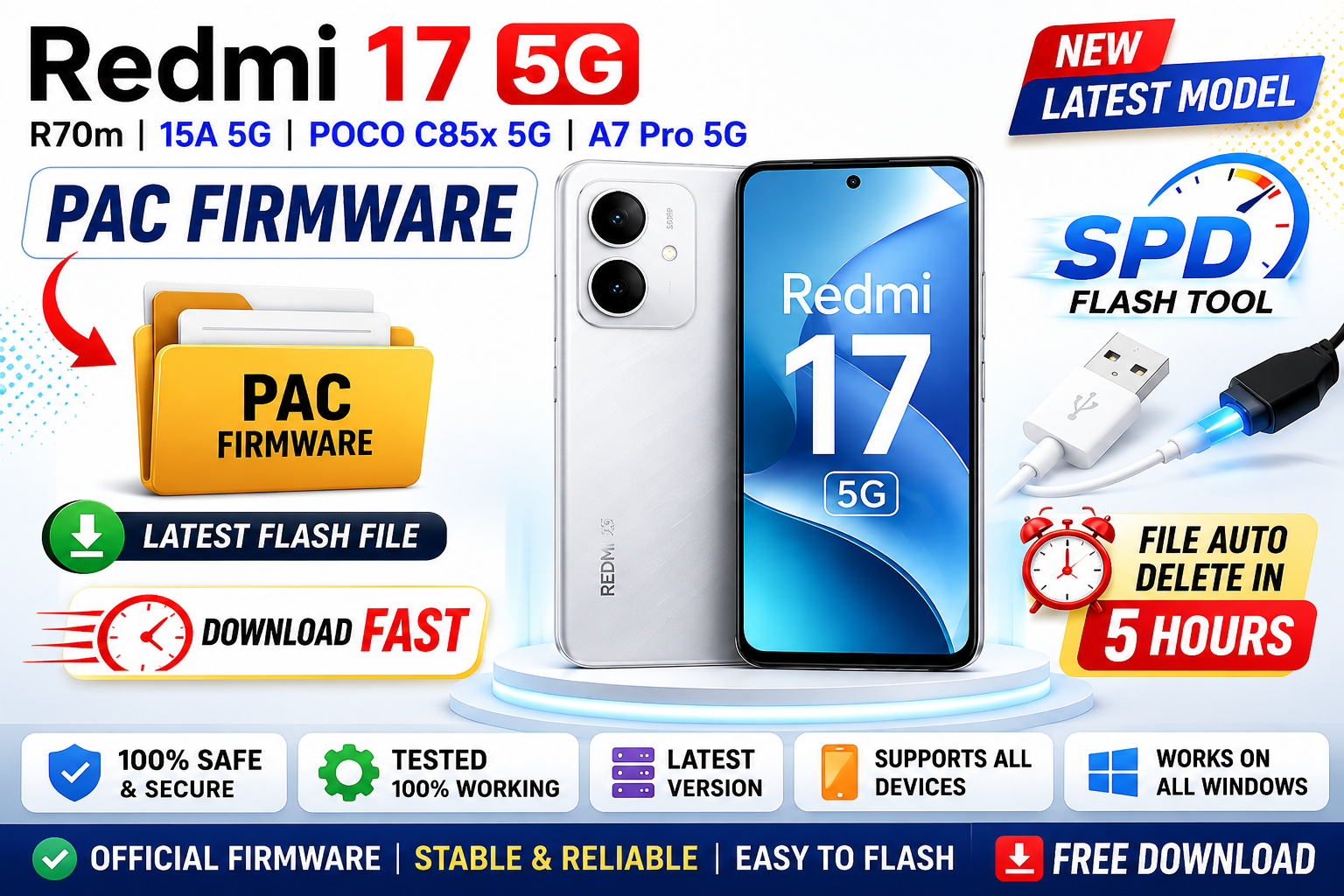
If you are searching for PAC firmware files for the latest Xiaomi and POCO devices powered by Spreadtrum / UNISOC chipsets, this guide will help you understand firmware usage, supported models, flashing requirements, and important precautions before installing stock ROM files.
The following devices are commonly associated with PAC firmware packages:
- Redmi 17 5G R70M
- Redmi 15A 5G
- POCO C85x 5G
- A7 Pro 5G
What is PAC Firmware?
PAC firmware is a stock ROM package format used mainly for devices powered by:
- UNISOC
- Spreadtrum (SPD) chipsets
PAC files are usually flashed using:
- SPD Flash Tool
- Research Download Tool
- Upgrade Download Tool
These firmware files contain:
- Boot image
- System partition
- Recovery
- Vendor files
- Modem files
- Security partitions
Supported Devices
🔹 Redmi 17 5G R70M
The Redmi 17 5G R70M model may use a UNISOC-based platform requiring PAC firmware for software restoration and flashing operations.
Common Uses:
- Bootloop repair
- System recovery
- Software update
- Device restore
- Flashing stock ROM
🔹 Redmi 15A 5G
Redmi 15A 5G firmware packages are useful for:
- Restoring factory software
- Solving stuck logo problems
- Repairing corrupted system files
- Reinstalling stock ROM
🔹 POCO C85x 5G
POCO devices powered by UNISOC chipsets may require PAC firmware for maintenance and repair operations.
Supported Tasks:
- Firmware flashing
- Factory restore
- Recovery repair
- Software troubleshooting
🔹 A7 Pro 5G
The A7 Pro 5G PAC firmware package may help users restore official firmware and solve software-related issues.
PAC Firmware Features
✔ Official Stock ROM
Restores the device to factory software condition.
✔ System Repair
Fixes bootloop and software corruption issues.
✔ Device Recovery
Useful when the device fails to boot properly.
✔ Security Patch Updates
Some firmware versions include newer Android security updates.
✔ Stable Performance
Official firmware improves device stability and reliability.
Tools Required for Flashing
To flash PAC firmware, you may need:
| Tool | Purpose |
|---|---|
| SPD Research Tool | Flash PAC firmware |
| Upgrade Download Tool | Device flashing |
| SPD USB Drivers | Device detection |
| USB Cable | Device connection |
How to Flash PAC Firmware
Step-by-Step Guide
Step 1: Download Firmware
Download the correct PAC firmware for your exact device model.
Step 2: Install Drivers
Install:
- SPD USB Drivers
- UNISOC Drivers
Step 3: Extract Firmware
Use:
- WinRAR
- 7-Zip
- WinZip
Step 4: Open Flash Tool
Launch:
- SPD Research Tool
or - Upgrade Download Tool
Step 5: Load PAC File
Click:
- Load Packet
- Select PAC firmware file
Step 6: Connect Device
Power off the phone and connect using USB cable.
Step 7: Start Flashing
Click:
- Start Download
- Wait until flashing completes
Common Flashing Problems
Device Not Detected
Solutions:
- Reinstall SPD drivers
- Use another USB port
- Change USB cable
- Disable driver signature enforcement
Flashing Failed
Fixes:
- Verify firmware compatibility
- Re-download PAC file
- Restart flash tool
- Charge battery above 50%
Bootloop After Flashing
Solutions:
- Perform factory reset
- Reflash firmware
- Use correct regional ROM
- Verify model number
Important Safety Tips
Before flashing firmware:
- Backup all important data
- Use firmware for the exact model only
- Keep battery charged
- Do not disconnect USB cable during flashing
- Use trusted firmware sources
Advantages of Stock PAC Firmware
✔ Removes Software Bugs
Fixes crashes and lag issues.
✔ Restores Original System
Returns device to factory condition.
✔ Improves Stability
Official firmware improves reliability.
✔ Solves Boot Issues
Useful for stuck logo and dead boot repair.
Is PAC Firmware Safe?
Yes, official PAC firmware is generally safe when:
- Used on the correct model
- Downloaded from trusted sources
- Flashed properly
Incorrect firmware may cause:
- Bootloop
- Device malfunction
- Flashing errors
Always verify the exact model before flashing.
Conclusion
Redmi 17 5G R70M – Redmi 15A 5G – POCO C85x 5G – A7 Pro 5G PAC Firmware Download packages are useful for repairing software issues, restoring factory ROMs, and maintaining UNISOC-powered Android devices.
With the correct PAC firmware, SPD drivers, and flashing tools, users can repair bootloops, restore stock software, and improve overall device stability safely and effectively.







