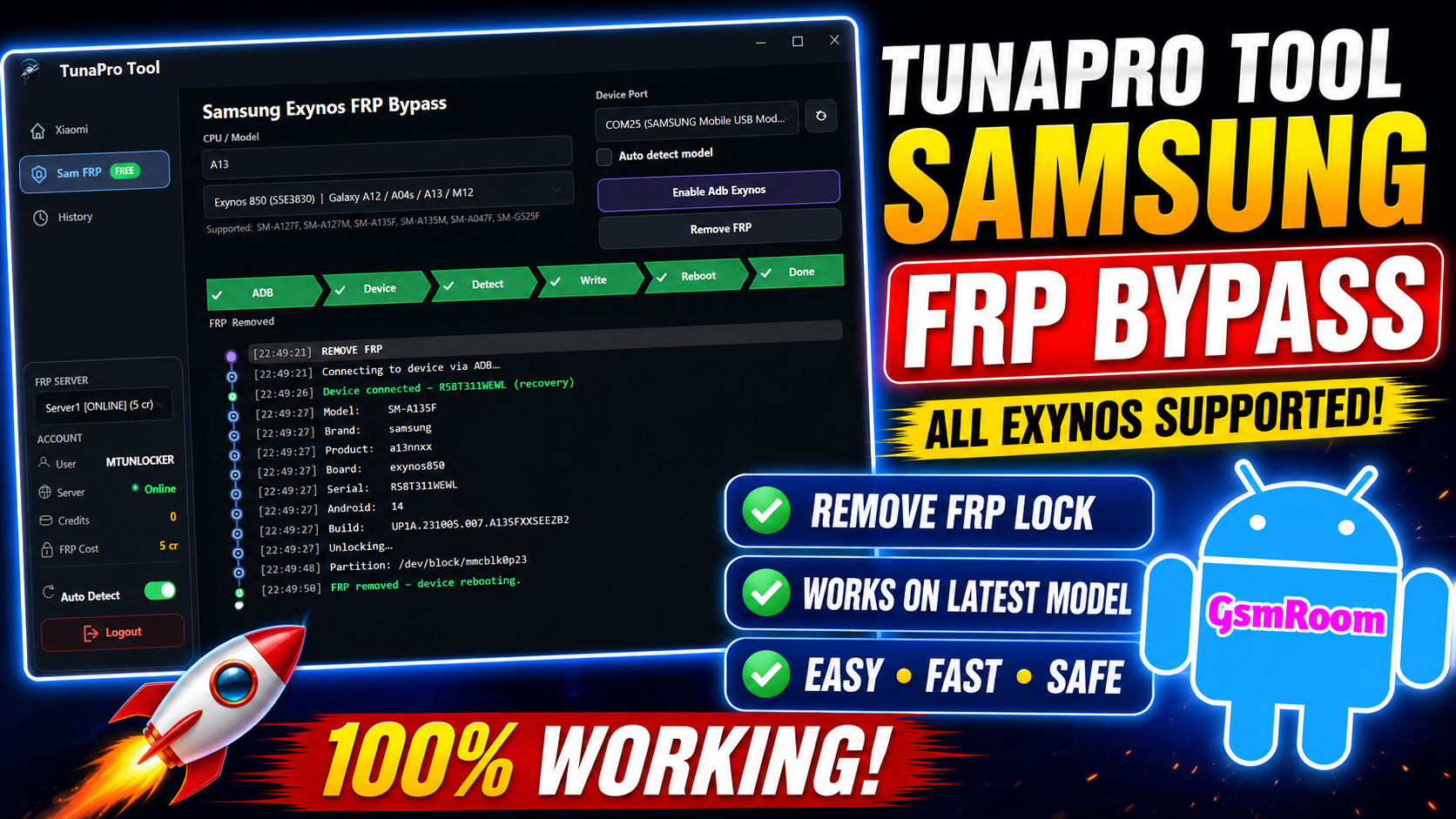
TunaProTool is a mobile servicing software designed for Android repair technicians. It focuses on FRP bypass, screen unlock, firmware flashing, and device repair for brands like Xiaomi, Redmi, POCO, and Samsung. According to the official site, the current latest version is v3.8.0.
What is TunaProTool?
TunaProTool is a lightweight Windows-based GSM tool mainly used for:
- FRP (Factory Reset Protection) removal
- Screen lock unlocking
- MTK chipset repair
- Factory reset
- Auth bypass for flashing
- Auto device detection
It’s widely used by mobile technicians because it combines multiple Android repair features into one package.
Key Features of TunaProTool Latest Version
1. Xiaomi FRP Remove
Supports Xiaomi, Redmi, and POCO devices for Mi account and Google lock bypass.
2. Samsung Exynos FRP Bypass
Works on many Exynos-powered Samsung models.
3. Screen Unlock
Removes PIN, password, and pattern locks.
4. MTK Support
Provides read/write/format/repair operations for MediaTek devices.
5. Factory Reset
Quickly resets devices for repair or resale.
6. Cloud Server Support
Offers server-based processing for better reliability.
How to Download TunaProTool
To download the latest version:
- Visit the official TunaProTool website.
- Choose Installer (EXE) or Portable ZIP.
- Extract the files.
- Install required USB drivers.
- Run the tool as Administrator.
System Requirements
Before installing TunaProTool, make sure your PC has:
- Windows 64-bit
- .NET Framework 4.8
- Stable internet connection
- Updated USB drivers
- Antivirus temporarily disabled (if false positives occur)
Supported Devices
TunaProTool supports:
- Samsung Galaxy series
- Xiaomi
- Redmi
- POCO
- MediaTek devices
- Exynos devices
Support expands regularly with updates.
Is TunaProTool Safe?
If downloaded from the official website, it appears safe. However:
- Avoid modified third-party versions.
- Scan downloaded files.
- Backup your device before use.
That’s important because flashing or unlocking always carries some risk.
Pros and Cons
Pros
✔ Free basic functions
✔ Lightweight software
✔ Supports multiple brands
✔ Easy-to-use interface
✔ Frequent updates
Cons
✘ Some functions require credits
✘ Windows-only
✘ Internet required for server operations
Final Verdict
TunaProTool latest version is a useful utility for Android repair professionals. If your work involves FRP removal, flashing, or unlocking, it can save time and improve workflow.
For beginners, start with the free features first and learn the basics before using advanced repair functions.







