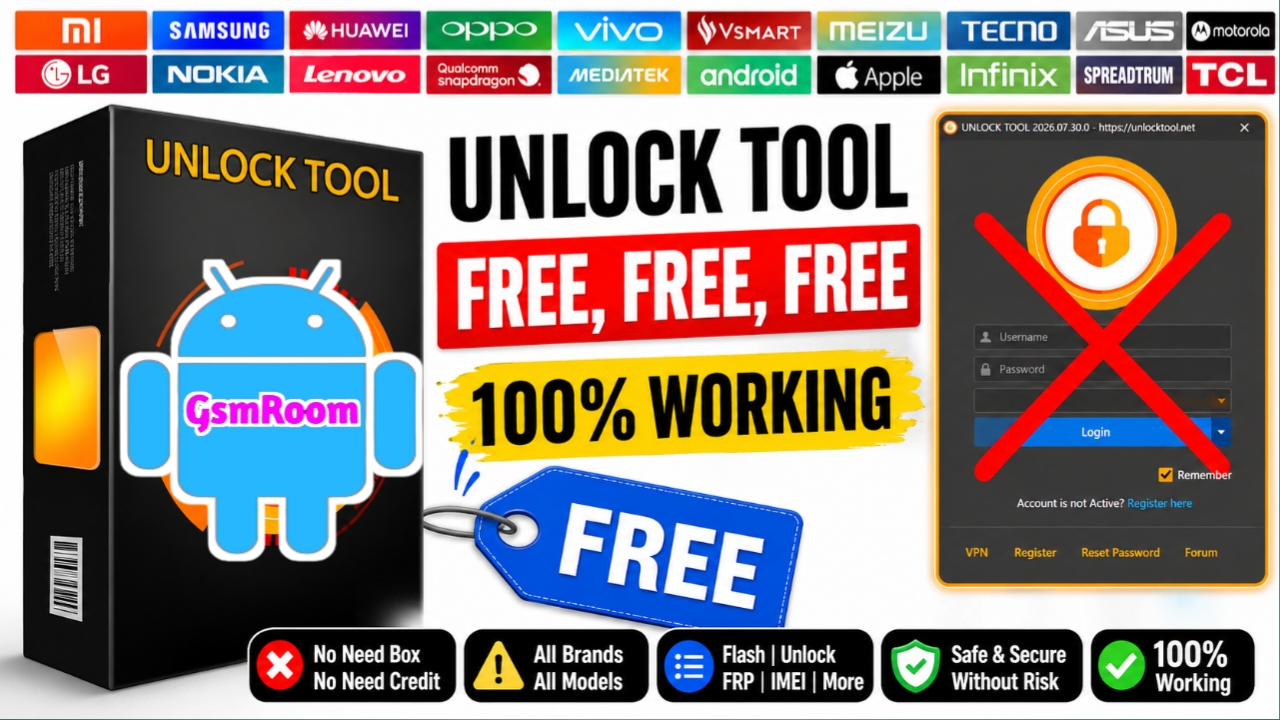
UnlockTool Latest Version: Features, Installation, System Requirements & Supported Devices
UnlockTool is a professional mobile servicing application used by repair technicians and service centers to manage supported Android devices. The software provides a unified interface for diagnostics, firmware-related operations, ADB and Fastboot utilities, and device maintenance across a wide range of smartphone brands.
The latest version delivers improved performance, broader device compatibility, updated chipset support, and enhanced stability for professional servicing workflows.
Key Features
- Multi-brand device support for supported Android smartphones
- ADB and Fastboot utilities for device management
- Qualcomm, MediaTek, and UNISOC modules
- Samsung servicing support
- Firmware management tools
- Device information reader
- Modern, user-friendly interface
- Regular official updates
Supported Brands
- Samsung
- Xiaomi
- Redmi
- POCO
- Motorola
- OPPO
- vivo
- Realme
- Huawei
- Nokia
- TCL
- ZTE
Main Features
- Read Device Information
- Erase FRP Lock
- Factory Reset
- Backup Security
- Restore Security
- Mi Account Reset
- Anti Relock Fix
- Samsung KG Bypass
- Knox Removal
- ADB Utilities
- MTP Utilities
- Fastboot Utilities
- Hardware Diagnostics
- Package Manager
- OTA Blocker
- Screen Mirror
- QR Code Generator
Unlock Operations
- Read Info / Boot Device
- Erase FRP
- Factory Reset
- Backup Security
- Restore Security
- Mi Account Reset
- Anti Relock Fix
System Requirements
Minimum
- Windows 10 or Windows 11
- Intel Dual-Core CPU
- 2 GB RAM
- 1 GB Free Disk Space
Recommended
- Windows 11 (64-bit)
- Intel Core i5 or AMD Ryzen equivalent
- 8 GB RAM
- Latest USB drivers
Installation Guide
- Download the latest installer from the official UnlockTool website.
- Extract the package if necessary.
- Run the installer as Administrator.
- Install the required USB drivers.
- Launch UnlockTool.
- Sign in with a valid licensed account.
Advantages
- Clean and intuitive interface
- Frequent official updates
- Broad chipset compatibility
- Reliable device detection
- Professional maintenance workflow
- Regular support for newer Android devices
Conclusion
UnlockTool remains one of the most comprehensive Android servicing platforms for professional technicians. With support for multiple brands, integrated ADB and Fastboot utilities, and frequent updates, it provides an efficient environment for diagnostics, firmware management, and general device maintenance.
Keywords: UnlockTool Latest Version, UnlockTool Download, UnlockTool Official, Android Service Tool, Mobile Repair Software, Qualcomm Tool, MediaTek Tool, Samsung Service Tool, ADB Tool, Fastboot Utility.
UnlockTool Activator:- ( Link )
UnlockTool Setup :- ( Link )







