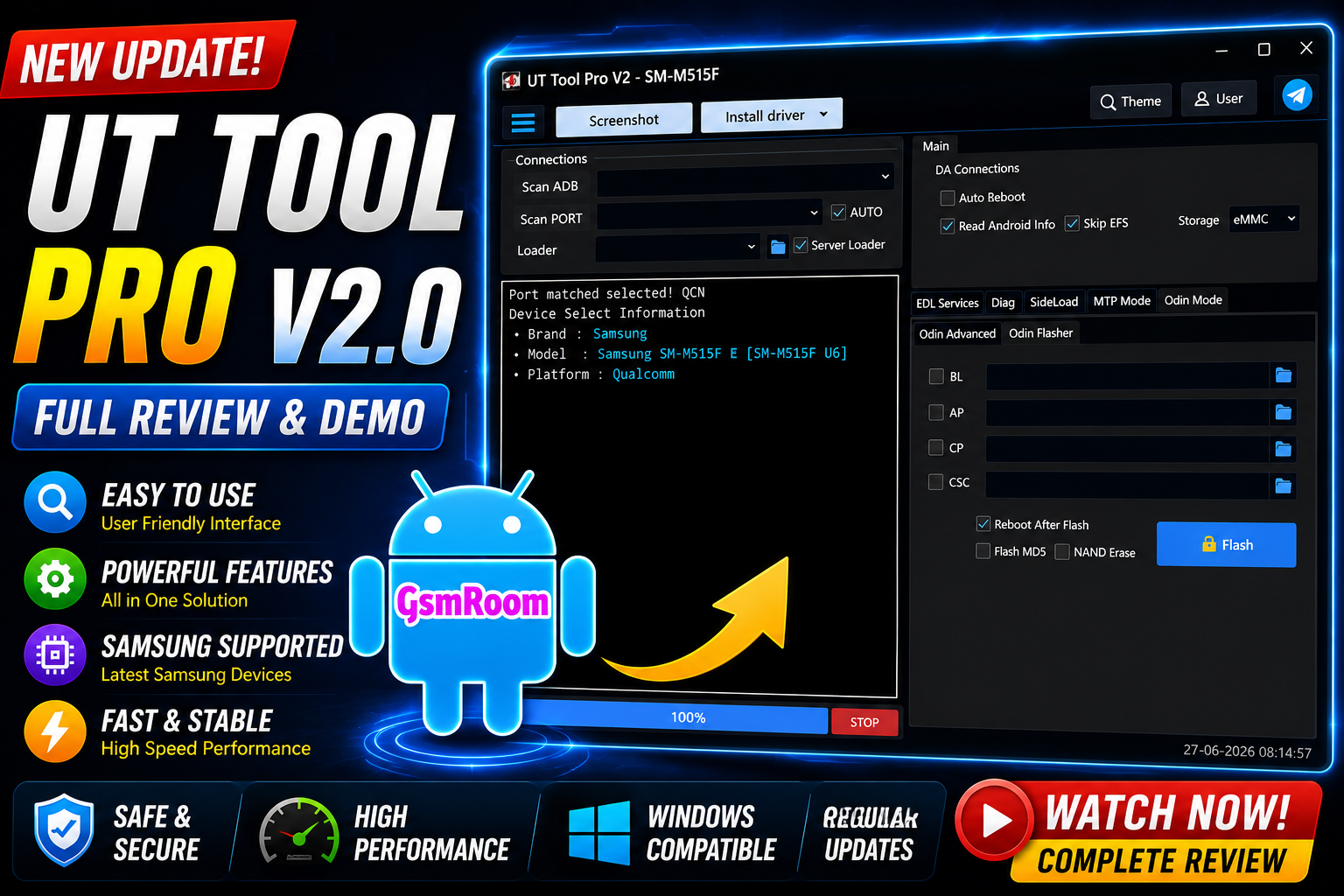
The UT Tool v2.0 is a powerful Android servicing and repair utility designed for mobile technicians and advanced users. The latest 2026 version introduces improved compatibility, enhanced device support, and several new functions for Android software repair, flashing, FRP management, bootloader operations, and device diagnostics.
Many modern Android repair tools now support multiple chipsets including MediaTek (MTK), Qualcomm, and UNISOC/SPD, and UT Tool v2.0 follows the same trend by offering a lightweight yet feature-rich servicing environment. Similar MTK servicing tools released recently focus on FRP management, firmware flashing, and bootloader operations for Android devices.
What is UT Tool v2.0?
UT Tool v2.0 is a Windows-based mobile repair software that helps users manage Android devices through different service modes including:
- ADB Mode
- Fastboot Mode
- Meta Mode
- EDL Mode
- BROM Mode
The software is commonly used for:
- Device diagnostics
- Firmware flashing
- Factory reset
- Device information reading
- Bootloader management
- Android maintenance tasks
Main Features of UT Tool v2.0
1. Android Device Detection
The tool can quickly identify connected Android smartphones and display important device information such as:
- Device model
- Android version
- Build number
- Security patch
- CPU type
- Firmware details
2. Firmware Flashing
UT Tool v2.0 supports firmware management operations for compatible devices.
Functions may include:
- Flash stock ROM
- Backup firmware
- Read partitions
- Write partitions
- Restore firmware
3. Factory Reset Functions
The tool provides multiple reset operations including:
- Factory reset
- Format userdata
- Soft reset
- Safe format
These functions help resolve:
- Bootloop issues
- Software crashes
- Frozen devices
- Performance problems
4. Bootloader Operations
Bootloader management features may include:
- Unlock bootloader
- Relock bootloader
- Fastboot reboot options
5. Multi-Chipset Support
UT Tool v2.0 is designed to work with various Android platforms including:
- MediaTek (MTK)
- Qualcomm Snapdragon
- UNISOC / SPD
Supported Android Brands
The latest UT Tool version may support devices from brands such as:
- Samsung
- Xiaomi
- Redmi
- Poco
- Vivo
- Oppo
- Realme
- Tecno
- Infinix
- Motorola
- Nokia
Supported Functions
- ADB Functions
- Read Device Information
- Device Detection
- Reboot Device
- Reboot to Recovery
- Reboot to Fastboot
- Screenshot Capture
- Install APK
- Uninstall APK
- Open Browser
- Open Dialer
- Enable ADB Mode
- Disable ADB Mode
Fastboot Functions
- Read Device Information
- Reboot Device
- Reboot to Recovery
- Reboot to Fastboot
- Bootloader Operations
- Fastboot Detection
- Unlock Support
- Lock Support
- FRP Functions
- Remove FRP Lock
- Reset FRP
- FRP Bypass Support
- Google Account Lock Removal
- Samsung FRP Support
- Huawei FRP Support
- Qualcomm FRP Support
- MediaTek FRP Support
- Factory Reset Functions
- Factory Reset
- Safe Format Data
- Wipe Cache
- Erase User Data
- Reset Device Settings
- Master Reset
- Screen Lock Functions
- Remove Pattern Lock
- Remove PIN Lock
- Remove Password Lock
- Remove Screen Lock
- Remove Privacy Password
- Lock Reset Support
MediaTek Functions
- Read Device Information
- Read Firmware
- Write Firmware
- Read Partition
- Write Partition
- Backup Firmware
- Restore Firmware
- Format Device
- Factory Reset
- Preloader Mode Support
- Meta Mode Support
- Security Operations
Qualcomm Functions
- EDL Mode Support
- Read Device Information
- Read Firmware
- Write Firmware
- Partition Manager
- Backup Firmware
- Restore Firmware
- Factory Reset
- Security Operations
- Flash Operations
- Samsung Functions
- Samsung FRP Reset
- Samsung Factory Reset
- Samsung Download Mode Support
- Samsung ADB Operations
- Samsung Security Functions
- Samsung Device Information
- Huawei Functions
- Huawei FRP Reset
- Huawei Factory Reset
- Huawei Fastboot Support
- Huawei Device Information
- Huawei Security Operations
- Firmware Functions
- Flash Firmware
- Read Firmware
- Backup Firmware
- Restore Firmware
- Partition Backup
- Partition Restore
- Scatter File Support
- XML Firmware Support
How to Download UT Tool v2.0
To download the latest version:
- Locate a trusted software source.
- Download the ZIP or setup package.
- Extract files using WinRAR or 7-Zip.
- Install required USB drivers.
- Run the tool as Administrator.
How to Install UT Tool v2.0
Step 1: Extract Files
Extract the downloaded archive to a folder.
Step 2: Install Drivers
Install:
- MTK Drivers
- Qualcomm Drivers
- Samsung USB Drivers
- ADB Drivers
Step 3: Launch Tool
Run the executable file with Administrator privileges.
Step 4: Connect Device
Connect the Android device using a USB cable.
Step 5: Select Function
Choose the desired operation and start the process.
Latest Improvements in 2026
The newest UT Tool updates may include:
- Better Android 15 support
- Faster device detection
- Improved MediaTek compatibility
- Enhanced stability
- Updated user interface
- Expanded chipset database
Conclusion
The UT Tool v2.0 Latest Version (2026) is a practical Android servicing utility for technicians and advanced users who work with MediaTek, Qualcomm, and UNISOC-powered smartphones. With features such as firmware management, device diagnostics, reset functions, and bootloader operations, the tool offers a streamlined experience for Android maintenance and repair.
As Android security and device architectures continue evolving, modern servicing tools like UT Tool v2.0 focus on broader compatibility, improved stability, and easier workflows for professional repair environments.







