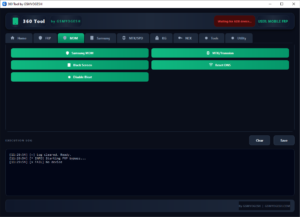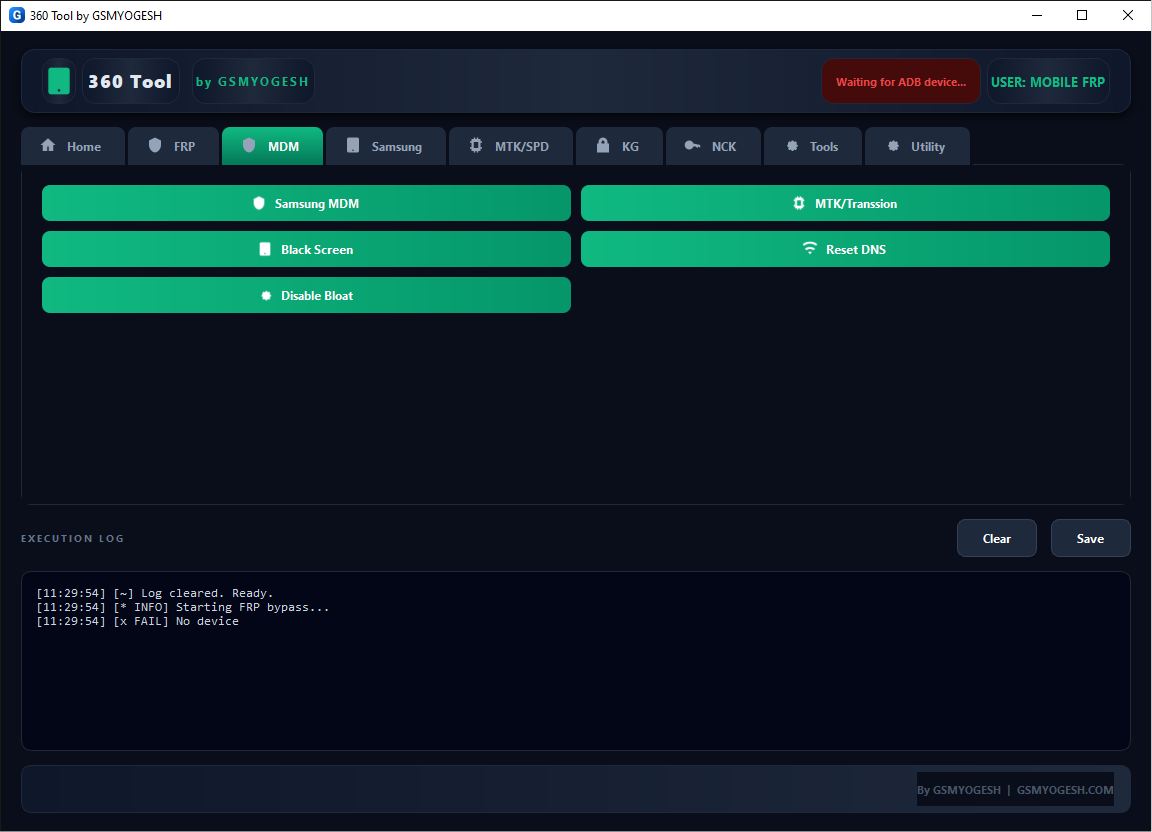
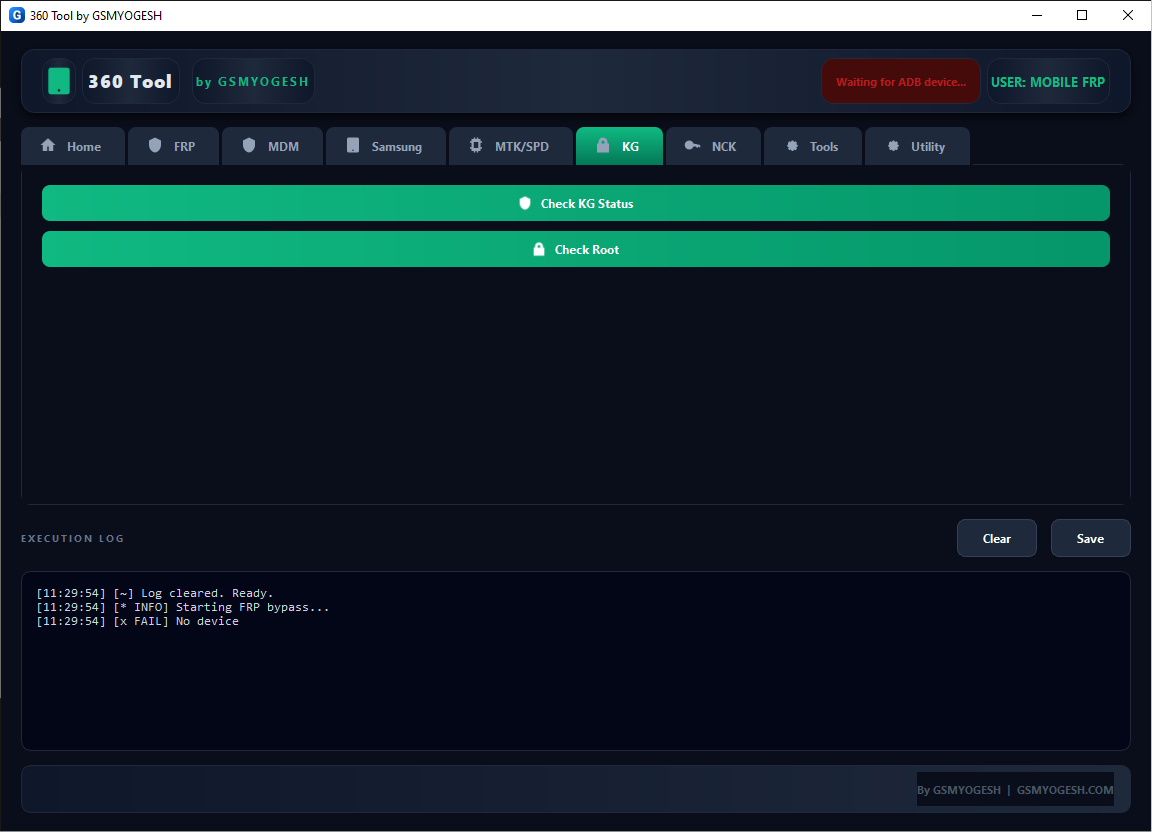
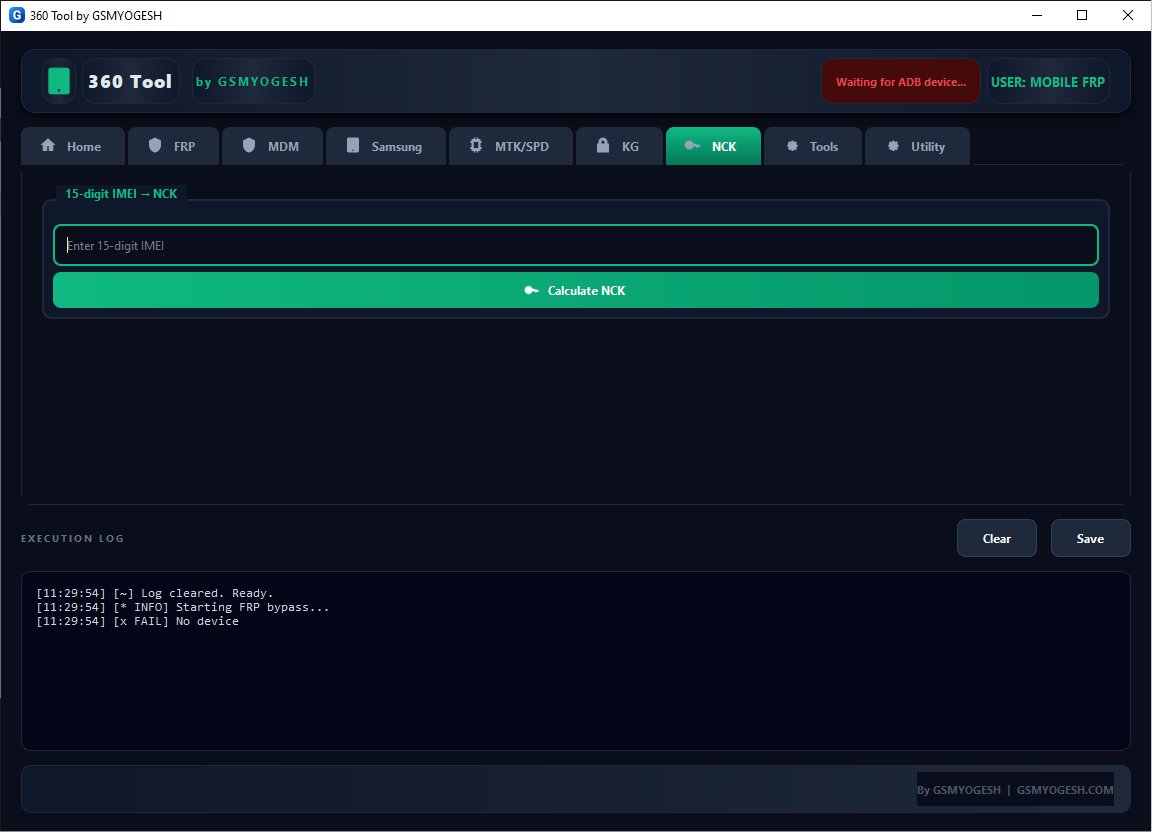
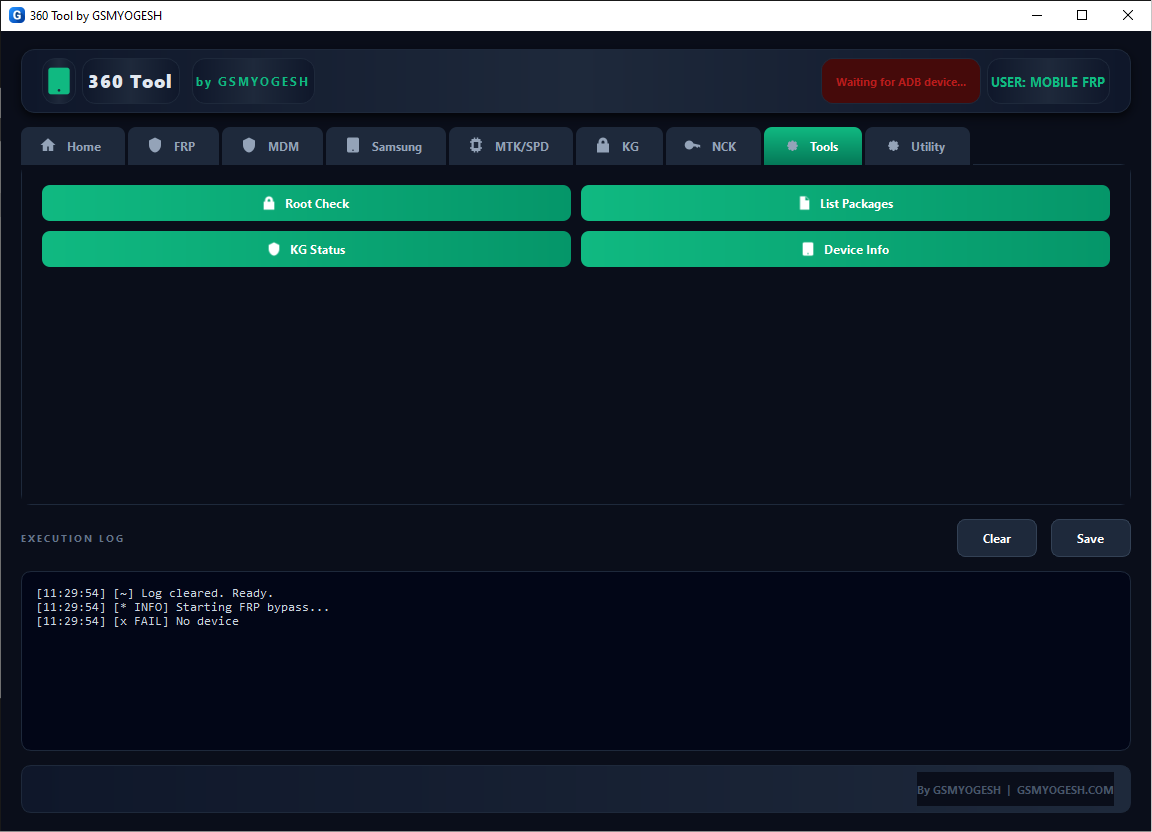
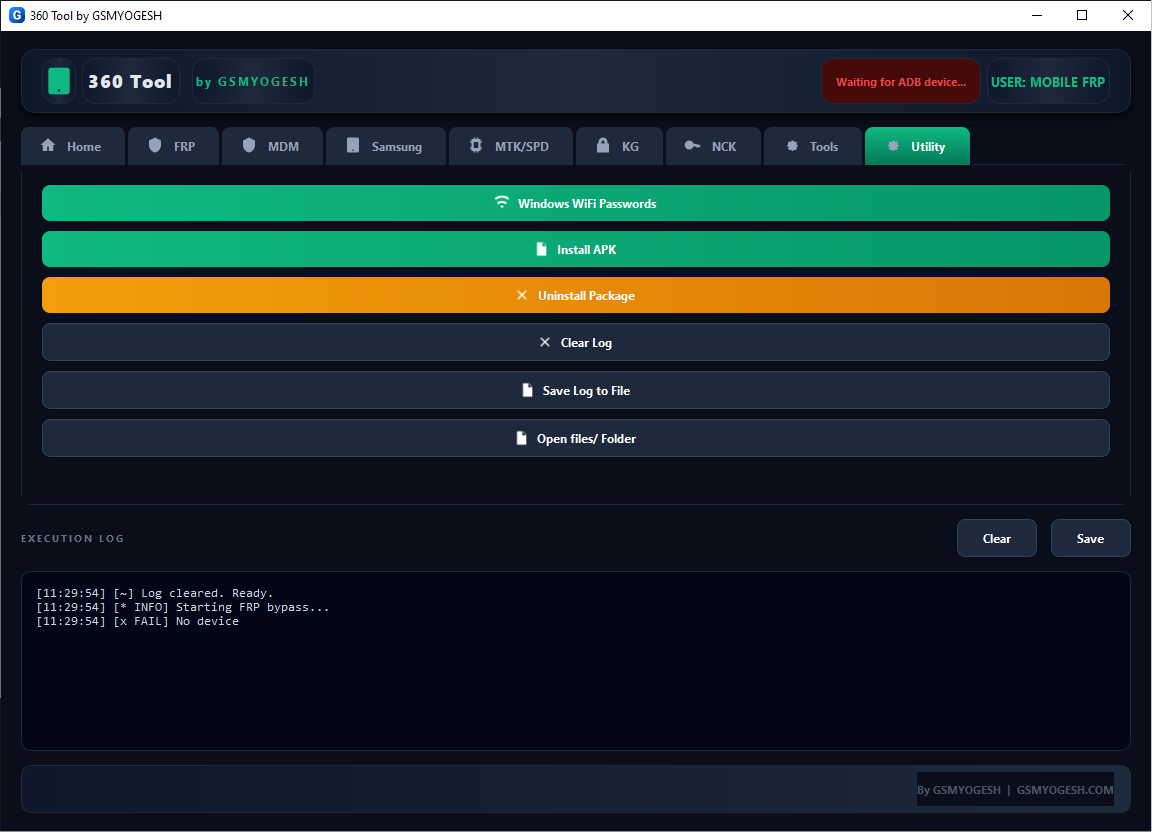
360 Tool by GSMYOGESH v1.0 is a Windows-based mobile servicing utility designed for technicians who work with Android smartphones. The tool is promoted as a multi-purpose solution for device information, software servicing, and other repair-related tasks.
This guide covers the available information about 360 Tool by GSMYOGESH v1.0, including its features, system requirements, installation process, compatibility considerations, troubleshooting tips, and safe-use recommendations.
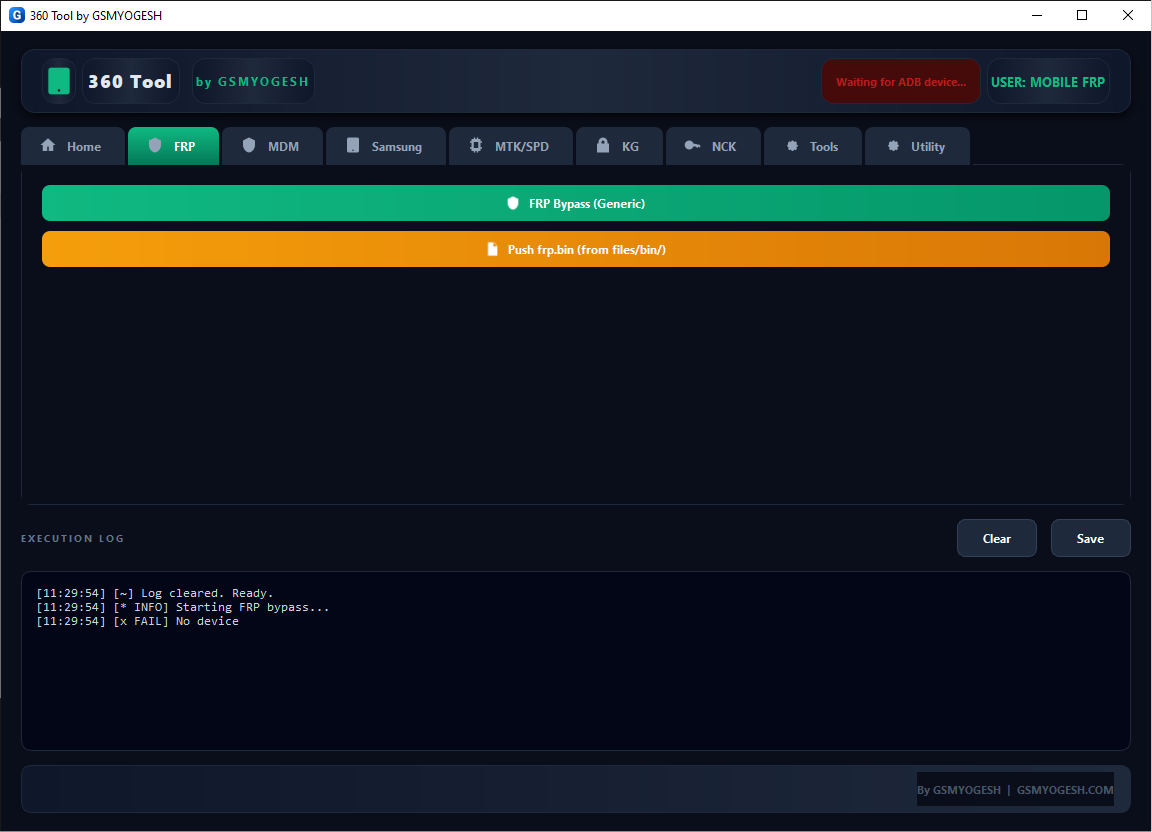
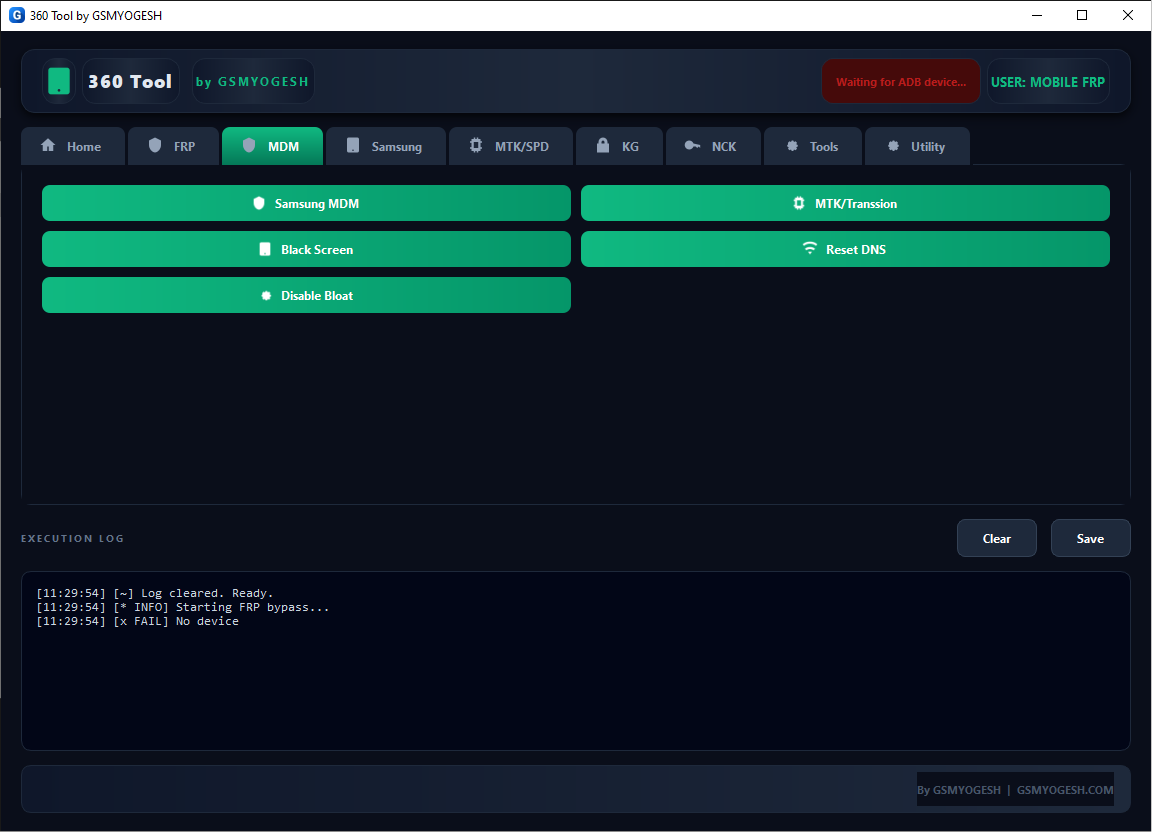
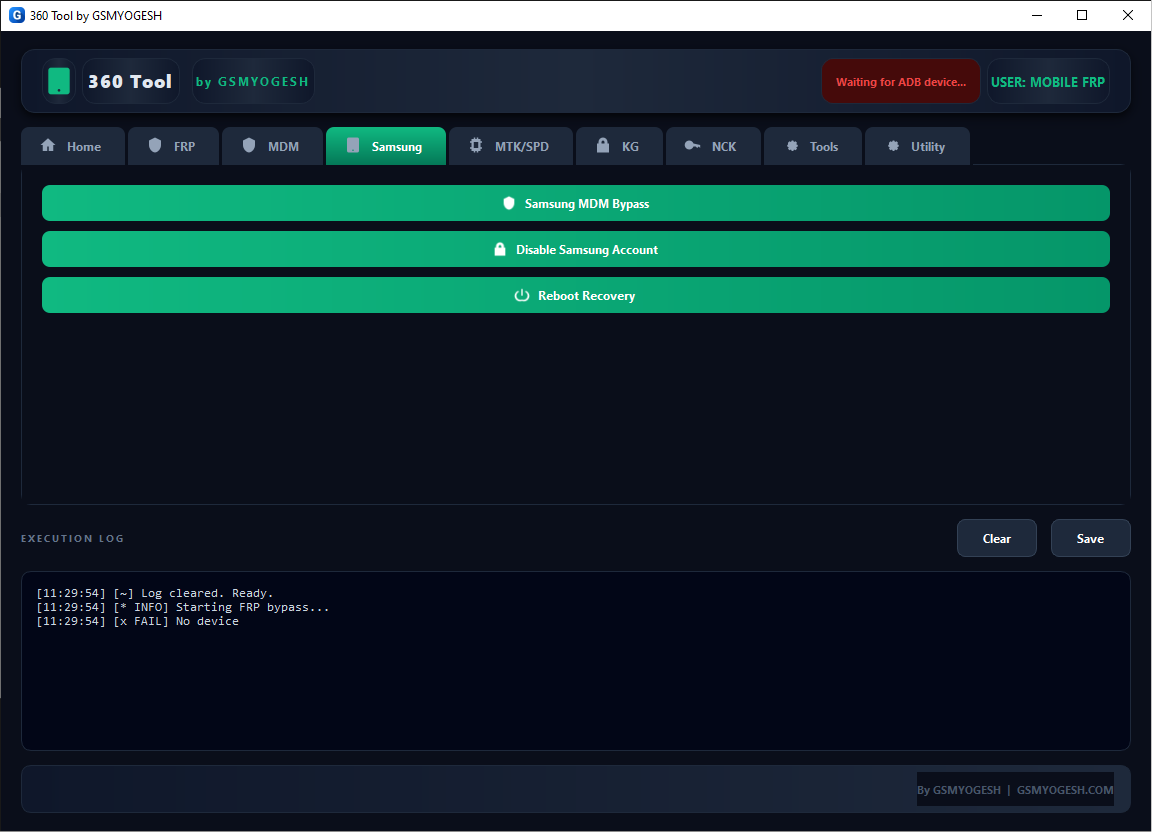
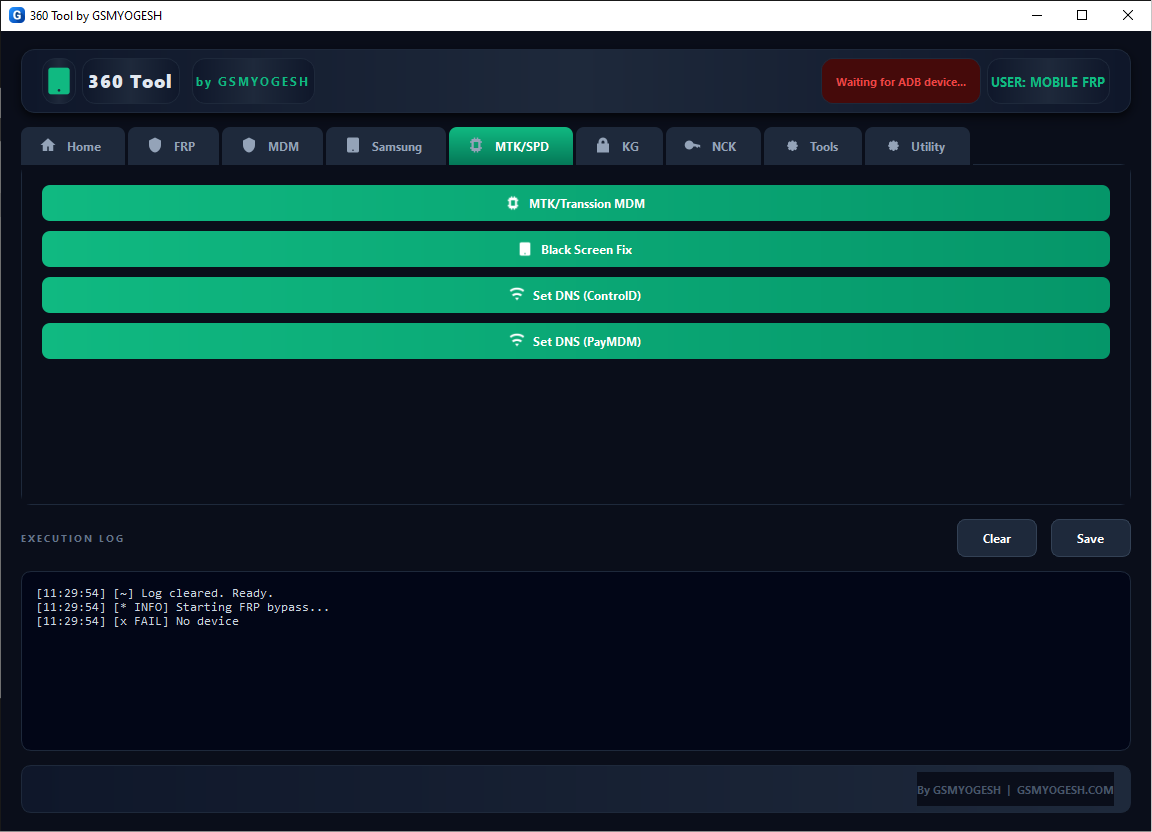
What Is 360 Tool by GSMYOGESH?
360 Tool by GSMYOGESH is a Windows utility aimed at mobile-phone repair technicians.
The concept behind an all-in-one servicing tool is to bring multiple common technician functions into a single interface instead of requiring separate applications for every device or task.
360 Tool by GSMYOGESH v1.0 Latest Version
The version referenced in this article is:
360 Tool by GSMYOGESH v1.0
As with other third-party GSM utilities, version numbers can sometimes differ between download pages. Users should verify the version shown inside the application after installation rather than relying only on a webpage title.
Before using the tool, check:
- Version number
- Release information
- Supported devices
- Required drivers
- Windows compatibility
- Changelog, if available
360 Tool ADB Support
ADB, or Android Debug Bridge, is a standard Android communication interface used by computers to communicate with supported Android devices.
ADB can be useful for legitimate tasks such as:
- Reading device information
- Testing connectivity
- Collecting diagnostic information
- Managing authorized development devices
360 Tool Fastboot Support
Fastboot is another common Android service interface.
It is generally used for bootloader and firmware-related operations on compatible devices.
Before using Fastboot functions, verify:
- Correct device model
- Correct firmware
- Bootloader state
- USB drivers
- Device connection
Incorrect Fastboot operations can cause boot problems or data loss.
Compatibility
360 Tool v1.0 should not be assumed to support every Android smartphone.
Compatibility can depend on:
- Manufacturer
- Model number
- Chipset
- Android version
- Firmware build
- Security patch
- Bootloader configuration
- USB drivers
Security and FRP Considerations
Android devices may include security mechanisms such as Factory Reset Protection (FRP).
FRP is designed to help prevent unauthorized use of a device following a factory reset.
Any account or security-related servicing should only be performed on a device that you own or have explicit permission to repair.
If you have forgotten the account associated with your own phone, use the manufacturer’s or account provider’s official recovery procedures.
This article does not provide instructions for bypassing security protections on unauthorized devices.
What is 360 Tool by GSMYOGESH?
360 Tool by GSMYOGESH v1.0 is a Windows-oriented mobile servicing utility intended for Android repair and technician workflows.
What is the latest version?
The version covered here is v1.0.
Is 360 Tool free?
Availability and licensing depend on the particular distribution. Verify the terms provided with the software.
Does 360 Tool support Android phones?
The tool is intended for Android mobile servicing, but exact compatibility depends on the device and supported functions.
Does it support ADB?
ADB-related functionality may depend on the particular build and device connection. USB debugging and appropriate drivers are normally required for ADB communication.
Does it support Fastboot?
Fastboot support depends on the functions included in the specific v1.0 build and the connected device.
Can it flash firmware?
If firmware functions are included in the distributed build, only compatible firmware should be used with the exact device model.
Is 360 Tool safe?
Download the software only from sources you trust, scan the package, and avoid modified or suspicious executables.