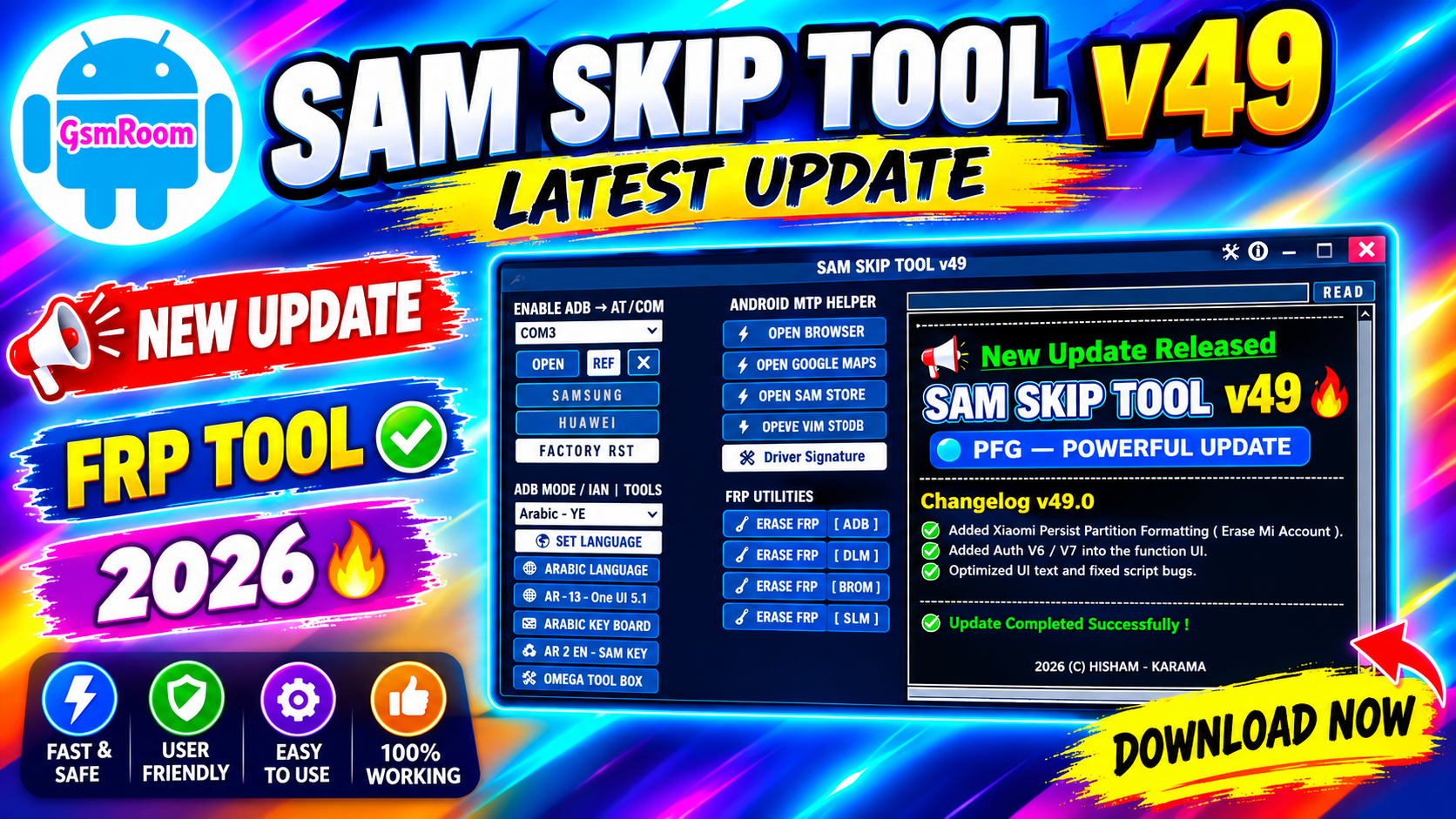
SAM SKIP TOOL v49 is a Windows-based mobile servicing utility associated with Samsung device repair and technician workflows. It is promoted in the GSM servicing community as a tool for working with supported Samsung smartphones and related Android service functions.
This guide explains SAM SKIP TOOL v49, its general features, installation requirements, device compatibility, troubleshooting, and important safety considerations.
SAM SKIP TOOL v49 Latest Version
The version discussed in this article is:
Tool Name: SAM SKIP TOOL
Version: v49
Platform: Windows
Category: Samsung Mobile Servicing Tool
Availability: Free-tool distribution
Because third-party download pages can sometimes use outdated version numbers, check the application’s About or version information after installation.
Main Features of SAM SKIP TOOL v49
Samsung Device Detection
SAM SKIP TOOL can be used in technician workflows to identify supported connected Samsung devices.
Before performing any operation, check:
- Model number
- Android version
- Build number
- Security patch
- Connection status
SAM SKIP TOOL and FRP
Factory Reset Protection (FRP) is an Android security feature designed to help prevent unauthorized use after a factory reset.
Samsung devices can require verification of the previously associated account after certain reset situations.
For legitimate repairs, use the device owner’s credentials or official account-recovery procedures.
Any FRP-related service should only be performed on a device that you own or are explicitly authorized to repair.
📱 Supported Brands
- Supports many Android brands including:
- Samsung
- Xiaomi
- Redmi
- Poco
- Vivo
- Oppo
- Realme
- Tecno
- Infinix
- Itel
- Huawei
- Nokia
- Motorola
MediaTek Flashing Features
- Read GPT
- Read Data
- Flash Firmware
- Reboot Device
- Read Partition
- Write Partition
- Erase Partition
- Scatter File Support
- Preloader Selection
- Download Agent Support
- Read RPMB
- Write RPMB
- Erase RPMB
- Backup RPMB
- Restore RPMB
- Factory Reset
- Safe Format
- Meta Mode Support
- Payload Parser
- Open Browser
- Reset FRP
- Reset Userdata and FRP
- Reset Lock
- Reset Mi Account
- Relock Bootloader
- Unlock Bootloader
- Erase FRP
- Security Repair
- Fix DM Verify
- Patch IMEI
- Erase Data
- Reset Backup
Xiaomi Features
- Mi Account Reset
- Xiaomi Diag Enable
- Bootloader Unlock
- FRP Reset
- Factory Reset
Supported Operations
- Flash Firmware
- Read Firmware
- Write Firmware
- Erase Firmware
- Readback Support
- Partition Manager
- Bootloader Operations
- FRP Unlock
- Userdata Reset
- Security Backup
- Security Restore
- Device Information Read
- Memory Information Read
- ADB Support
- Fastboot Support
- EDL Support
How to Install SAM SKIP TOOL v49
Step 1: Download the Tool
Download SAM SKIP TOOL v49 from a source that you can verify.
Step 2: Scan the Package
Scan the downloaded archive using reputable security software before opening it.
Step 3: Extract the Files
If the tool is supplied as a ZIP or RAR file, extract the complete package.
Step 4: Install Drivers
Install the appropriate Samsung USB drivers.
Step 5: Launch SAM SKIP TOOL
Open the main executable and check that the displayed version corresponds to v49.
Step 6: Connect the Device
Connect an authorized Samsung phone using a reliable USB data cable.
Step 7: Verify Device Information
Read the device information before performing any operation that could modify software or erase data.
What is SAM SKIP TOOL v49?
SAM SKIP TOOL v49 is a Windows-based Samsung mobile servicing utility used in technician workflows.
Is SAM SKIP TOOL v49 free?
It is commonly promoted as a free tool download, although individual online services may have separate requirements.
Does SAM SKIP TOOL support Samsung phones?
It is associated with Samsung servicing, but compatibility depends on the exact model, firmware, Android version, and security level.
Does it support FRP?
Security-related functionality may vary by release. FRP should only be serviced on devices that you own or are authorized to repair.
Do I need Samsung USB drivers?
Yes. Correct Samsung USB drivers are normally required for reliable Windows-to-device communication.
Password:- PFG123